Your Collection
Your collection items will appear here.

Ex Stickers

Find Ex custom stickers to use
on Discord, Telegram & Whatsapp

.gif 58 Cat Sticker
.gif 194 Oi Sticker
.png 42 toshi_whoa Sticker
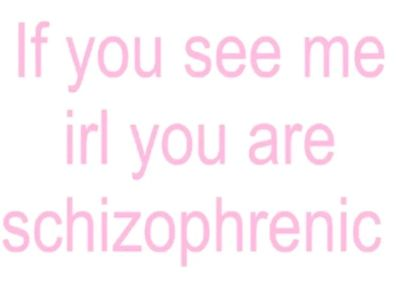
.png 73 Youareschizophrenic Sticker
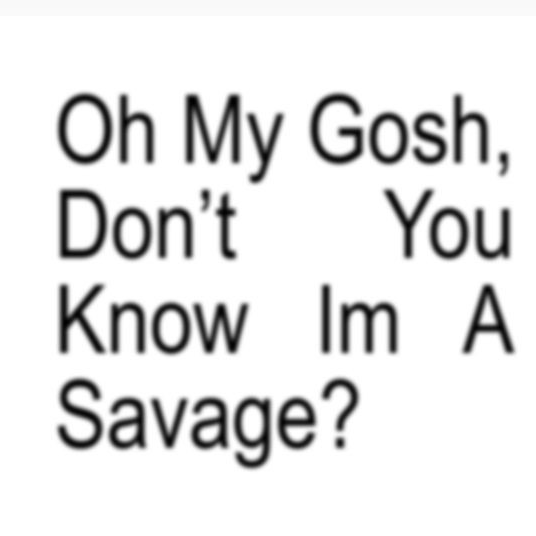
.png 160 Dontyouknowimasavage Sticker
.png 94 Loveball Sticker
.png 452 EllybyMeow Sticker
.gif 29 Happy Sticker
.png 10 rex_raised_eyebrow Sticker
.png 30 Done_Ben_Affleck Sticker
.png 0 voltairex Sticker
.png 223 exhausted_ciggy Sticker
.gif 36 Clay Sticker
.png 1.1K pepedoaks Sticker
.png 8 HRU Sticker
.png 28 wtf Sticker
.gif 4 IDX_rose_day_01 Sticker
.png 0 Nibsy_Nab Sticker
.gif 1 GoingUpEveryday Sticker
.png 24 MorrowindBob Sticker
.gif 12 IDX_hey_hottie_compliment Sticker
.gif 3 IDX_when_you_exist Sticker
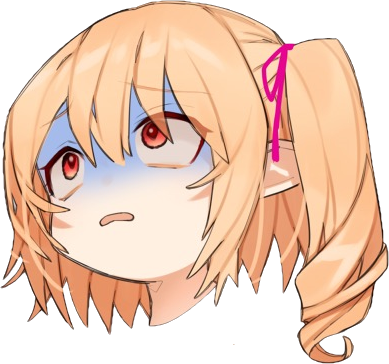
.png 82 Flandre_scared Sticker
.png 75 WaguriDomain Sticker
.png 38 oh Sticker

Ex Discord stickers

Browse Ex stickers shared by the emoji.gg community. Open a favourite to preview it, check its details and download the image.

Building a set for your server? Save your favourites to a collection as you browse so you can find them again.

Add stickers to your Discord server

  1. Choose your favourites. Open a sticker and download its image.
  2. Open Server Settings. In Discord, select your server and go to the Stickers section.
  3. Upload and name it. Select the downloaded image, give it a name and save it for your community to use.

Get the Android app

Emoji.gg is better on the app. Download it from the Google Play store.

Get Emoji.gg on Google Play