Your Collection
Your collection items will appear here.

Elevate Stickers

Find Elevate custom stickers to use
on Discord, Telegram & Whatsapp

.gif 36 Tuxedo_Boy_Shocked Sticker
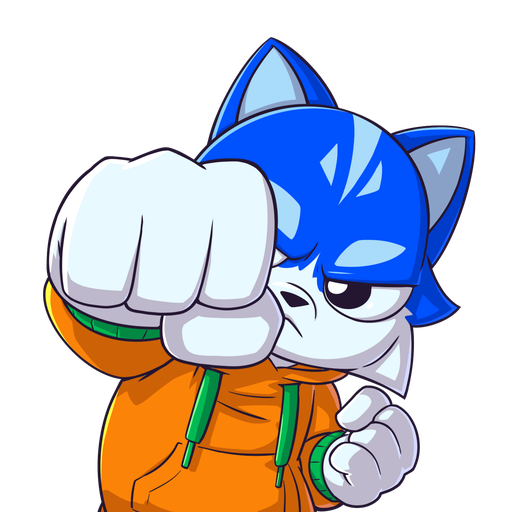
.png 130 toshi_fighto Sticker
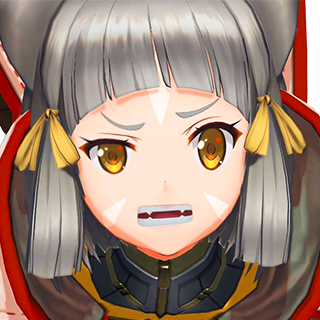
.png 20 nia_raised_eyebrow Sticker
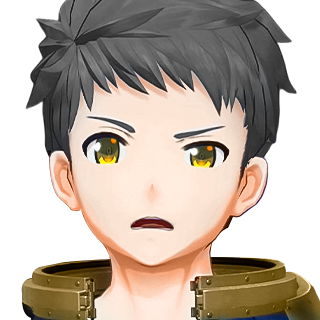
.png 10 rex_raised_eyebrow Sticker
.png 1 rise Sticker
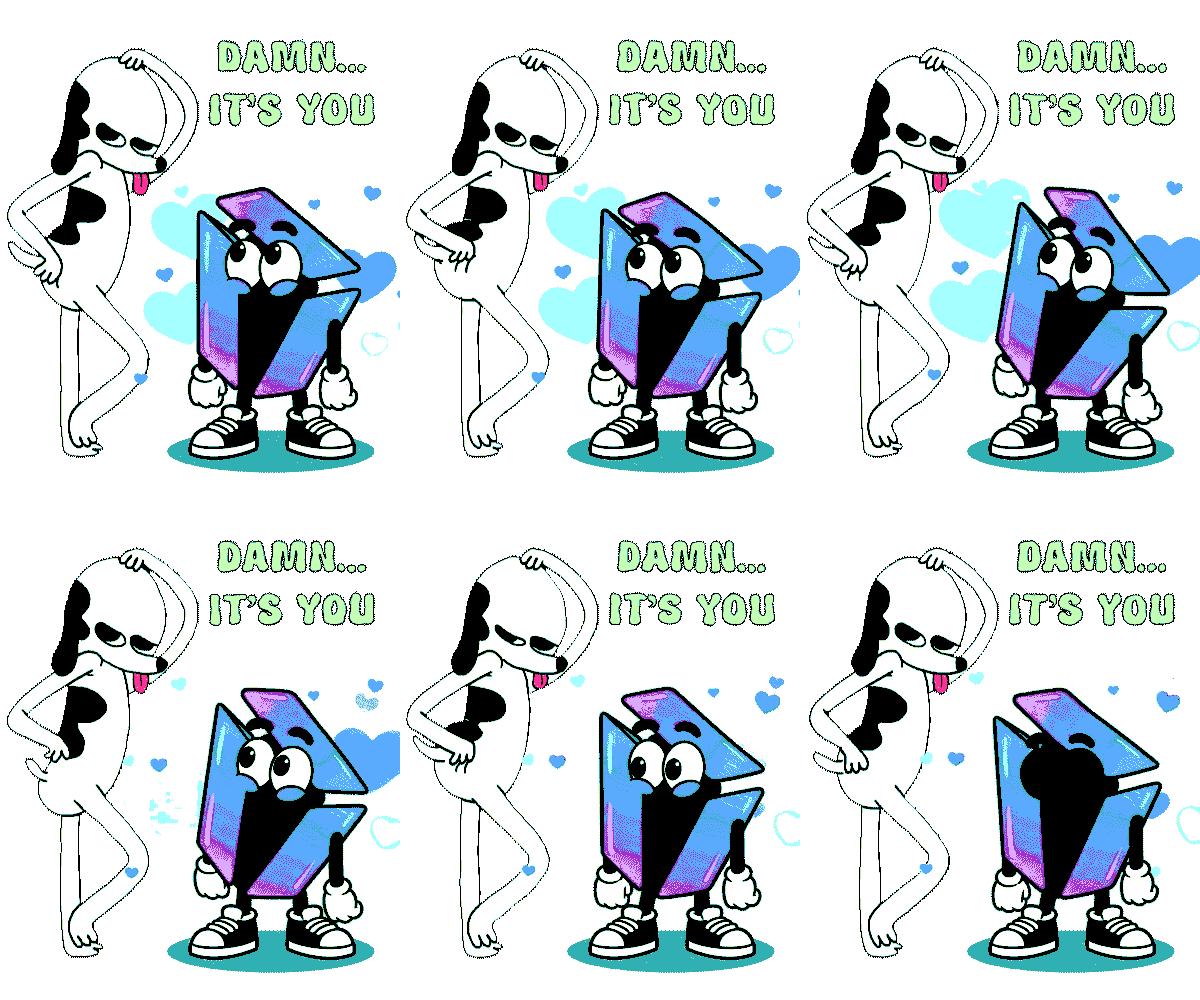
.gif 54 IDX_damn_its_you Sticker
.gif 535 Dexter Sticker
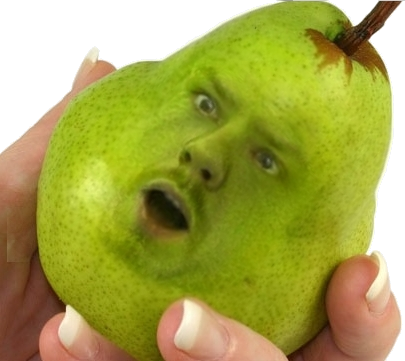
.png 70 pearhuh Sticker
.png 58 Shock Sticker
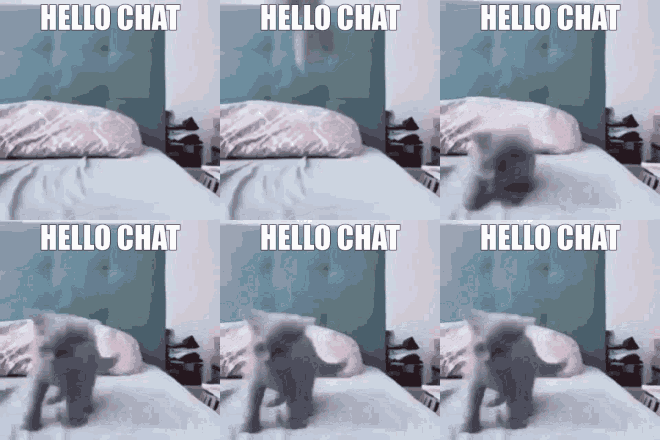
.gif 937 hello_chat Sticker
.png 13 RNS Sticker
.png 2 Scared_and_surprised Sticker
.png 24 Cheng_Xiaoshi_pointing Sticker
.png 217 Lillia_gasp Sticker
.png 306 Verina Surprise Sticker
.png 14 OkuuSurprise Sticker
.png 689 Sheesh Sticker
.png 196 Rise and Wake Up Sticker
.png 122 VentiSurprise Sticker
.png 77 MonaSurprise Sticker
.png 196 DoriSell Sticker
.png 293 Surprised Warden Sticker
.png 95 Raise your Dongers! Sticker
.png 89 HEFSBaelzSurprised Sticker
.png 771 BrimEyebrowRaise Sticker

Elevate Discord stickers

Browse Elevate stickers shared by the emoji.gg community. Open a favourite to preview it, check its details and download the image.

Building a set for your server? Save your favourites to a collection as you browse so you can find them again.

Add stickers to your Discord server

  1. Choose your favourites. Open a sticker and download its image.
  2. Open Server Settings. In Discord, select your server and go to the Stickers section.
  3. Upload and name it. Select the downloaded image, give it a name and save it for your community to use.

Get the Android app

Emoji.gg is better on the app. Download it from the Google Play store.

Get Emoji.gg on Google Play