Your Collection
Your collection items will appear here.

Ea Stickers

Find Ea custom stickers to use
on Discord, Telegram & Whatsapp

.gif 36 Tuxedo_Boy_Shocked Sticker
.gif 128 SpeedEdit3 Sticker
.gif 113 PeterTwitching Sticker
.png 92 MinionsPapoi Sticker
.png 75 AresLove Sticker
.gif 2.1K noodles Sticker
.png 130 toshi_fighto Sticker
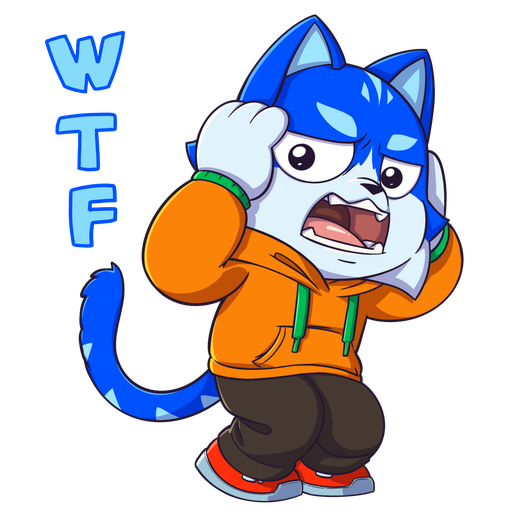
.png 56 toshi_wtf Sticker
.png 63 toshi_cry Sticker
.png 54 toshi_care Sticker
.gif 215 Eating Sticker
.png 0 Bougainville Sticker
.png 15 Ahwazi Sticker
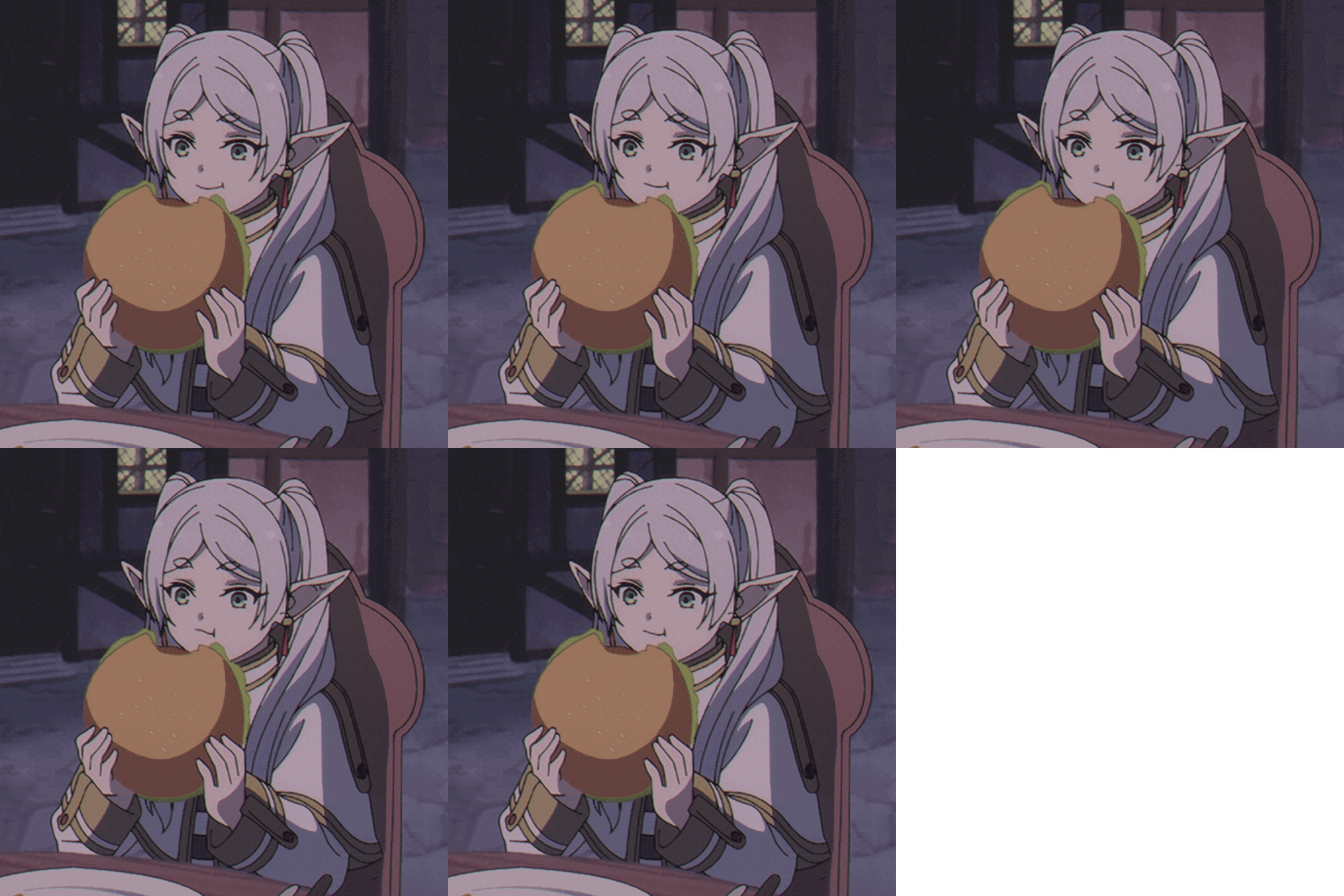
.gif 430 Burger Sticker
.gif 2.5K hamster_shock Sticker
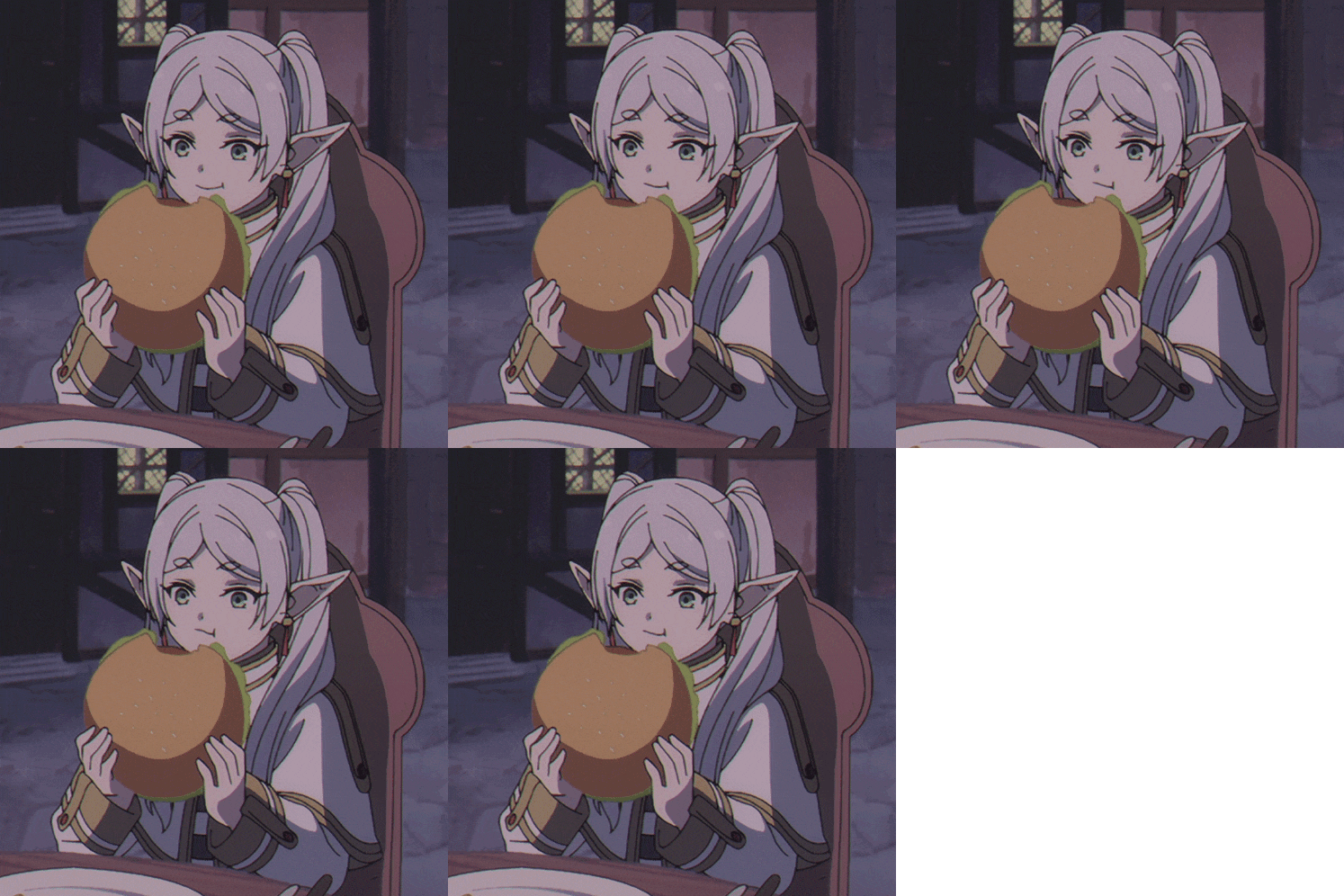
.gif 161 Burger Sticker
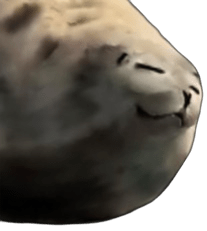
.png 131 SealHappyStickers Sticker
.png 154 SealCutieStickers Sticker
.png 98 ModPlease Sticker
.gif 1.4K LowIQorBait Sticker
.gif 1.2K glowdance Sticker
.png 263 Love Sticker
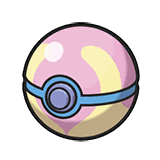
.png 94 Loveball Sticker

Ea Discord stickers

Browse Ea stickers shared by the emoji.gg community. Open a favourite to preview it, check its details and download the image.

Building a set for your server? Save your favourites to a collection as you browse so you can find them again.

Add stickers to your Discord server

  1. Choose your favourites. Open a sticker and download its image.
  2. Open Server Settings. In Discord, select your server and go to the Stickers section.
  3. Upload and name it. Select the downloaded image, give it a name and save it for your community to use.

Get the Android app

Emoji.gg is better on the app. Download it from the Google Play store.

Get Emoji.gg on Google Play