Your Collection
Your collection items will appear here.

Dispatch Stickers

Find Dispatch custom stickers to use
on Discord, Telegram & Whatsapp

.png 174 good_tony_xu Sticker
.png 63 Confused Sticker
.png 97 frustrating Sticker
.png 197 MadCat Sticker
.png 121 pipebomb Sticker
.png 0 sendproofoflogin Sticker
.png 143 KinichBirthdayAjaw Sticker
.png 630 ElonHeartGoesOut Sticker
.png 1.5K nobitches Sticker
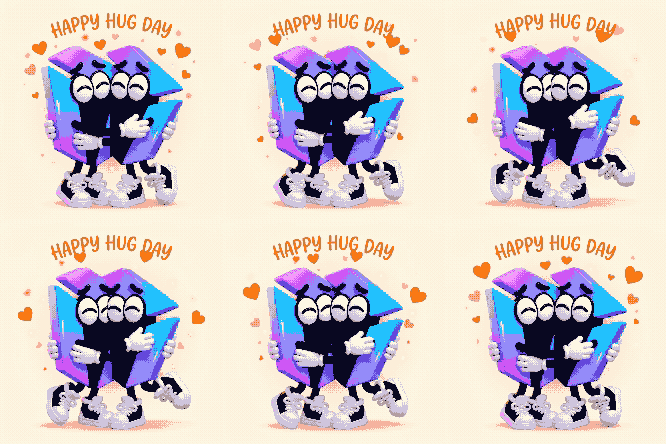
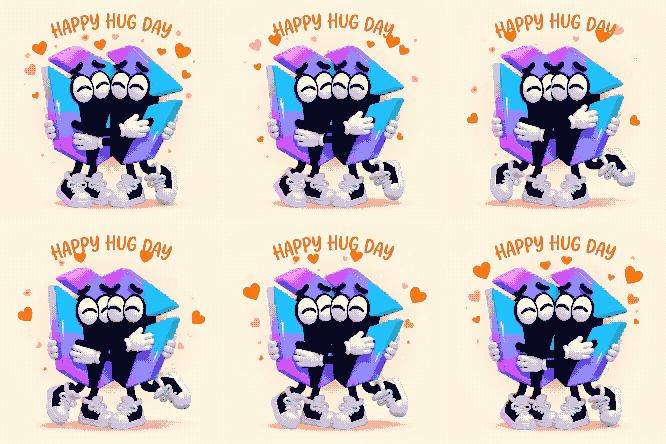
.gif 3 IDX_hug_day_3003 Sticker
.gif 13 IDX_hug_day_3006 Sticker
.gif 102 IDX_Happy_Birthday_1002 Sticker
.gif 17 IDX_what_are_you_doing_1002 Sticker
.gif 2 IDX_valentine_day_2004 Sticker
.png 22 sendenricaediyorum Sticker
.png 137 MinionsPapoi Sticker

Dispatch Discord stickers

Browse Dispatch stickers shared by the emoji.gg community. Open a favourite to preview it, check its details and download the image.

Building a set for your server? Save your favourites to a collection as you browse so you can find them again.

Add stickers to your Discord server

  1. Choose your favourites. Open a sticker and download its image.
  2. Open Server Settings. In Discord, select your server and go to the Stickers section.
  3. Upload and name it. Select the downloaded image, give it a name and save it for your community to use.

Get the Android app

Emoji.gg is better on the app. Download it from the Google Play store.

Get Emoji.gg on Google Play