Your Collection
Your collection items will appear here.

Definite Stickers

Find Definite custom stickers to use
on Discord, Telegram & Whatsapp
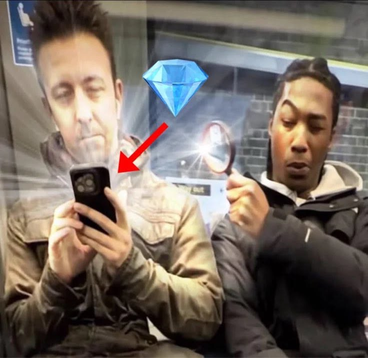
.png 1.0K absolutegem Sticker
.gif 751 cat_absolute_cinema Sticker
.png 158 WaguriAbsoluteCinema Sticker
.png 2.2K AbsoluteCinema Sticker
.png 13 EXACTLY_MAN Sticker
.png 274 AbsoluteCinema Sticker
.png 758 Inumakisalmon Sticker
.gif 18 Absolute_CinemaNC_bearish Sticker
.png 4.2K 04aizen Sticker
.png 69 Ola Sticker
.png 4 Yuh Sticker
.png 2.1K absolutecinema Sticker
.png 1.3K minecraft_absolute_cinema Sticker
.png 237 holymoly Sticker
.png 200 Exactly! Sticker
.png 210 Polka AbsoluteDespair Sticker

Definite Discord stickers

Browse Definite stickers shared by the emoji.gg community. Open a favourite to preview it, check its details and download the image.

Building a set for your server? Save your favourites to a collection as you browse so you can find them again.

Add stickers to your Discord server

  1. Choose your favourites. Open a sticker and download its image.
  2. Open Server Settings. In Discord, select your server and go to the Stickers section.
  3. Upload and name it. Select the downloaded image, give it a name and save it for your community to use.

Get the Android app

Emoji.gg is better on the app. Download it from the Google Play store.

Get Emoji.gg on Google Play