Your Collection
Your collection items will appear here.

Dc Stickers

Find Dc custom stickers to use
on Discord, Telegram & Whatsapp
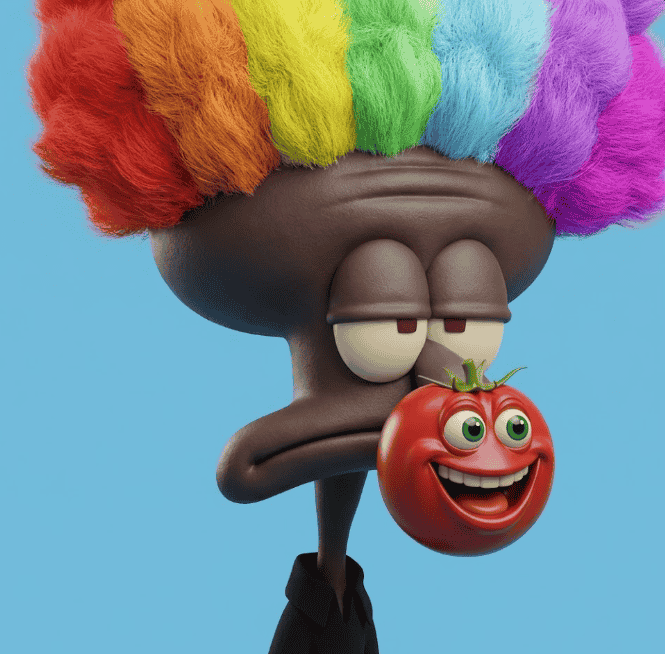
.png 53 SquidwardClown Sticker
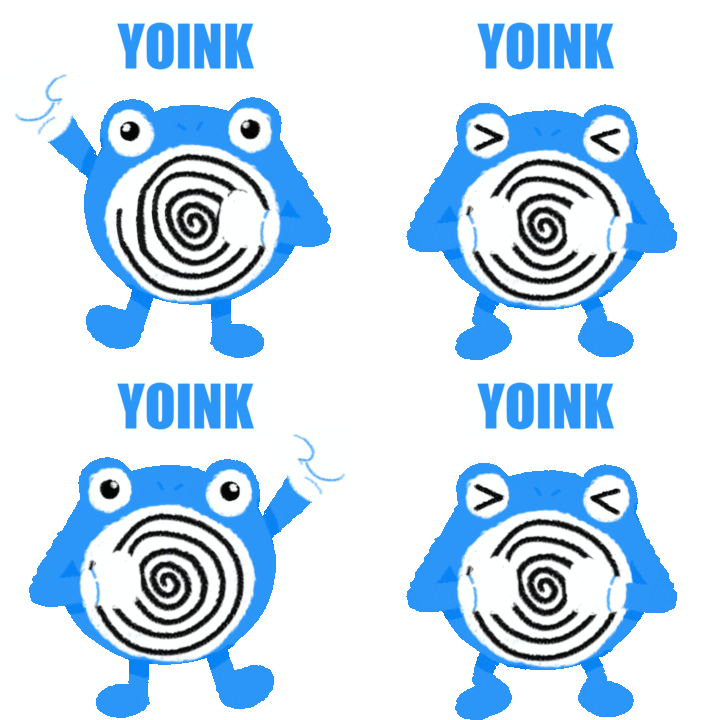
.gif 31 CardClinicAu_Yoink Sticker
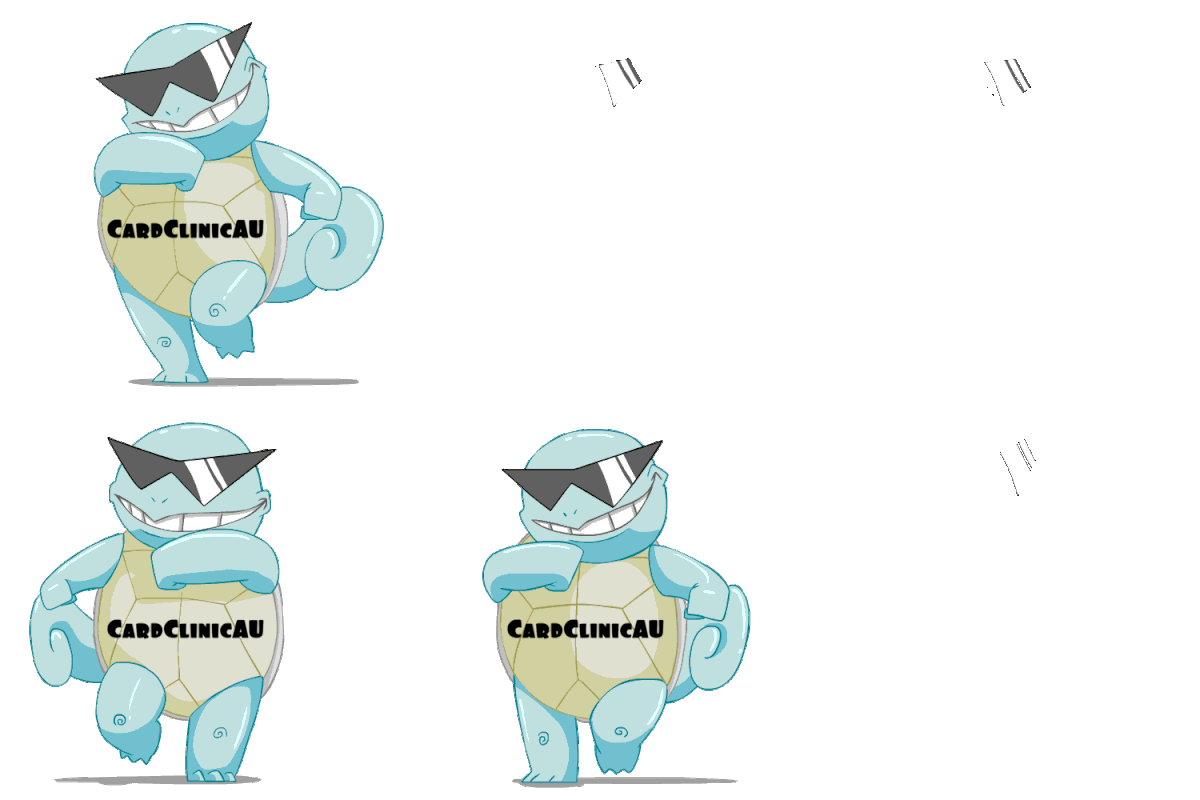
.gif 36 CardClinicAU_Squirtle Sticker
.gif 7 DJ_Khalid_CardClinicAU Sticker
.png 14 SadCharmanderCardClinicAU Sticker
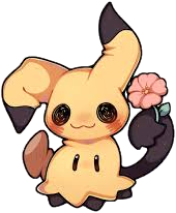
.png 116 MimikyuCardClinicAU Sticker
.gif 25 CardClinicSquirtle Sticker
.png 77 Smutek_zlomeny Sticker
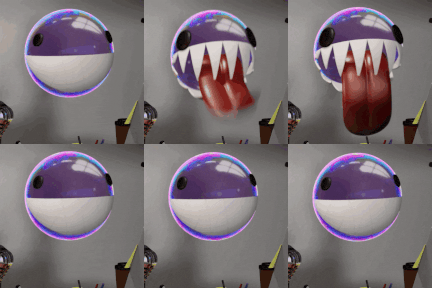
.gif 205 Bubble Sticker
.png 579 annoyedcat Sticker
.png 172 Cybercubs_Grind Sticker
.png 1 emdc Sticker
.png 728 sadcat Sticker
.png 45 Web Sticker
.png 37 sadtiger Sticker
.png 169 confusedcat Sticker
.png 78 SadCarl Sticker
.png 61 ColdCarl Sticker
.png 149 idc Sticker
.png 19 scaredsuppi Sticker
.png 38 imsorry Sticker
.png 54 angrykero Sticker
.png 19 angrykero Sticker
.png 33 suskero Sticker
.png 29 sussuppi Sticker

Dc Discord stickers

Browse Dc stickers shared by the emoji.gg community. Open a favourite to preview it, check its details and download the image.

Building a set for your server? Save your favourites to a collection as you browse so you can find them again.

Add stickers to your Discord server

  1. Choose your favourites. Open a sticker and download its image.
  2. Open Server Settings. In Discord, select your server and go to the Stickers section.
  3. Upload and name it. Select the downloaded image, give it a name and save it for your community to use.

Get the Android app

Emoji.gg is better on the app. Download it from the Google Play store.

Get Emoji.gg on Google Play