Your Collection
Your collection items will appear here.

Darker Stickers

Find Darker custom stickers to use
on Discord, Telegram & Whatsapp

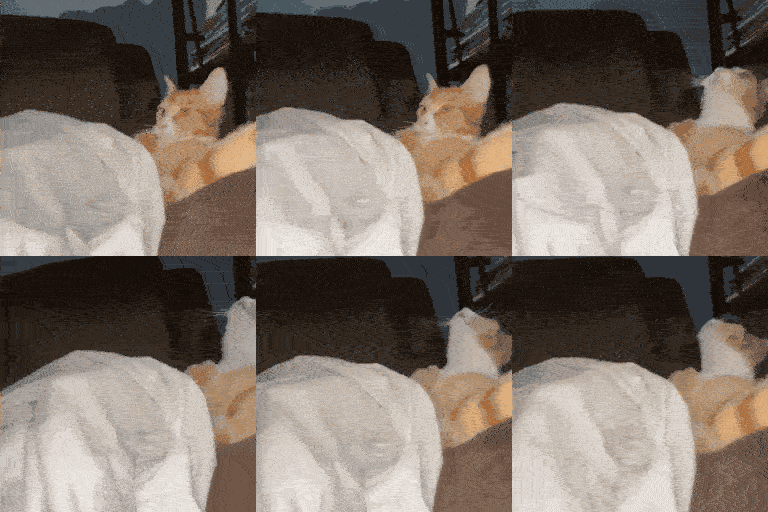
.gif 283 Catstrokingit Sticker
.png 52 Arrogante Sticker
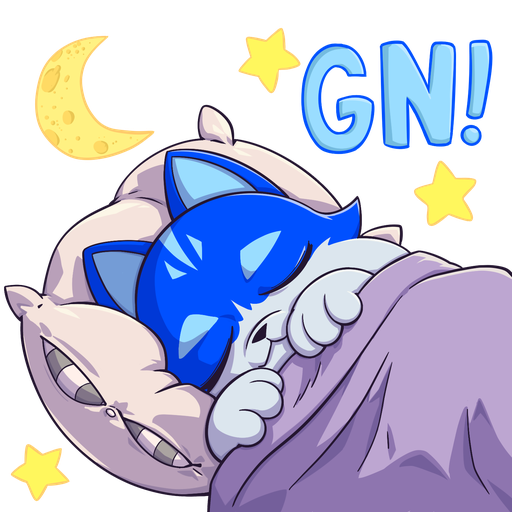
.png 103 toshi_gn Sticker
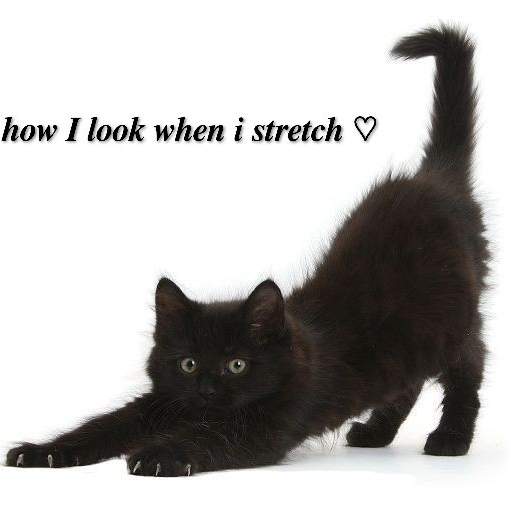
.png 152 Howilookwhenistretch Sticker
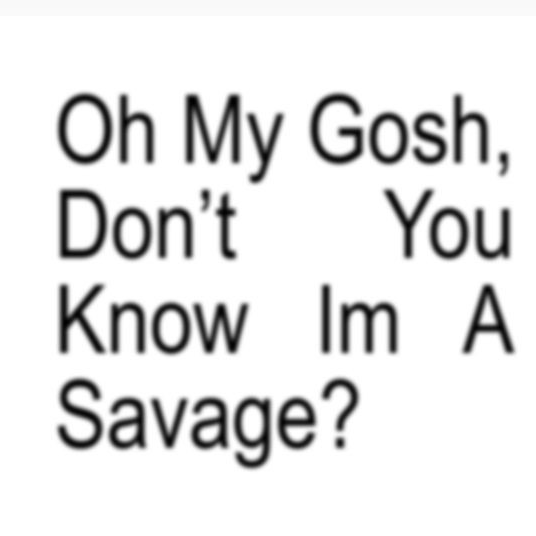
.png 160 Dontyouknowimasavage Sticker
.gif 103 ba_reum_laugh Sticker
.png 133 WhiteKnight Sticker
.gif 111 Gir_Night Sticker
.gif 23 Sad Sticker
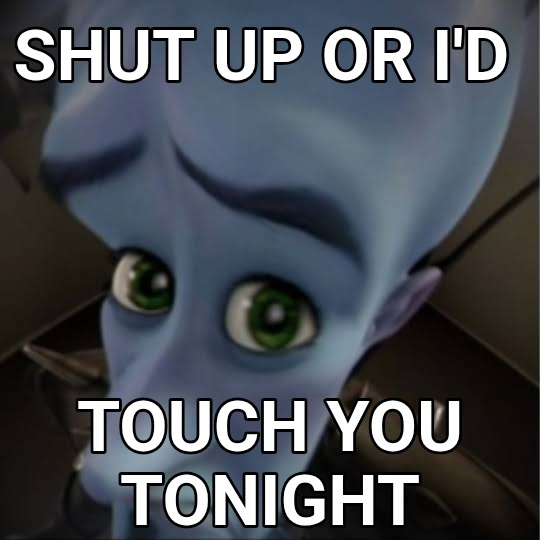
.png 682 ShutUp Sticker
.gif 1 Wakanda_Forever_67 Sticker
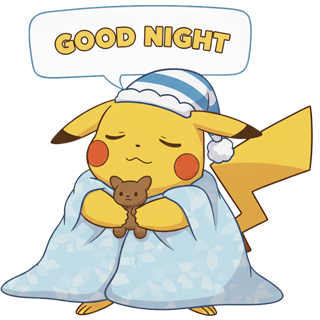
.png 103 pikasleep Sticker
.png 57 Huh Sticker
.png 9 discord_wordmark_black Sticker
.png 10 discord_logo_black Sticker
.png 68 HornetSilkSong Sticker
.png 30 Shadow_Facepalm_Wtf Sticker
.gif 130 just_1_more_night Sticker
.png 0 EnterTheShadows Sticker
.png 0 ImTheNightmare Sticker
.png 44 itsFine Sticker
.gif 78 CC_GN Sticker
.gif 312 Jenniewink Sticker
.gif 20 tina_dance_T_bearish Sticker
.gif 365 Black_Drip_Heart_2 Sticker

Darker Discord stickers

Browse Darker stickers shared by the emoji.gg community. Open a favourite to preview it, check its details and download the image.

Building a set for your server? Save your favourites to a collection as you browse so you can find them again.

Add stickers to your Discord server

  1. Choose your favourites. Open a sticker and download its image.
  2. Open Server Settings. In Discord, select your server and go to the Stickers section.
  3. Upload and name it. Select the downloaded image, give it a name and save it for your community to use.

Get the Android app

Emoji.gg is better on the app. Download it from the Google Play store.

Get Emoji.gg on Google Play