Emoji.gg logo emoji.gg
Your collections

Coo Stickers

Find Coo custom stickers to use
on Discord, Telegram & Whatsapp

.gif 1.2K glowdance Sticker
.gif 7 IDX_dribbling_002 Sticker
.png 12 cool Sticker
.gif 276 specialcooking Sticker
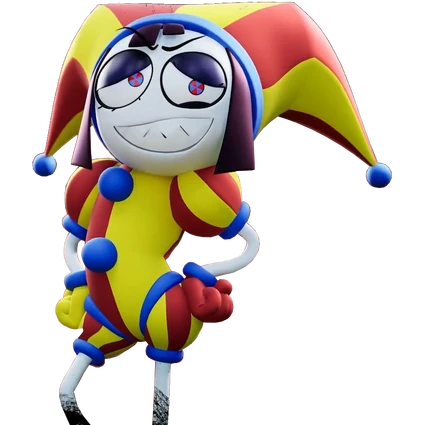
.png 18 evil_pomni Sticker
.gif 264 hammy Sticker
.png 38 Oh_yeah Sticker
.gif 16 bbq_t_bearish Sticker
.gif 8 bbq_lets_cook_bearish Sticker
.gif 8 bbq_grill_master_bearish Sticker
.png 7 olivia_cool Sticker
.gif 68 Nice_T_bearish Sticker
.png 1.5K Blueguywithcookie Sticker
.png 1.6K Cookie Sticker
.png 23 Cool Sticker
.png 1.2K catcook Sticker
.png 3.3K thumbupcat Sticker
.png 448 chillcat Sticker
.png 429 coolcat Sticker
.png 149 coolkat Sticker
.png 4.4K soldjacat Sticker
.png 15 MattyP Sticker
.png 14 nah_ur_cooked121 Sticker
.png 76 imcooked Sticker
.png 115 NoCooking_MM Sticker

Coo Discord stickers

Browse Coo stickers shared by the emoji.gg community. Open a favourite to preview it, check its details and download the image.

Building a set for your server? Save your favourites to a collection as you browse so you can find them again.

Add stickers to your Discord server

  1. Choose your favourites. Open a sticker and download its image.
  2. Open Server Settings. In Discord, select your server and go to the Stickers section.
  3. Upload and name it. Select the downloaded image, give it a name and save it for your community to use.

Get the Android app

Emoji.gg is better on the app. Download it from the Google Play store.

Get Emoji.gg on Google Play