Your Collection
Your collection items will appear here.

Collide Stickers

Find Collide custom stickers to use
on Discord, Telegram & Whatsapp

.gif 5 Dandy Sticker
.gif 103 PeterTwitching Sticker
.png 19 Arrogante Sticker
.png 18 white_toes Sticker
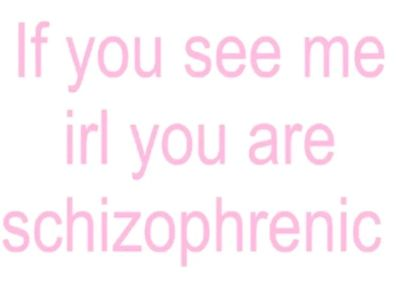
.png 73 Youareschizophrenic Sticker
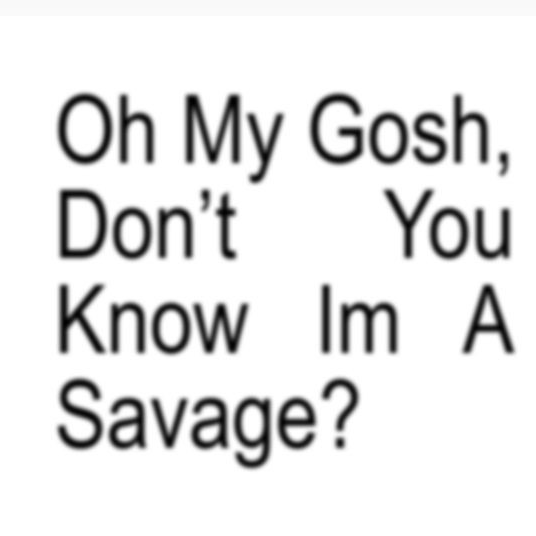
.png 160 Dontyouknowimasavage Sticker
.png 196 march_hsr Sticker
.png 133 WhiteKnight Sticker
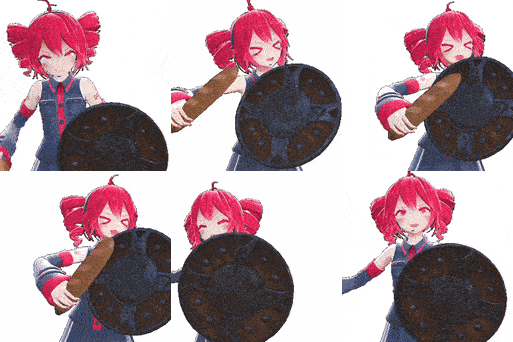
.gif 611 Neru_Hits_Punches_HatsuneMiku Sticker
.gif 1.0K Kasane_teto_rahh Sticker
.png 57 Huh Sticker
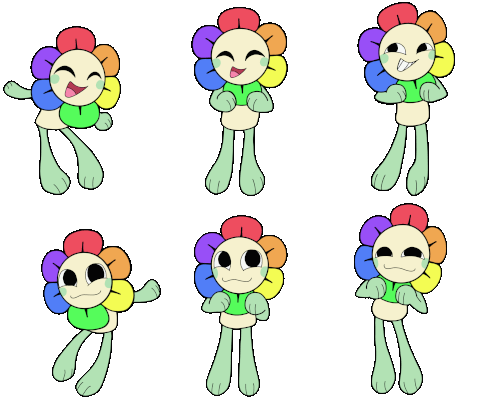
.png 56 Whiteflower Sticker
.png 99 Sparklywhitebear Sticker
.png 11 discord_wordmark_white Sticker
.png 49 discord_logo_white Sticker
.gif 752 PatPingSmash Sticker
.png 175 cashmeousside Sticker
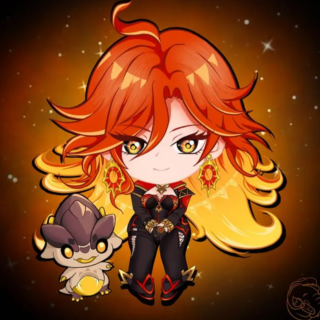
.png 11 MAVUIKA_EZ Sticker
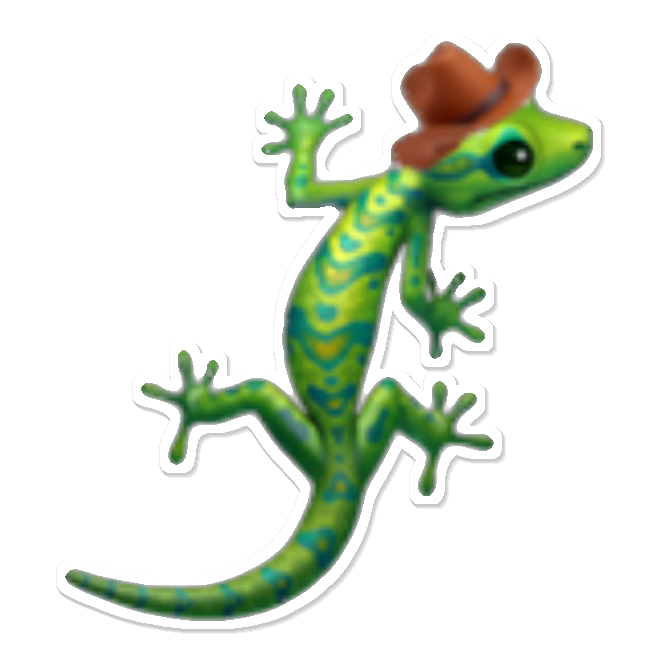
.png 13 Cowboy_Lizard Sticker
.png 107 why_boy_why Sticker
.gif 56 lick_white_bearish Sticker
.png 1.5K Ei_Fuck_You Sticker
.png 83 the_duke_the_what Sticker
.png 414 Clueless Sticker
.png 417 Imtellingdad Sticker

Collide Discord stickers

Browse Collide stickers shared by the emoji.gg community. Open a favourite to preview it, check its details and download the image.

Building a set for your server? Save your favourites to a collection as you browse so you can find them again.

Add stickers to your Discord server

  1. Choose your favourites. Open a sticker and download its image.
  2. Open Server Settings. In Discord, select your server and go to the Stickers section.
  3. Upload and name it. Select the downloaded image, give it a name and save it for your community to use.

Get the Android app

Emoji.gg is better on the app. Download it from the Google Play store.

Get Emoji.gg on Google Play