Your Collection
Your collection items will appear here.

Burrow Stickers

Find Burrow custom stickers to use
on Discord, Telegram & Whatsapp
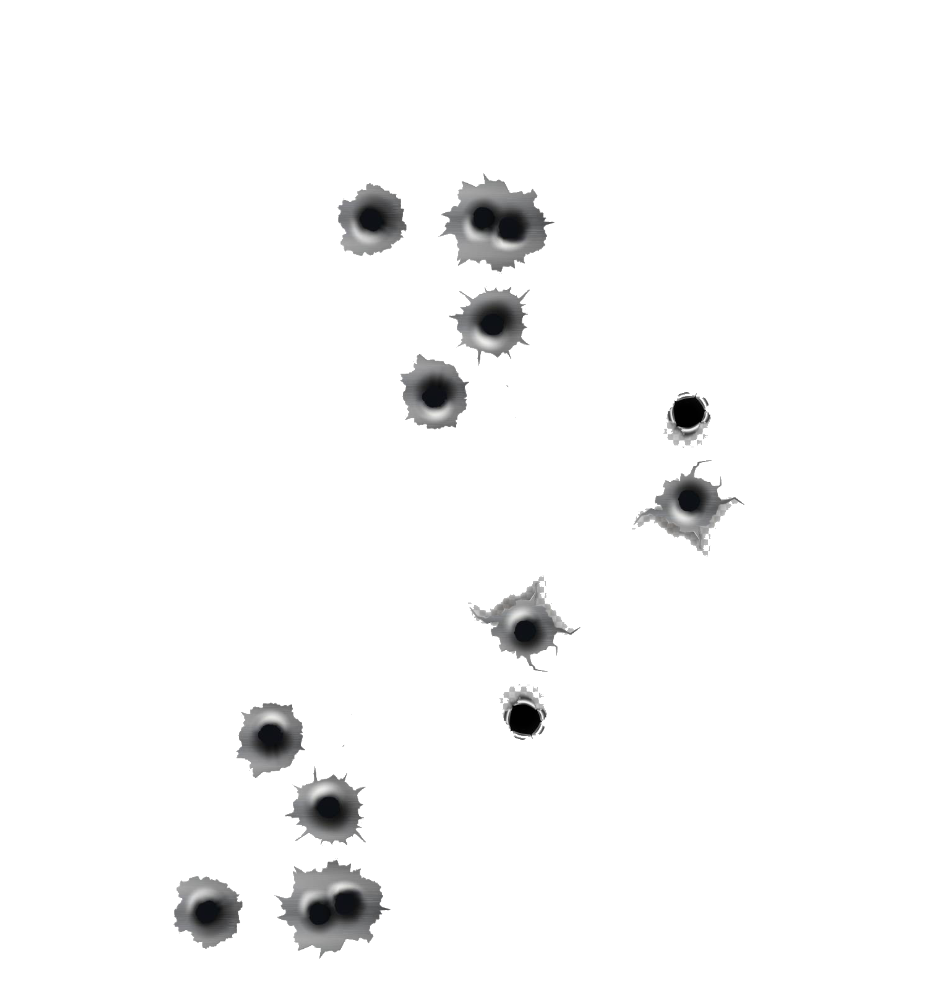
.png 0 bulletholes Sticker
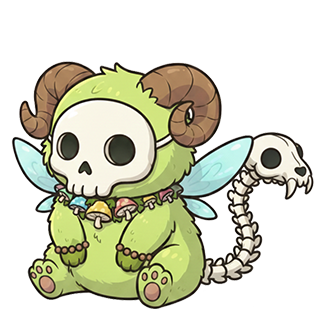
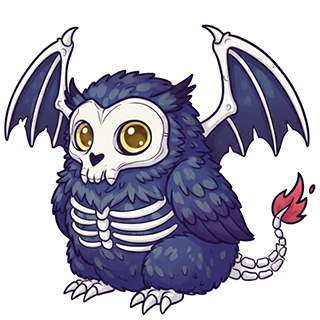
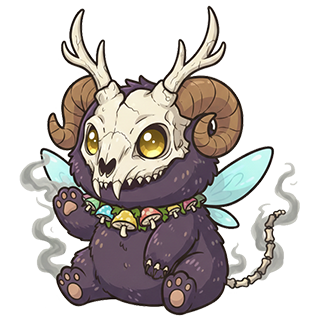
.png 14 wendigo3 Sticker
.png 16 wendigo2 Sticker
.png 8 wendigo1 Sticker
.png 75 WaguriDomain Sticker
.png 103 WaguriDerp Sticker
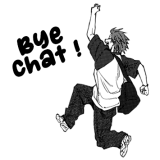
.png 166 RintaroBye Sticker
.png 83 RintaroBruh Sticker
.png 255 MadokaAraAra Sticker
.png 272 KaorukoSybau Sticker
.png 378 KaorukoSkillIssue Sticker
.png 175 KaorukoPeek Sticker
.png 158 KaorukoFries Sticker
.png 37 KaorukoCopium Sticker
.png 158 WaguriAbsoluteCinema Sticker
.png 54 Jax_Femboy Sticker
.png 243 Jax_Looking_Sus Sticker
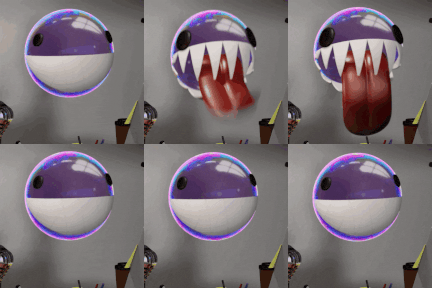
.gif 205 Bubble Sticker
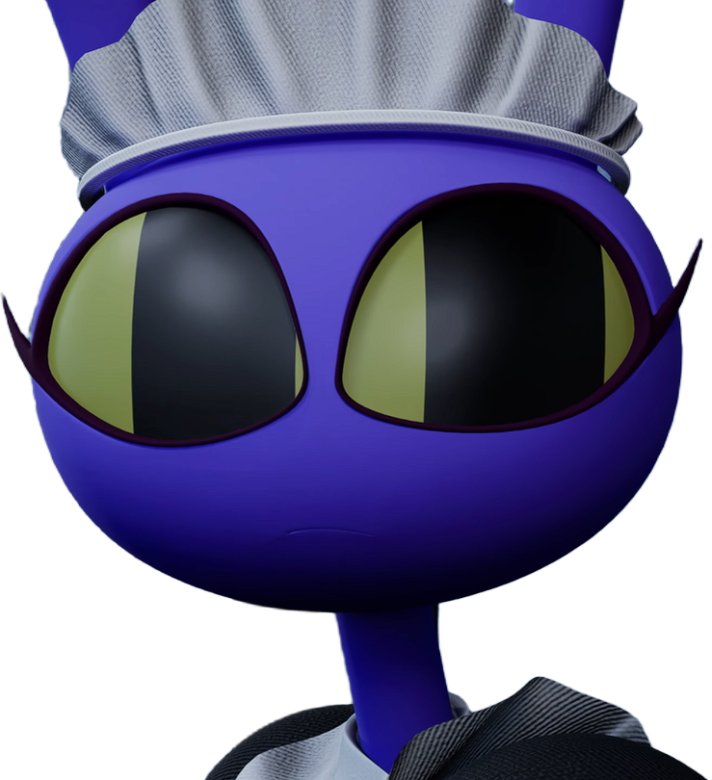
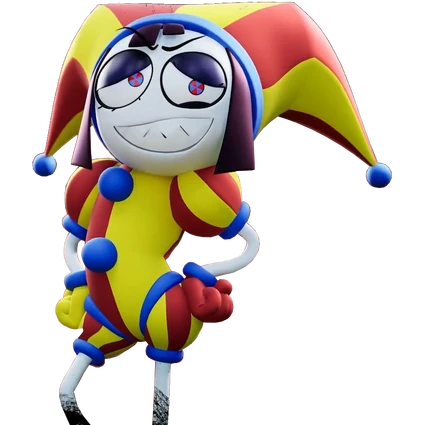
.png 18 evil_pomni Sticker
.png 218 EspeonLove Sticker
.png 308 Embarrassing_MM Sticker
.png 471 sackboy Sticker
.png 236 Hatsune_Miku_No_Thank_U_Asshole Sticker

Burrow Discord stickers

Browse Burrow stickers shared by the emoji.gg community. Open a favourite to preview it, check its details and download the image.

Building a set for your server? Save your favourites to a collection as you browse so you can find them again.

Add stickers to your Discord server

  1. Choose your favourites. Open a sticker and download its image.
  2. Open Server Settings. In Discord, select your server and go to the Stickers section.
  3. Upload and name it. Select the downloaded image, give it a name and save it for your community to use.

Get the Android app

Emoji.gg is better on the app. Download it from the Google Play store.

Get Emoji.gg on Google Play