Your Collection
Your collection items will appear here.

Beige Stickers

Find Beige custom stickers to use
on Discord, Telegram & Whatsapp

.png 15 Ahwazi Sticker
.gif 29 Scream Sticker
.png 1 Tartaglia_Screaming_internally Sticker
.gif 188 gi_hun_scream Sticker
.png 0 neutral Sticker
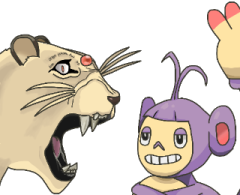
.png 88 PersianAmbipom Sticker
.gif 85 Breathing Sticker
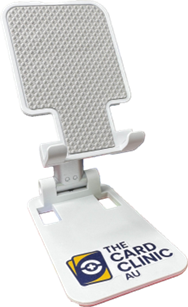
.png 4 ClinicStand67 Sticker
.gif 0 IDX_lost_argument Sticker
.gif 36 IDX_look_at_u Sticker
.png 338 Golshiscream Sticker
.png 130 Dazai_internalsuffering Sticker
.gif 50 cinnacream Sticker
.gif 10 Easter_2025_Chacs_Bearish Sticker
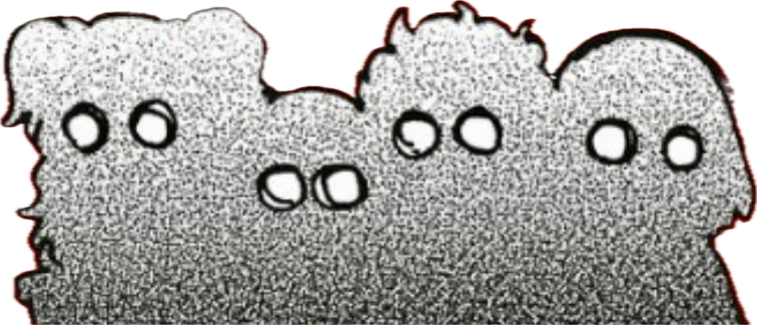
.gif 2.3K Voices Sticker
.gif 1.0K CatAngry Sticker
.png 74 Dazai_adore Sticker
.png 3 ProudMushi Sticker
.png 163 Down Sticker
.png 14 daughter Sticker
.gif 11 bearish_x_fugz Sticker
.gif 19 clown_box_brown_bearish Sticker
.png 139 SKEPTICALGRUL Sticker
.gif 101 uwu_brown_bearish Sticker
.gif 22 uwu_cream_bearish Sticker

Beige Discord stickers

Browse Beige stickers shared by the emoji.gg community. Open a favourite to preview it, check its details and download the image.

Building a set for your server? Save your favourites to a collection as you browse so you can find them again.

Add stickers to your Discord server

  1. Choose your favourites. Open a sticker and download its image.
  2. Open Server Settings. In Discord, select your server and go to the Stickers section.
  3. Upload and name it. Select the downloaded image, give it a name and save it for your community to use.

Get the Android app

Emoji.gg is better on the app. Download it from the Google Play store.

Get Emoji.gg on Google Play