Your Collection
Your collection items will appear here.

Ash Stickers

Find Ash custom stickers to use
on Discord, Telegram & Whatsapp

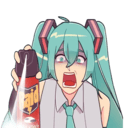
.gif 73 Rebecca_with_gun Sticker
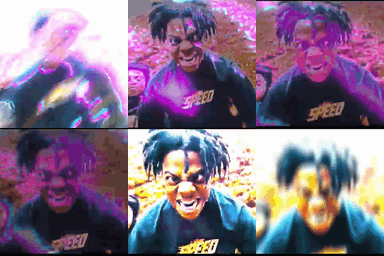
.gif 128 SpeedEdit3 Sticker
.png 37 Raid Sticker
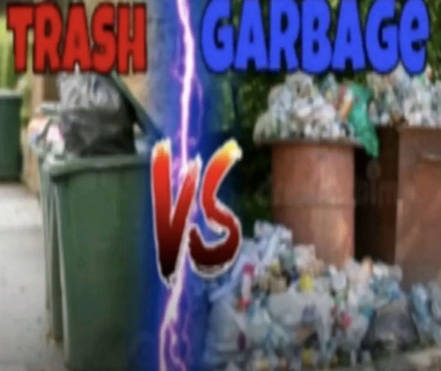
.png 683 trashvsgarbage Sticker
.gif 70 princess Sticker
.png 0 WhateverForeverHREAM Sticker
.gif 10 arrow_UP_flash Sticker
.gif 93 Ash_Charmander_Laugh Sticker
.png 0 FLASHLITE Sticker
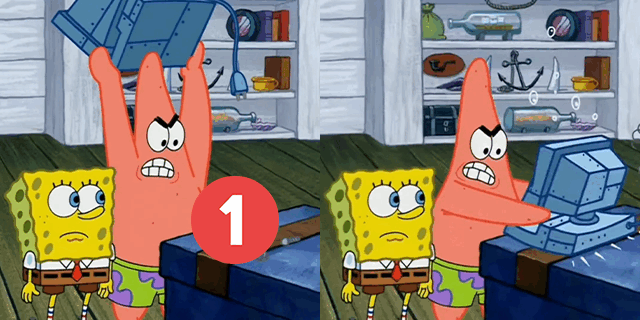
.gif 752 PatPingSmash Sticker
.png 175 cashmeousside Sticker
.png 13 Sonic_Spindash Sticker
.png 12 _Sonic_Spindash Sticker
.png 77 Smutek_zlomeny Sticker
.png 0 abitexcited Sticker
.gif 87 naraku_looking_up Sticker
.gif 155 take_my_money_blank_Tbearish Sticker
.gif 21 take_my_money_blank_bearish Sticker
.gif 89 snapshot_Tbearish Sticker
.png 1.2K BanHammer Sticker
.png 238 Trash Sticker
.png 149 trashcan Sticker
.png 371 TrashOpinion_MM Sticker
.png 35 money Sticker
.png 52 NF Sticker

Ash Discord stickers

Browse Ash stickers shared by the emoji.gg community. Open a favourite to preview it, check its details and download the image.

Building a set for your server? Save your favourites to a collection as you browse so you can find them again.

Add stickers to your Discord server

  1. Choose your favourites. Open a sticker and download its image.
  2. Open Server Settings. In Discord, select your server and go to the Stickers section.
  3. Upload and name it. Select the downloaded image, give it a name and save it for your community to use.

Get the Android app

Emoji.gg is better on the app. Download it from the Google Play store.

Get Emoji.gg on Google Play