Your Collection
Your collection items will appear here.

Arm Stickers

Find Arm custom stickers to use
on Discord, Telegram & Whatsapp

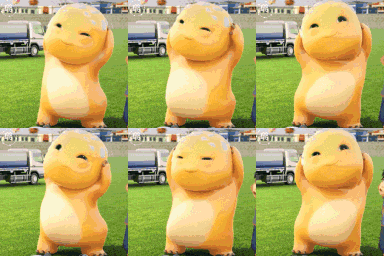
.gif 103 PeterTwitching Sticker
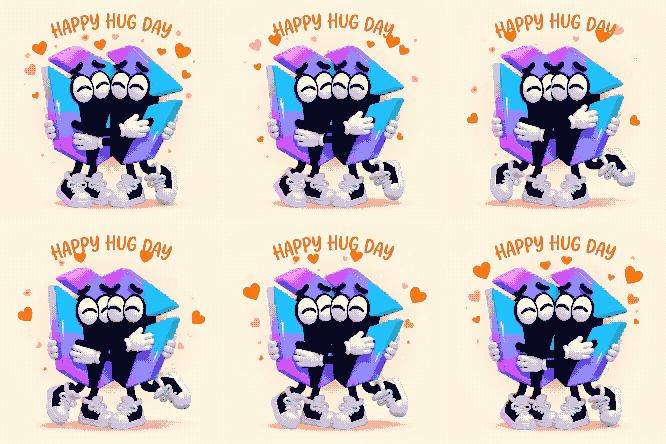
.gif 13 IDX_hug_day_3006 Sticker
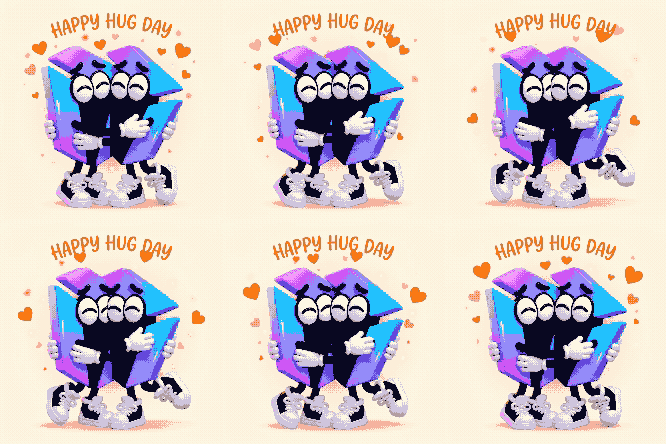
.gif 3 IDX_hug_day_3003 Sticker
.gif 98 Mander_Mellow Sticker
.png 14 SadCharmanderCardClinicAU Sticker
.gif 93 Ash_Charmander_Laugh Sticker
.gif 114 Charmander_10 Sticker
.gif 271 Charmander Sticker
.png 0 skz_karma Sticker
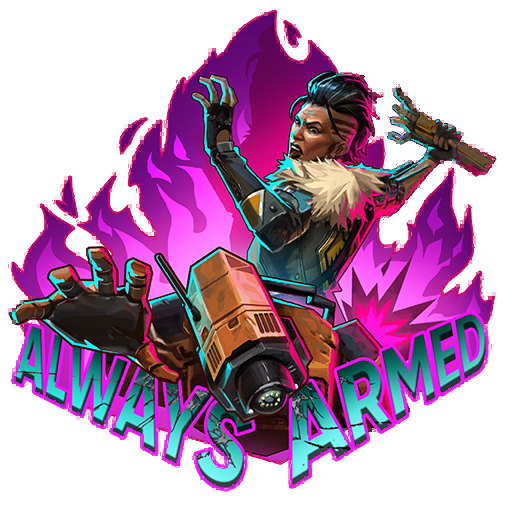
.png 1 AlwaysArmed Sticker
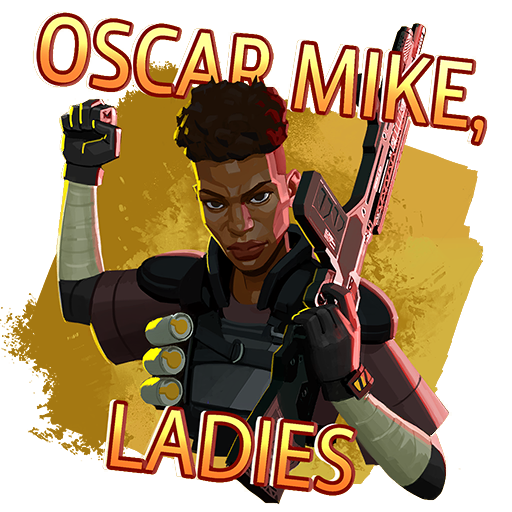
.png 1 OscarMikeLadies Sticker
.png 1 AxolotlShades Sticker
.gif 14 thats_it_Tbearish Sticker
.gif 93 salute_army_Tbearish Sticker
.png 424 catwarmth Sticker
.png 689 realistic_foreman_pig Sticker
.png 69 HearMeOutPengu Sticker
.png 88 dharmander Sticker
.png 7 NERDARMINAOEISREAL Sticker
.png 72 PicklesBringMommyHisScotch Sticker
.png 12 hotgirl Sticker
.png 65 CharYay Sticker
.png 66 CharPuff Sticker
.png 102 PopukoUnderstands Sticker
.png 194 CharGirl Sticker

Arm Discord stickers

Browse Arm stickers shared by the emoji.gg community. Open a favourite to preview it, check its details and download the image.

Building a set for your server? Save your favourites to a collection as you browse so you can find them again.

Add stickers to your Discord server

  1. Choose your favourites. Open a sticker and download its image.
  2. Open Server Settings. In Discord, select your server and go to the Stickers section.
  3. Upload and name it. Select the downloaded image, give it a name and save it for your community to use.

Get the Android app

Emoji.gg is better on the app. Download it from the Google Play store.

Get Emoji.gg on Google Play