Your Collection
Your collection items will appear here.

Animeworld Stickers

Find Animeworld custom stickers to use
on Discord, Telegram & Whatsapp
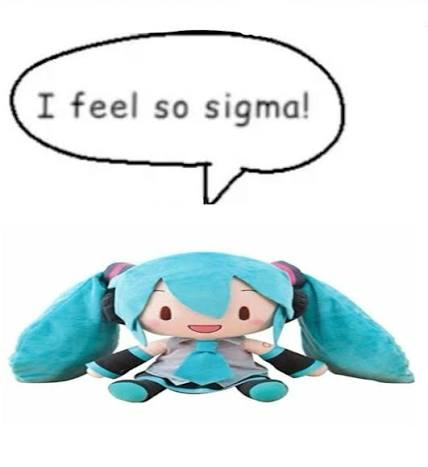
.png 217 mikusigma Sticker
.png 7 Gumi_Rose_Flower_Love Sticker
.gif 611 Neru_Hits_Punches_HatsuneMiku Sticker
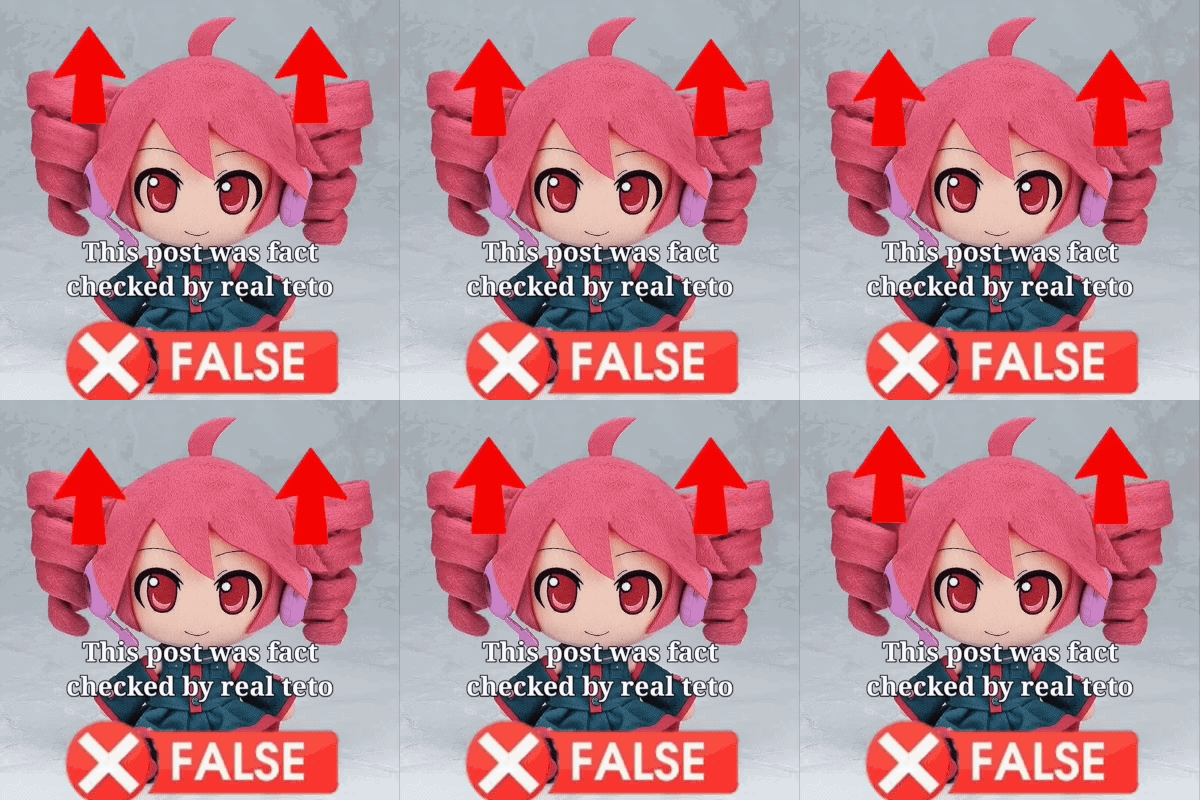
.gif 195 KasaneTeto_false_fake_bs Sticker
.png 257 teto Sticker
.png 201 KAITO_sparkle Sticker
.png 147 KAITO_whisper Sticker
.png 147 KAITO_wink Sticker
.png 250 KAITO_distress Sticker
.png 154 KAITO_thumbsup Sticker
.png 213 KAITO_cry Sticker
.png 116 KAITOlaugh Sticker
.png 541 KAITO_wave Sticker
.png 158 FubukiWhenGlasses Sticker
.png 134 MelBashful Sticker
.png 89 BettelDistress Sticker
.png 201 AZKiSing Sticker
.png 91 IrohaPoint Sticker
.png 224 KoyoriZunooo Sticker
.png 123 VesperTheRock Sticker
.png 201 IRySWink Sticker
.png 186 VesperHELP Sticker
.png 264 AquaEhh Sticker
.png 132 MioLaugh Sticker
.png 60 RobocoHuh Sticker

Animeworld Discord stickers

Browse Animeworld stickers shared by the emoji.gg community. Open a favourite to preview it, check its details and download the image.

Building a set for your server? Save your favourites to a collection as you browse so you can find them again.

Add stickers to your Discord server

  1. Choose your favourites. Open a sticker and download its image.
  2. Open Server Settings. In Discord, select your server and go to the Stickers section.
  3. Upload and name it. Select the downloaded image, give it a name and save it for your community to use.

Get the Android app

Emoji.gg is better on the app. Download it from the Google Play store.

Get Emoji.gg on Google Play