Your Collection
Your collection items will appear here.

Affirmation Stickers

Find Affirmation custom stickers to use
on Discord, Telegram & Whatsapp
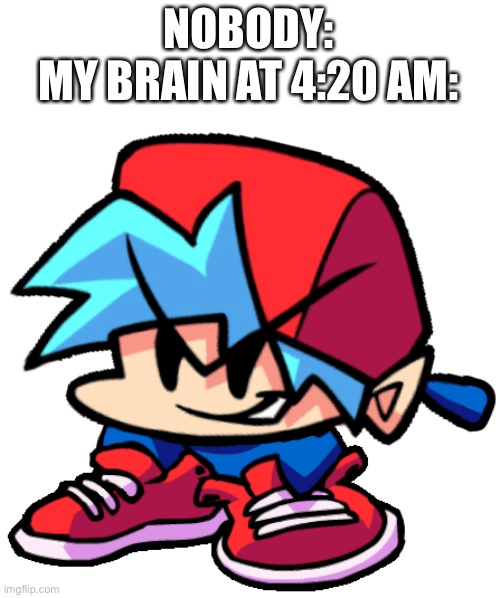
.png 78 beepboop Sticker
.gif 1.5K CatNod Sticker
.gif 15 EvilLobsterSybau Sticker
.png 324 Yes Sticker
.png 129 yeah Sticker
.png 115 Kuromi_nod Sticker
.gif 10 Dipper Sticker
.gif 1 Dipper Sticker
.gif 199 nozomi_nodding Sticker
.png 38 Oh_yeah Sticker
.gif 490 CatBlobNod Sticker
.png 678 Youregay Sticker
.gif 37 yayy_T_bearish Sticker
.png 70 Yeah Sticker
.png 184 Yeah Sticker
.png 102 PopukoUnderstands Sticker
.png 97 sunny_omori_oyasumi Sticker
.png 85 animefeetsimulator Sticker
.png 0 Nodefox Sticker
.png 11 yeah Sticker
.png 162 YEAH_Delta Sticker
.png 58 So_shock Sticker
.png 1.2K frog nod yes Sticker
.png 34 CynoDuel Sticker

Affirmation Discord stickers

Browse Affirmation stickers shared by the emoji.gg community. Open a favourite to preview it, check its details and download the image.

Building a set for your server? Save your favourites to a collection as you browse so you can find them again.

Add stickers to your Discord server

  1. Choose your favourites. Open a sticker and download its image.
  2. Open Server Settings. In Discord, select your server and go to the Stickers section.
  3. Upload and name it. Select the downloaded image, give it a name and save it for your community to use.

Get the Android app

Emoji.gg is better on the app. Download it from the Google Play store.

Get Emoji.gg on Google Play