Your Collection
Your collection items will appear here.

Ip Emojis

Find Ip custom emojis to use
on Discord, Twitch & Slack

.gif 5 Hood_Rats Emoji
.gif 12 Walking_into_work Emoji
.gif 9 Barbie_Coffee Emoji
.gif 5 gye_su_jeong_sip Emoji
.gif 33 rainbowsmiley Emoji
.gif 38 trippyhippiehouse Emoji
.gif 117 trippyhippiepeace Emoji
.gif 159 flippinghamster Emoji
.gif 174 iPod Emoji
.gif 15 clippercrabffxiv Emoji
.gif 2.3K bitinglip Emoji
.gif 537 PiplupStepDance Emoji
.gif 22 blueflipflopshoes Emoji
.gif 34 mudkip Emoji
.gif 0 pelipper Emoji
.gif 0 seviper Emoji
.gif 267 pixelartmudkip Emoji
.gif 7 bboguripurplegirly Emoji
.gif 87 cinderellaslipper Emoji
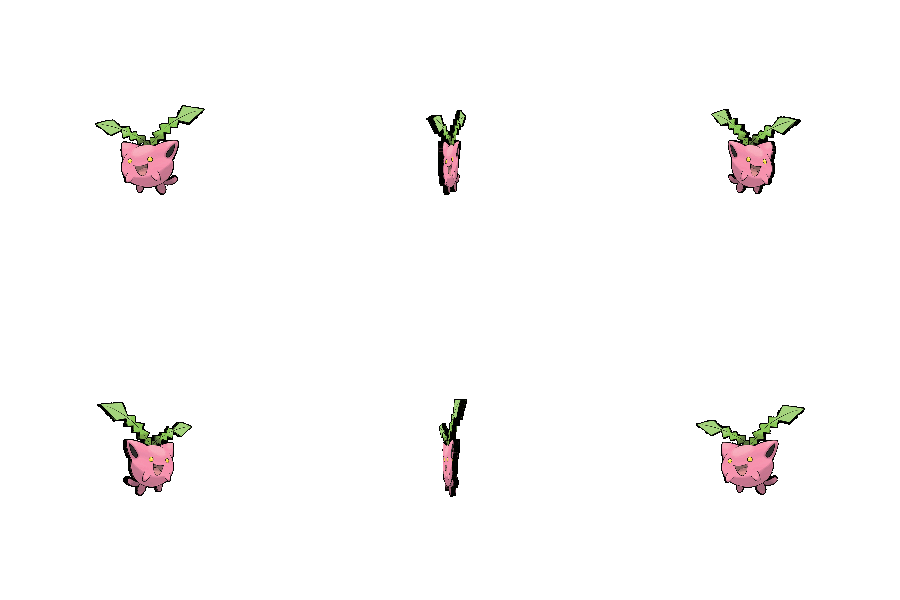
.gif 0 hoppip Emoji
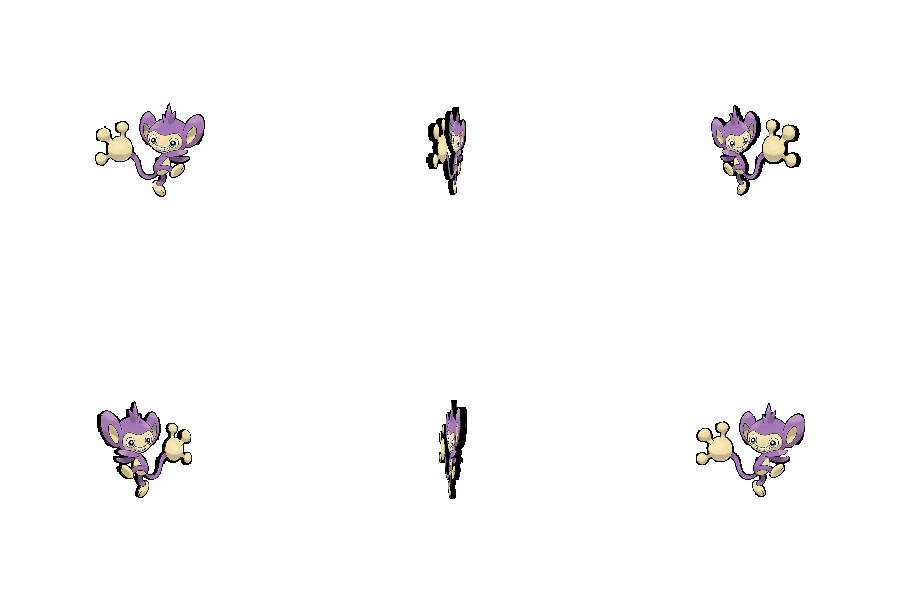
.gif 0 aipom Emoji
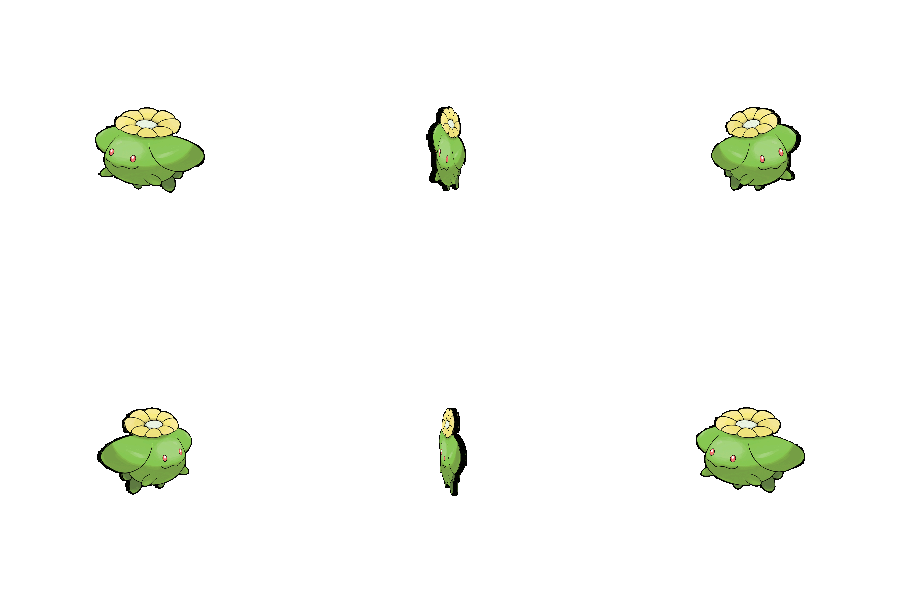
.gif 0 skiploom Emoji
.gif 0 bullybullyscholarshiplogo Emoji
.gif 0 falloutpiperperk Emoji
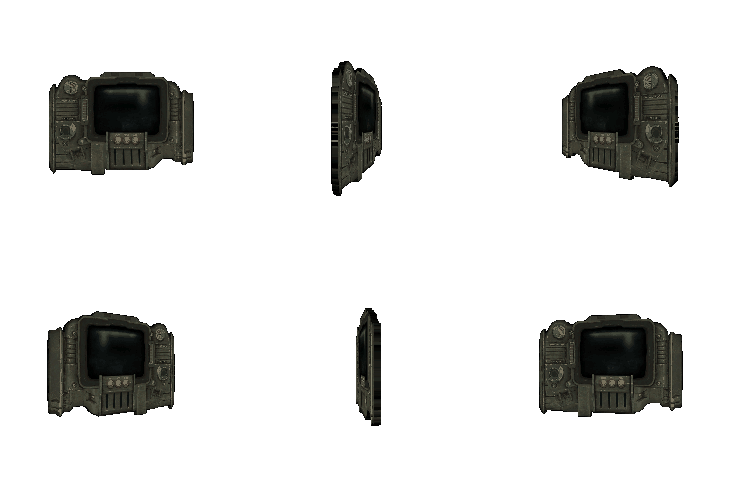
.gif 0 falloutpipboycover Emoji

Ip Discord emojis

Browse Ip emojis shared by the emoji.gg community. Open a favourite to preview it, check its details and download the image.

Building a set for your server? Save your favourites to a collection as you browse so you can find them again.

Explore Ip stickers

Add emojis to your Discord server

  1. Choose your favourites. Open a emoji and download its image.
  2. Open Server Settings. In Discord, select your server and go to the Emoji section.
  3. Upload and name it. Select the downloaded image, give it a name and save it for your community to use.

Get the Android app

Emoji.gg is better on the app. Download it from the Google Play store.

Get Emoji.gg on Google Play