Your Collection
Your collection items will appear here.

Ex Emojis

Find Ex custom emojis to use
on Discord, Twitch & Slack
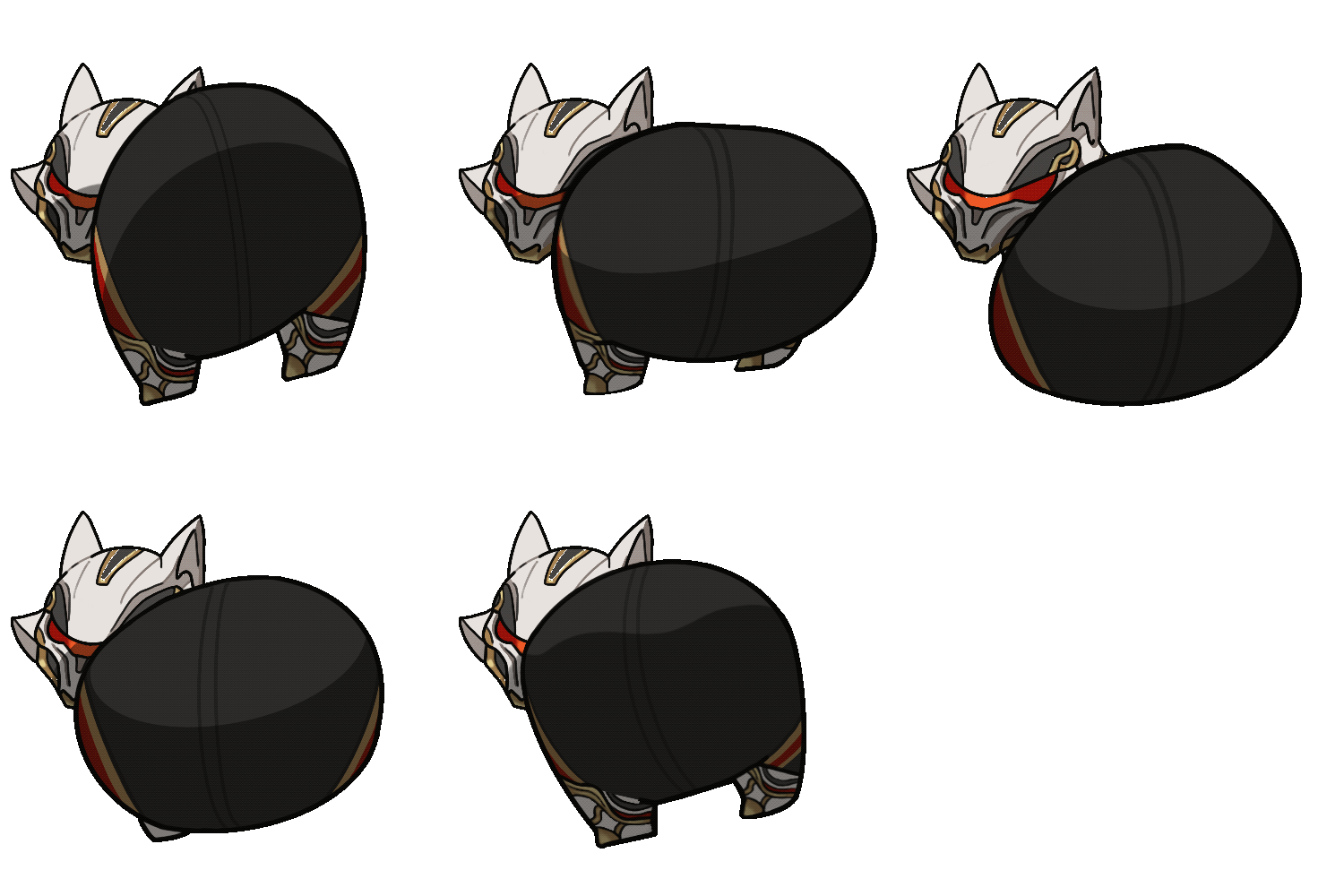
.gif 19 LobaTwerk Emoji
.gif 40 GibbyTwerk Emoji
.png 81 WhiteTie Emoji
.png 0 exclamacao Emoji
.gif 24 StarDots Emoji
.gif 0 GTFOMYEXPOCHEFNOW Emoji
.png 60 fev_Edit Emoji
.png 41 fev_Link Emoji
.png 41 fev_Important Emoji
.png 52 fev_New Emoji
.png 129 fev_Rules Emoji
.png 29 fev_Warning Emoji
.png 14 Leave Emoji
.gif 14 excitedbook Emoji
.png 67 tophat Emoji
.png 47 Whale Emoji
.png 112 Scream Emoji
.png 83 ArrowRight Emoji
.gif 32 seok_ryu_shocked Emoji
.gif 30 seok_ryu_smile Emoji
.png 59 sigh Emoji
.png 102 VeexShelly1 Emoji
.png 47 VeexShelly2 Emoji
.png 111 Henrietta Emoji
.gif 304 kittytiredyawn Emoji

Ex Discord emojis

Browse Ex emojis shared by the emoji.gg community. Open a favourite to preview it, check its details and download the image.

Building a set for your server? Save your favourites to a collection as you browse so you can find them again.

Explore Ex stickers

Add emojis to your Discord server

  1. Choose your favourites. Open a emoji and download its image.
  2. Open Server Settings. In Discord, select your server and go to the Emoji section.
  3. Upload and name it. Select the downloaded image, give it a name and save it for your community to use.

Get the Android app

Emoji.gg is better on the app. Download it from the Google Play store.

Get Emoji.gg on Google Play