Your collections

Keep your favourite assets together

3 Emojis

Find 3 custom emojis to use
on Discord, Twitch & Slack

.png 158 Happy4U Emoji
.png 794 OG Emoji
.png 1.2K happy4u Emoji
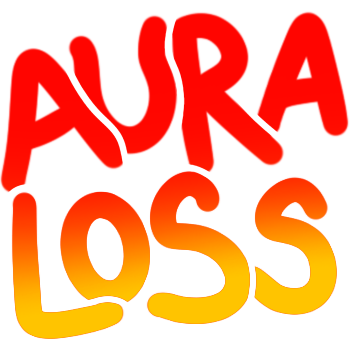
.png 8.4K aura_loss Emoji
.png 7.5K SoTight Emoji
.png 3.4K valid Emoji
.png 40.2K Thats_Valid Emoji
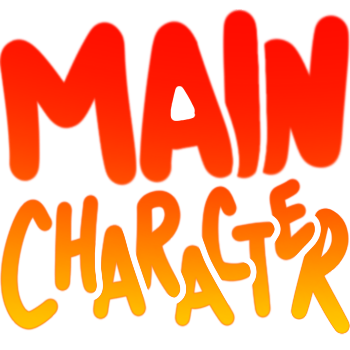
.png 1.3K MainCharacter Emoji
.png 21.0K crashout Emoji
.png 750 err Emoji
.png 16.1K 3star_rating_IDS Emoji
.png 6.5K EliteBallKnowledge Emoji
.png 5.1K eliteball Emoji
.png 3.9K kusa Emoji
.png 1.0K wizard Emoji
.png 644 ratio Emoji
.png 1.9K splash Emoji
.png 4.0K fair Emoji
.png 3.9K FairEnough Emoji
.png 6.4K L_Shredded Emoji
.png 64.5K gotosleep Emoji
.png 2.3K icant Emoji
.png 48.1K dead Emoji
.png 5.0K blushing Emoji
.png 10.3K rich_laugh Emoji

3 Discord emojis

Browse 3 emojis shared by the emoji.gg community. Open a favourite to preview it, check its details and download the image.

Building a set for your server? Save your favourites to a collection as you browse so you can find them again.

Explore 3 stickers

Add emojis to your Discord server

  1. Choose your favourites. Open a emoji and download its image.
  2. Open Server Settings. In Discord, select your server and go to the Emoji section.
  3. Upload and name it. Select the downloaded image, give it a name and save it for your community to use.

Get the Android app

Emoji.gg is better on the app. Download it from the Google Play store.

Get Emoji.gg on Google Play