Your collections

Keep your favourite assets together

3 Emojis

Find 3 custom emojis to use
on Discord, Twitch & Slack

.png 0 LightOrangeCube Emoji
.gif 81 Clash67 Emoji
.gif 48 Hug Emoji
.png 0 3stardragonball Emoji
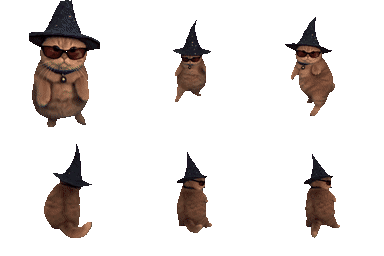
.gif 866 Witch_Cat_Dancing Emoji
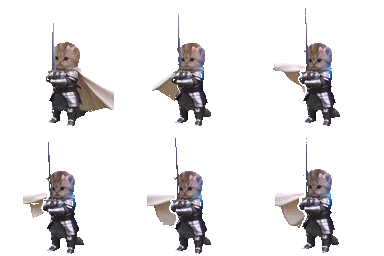
.gif 342 Knight_Cat Emoji
.gif 111 Masha_With_Gun Emoji
.png 129 fev_Pinned Emoji
.png 96 fev_Important Emoji
.png 175 fev_Rules Emoji
.png 59 fev_Warning Emoji
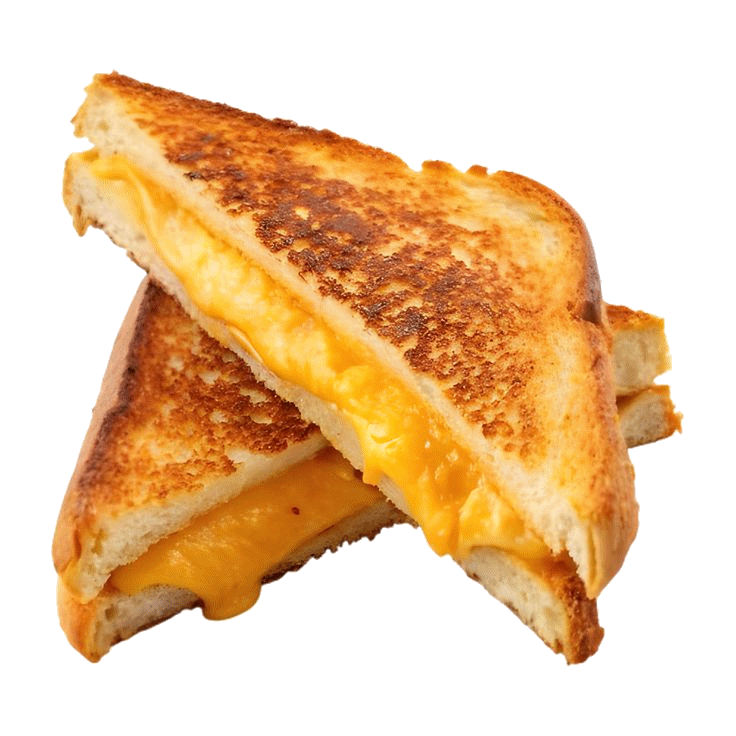
.png 0 GrilledCheese Emoji
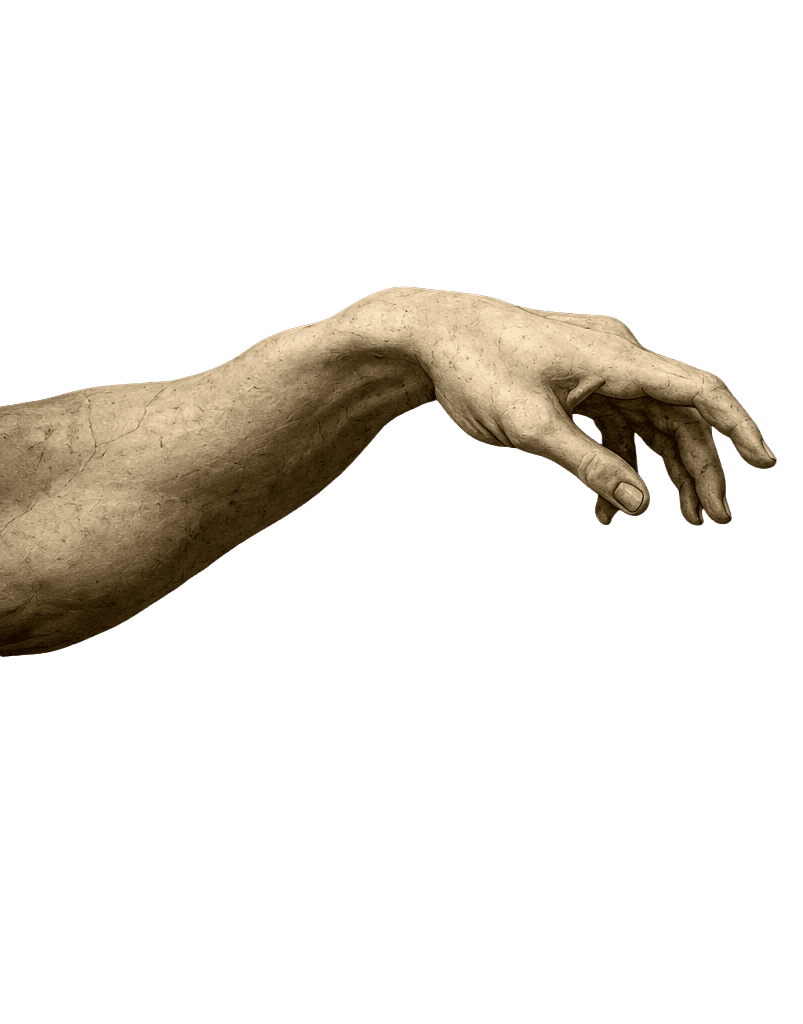
.png 86 Hand_1 Emoji
.png 95 Hand_2 Emoji
.gif 522 OnekoSleep Emoji
.gif 260 CatDrug1 Emoji
.gif 256 CatDrug2 Emoji
.gif 293 CatDrug3 Emoji
.png 14 CompanionCube Emoji
.gif 425 CatJump Emoji
.png 0 morettich3 Emoji
.gif 0 Mafia83 Emoji
.gif 0 Mafia93 Emoji
.gif 0 Mafia103 Emoji
.gif 0 Mafia113 Emoji

3 Discord emojis

Browse 3 emojis shared by the emoji.gg community. Open a favourite to preview it, check its details and download the image.

Building a set for your server? Save your favourites to a collection as you browse so you can find them again.

Explore 3 stickers

Add emojis to your Discord server

  1. Choose your favourites. Open a emoji and download its image.
  2. Open Server Settings. In Discord, select your server and go to the Emoji section.
  3. Upload and name it. Select the downloaded image, give it a name and save it for your community to use.

Get the Android app

Emoji.gg is better on the app. Download it from the Google Play store.

Get Emoji.gg on Google Play