Your Collection
Your collection items will appear here.

3 Emojis

Find 3 custom emojis to use
on Discord, Twitch & Slack
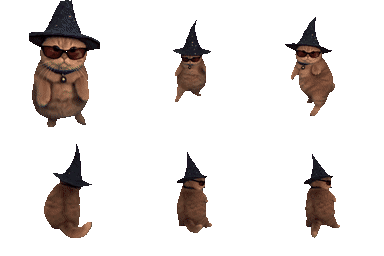
.gif 245 Witch_Cat_Dancing Emoji
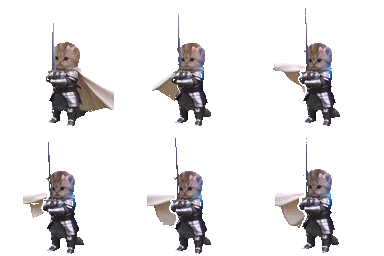
.gif 91 Knight_Cat Emoji
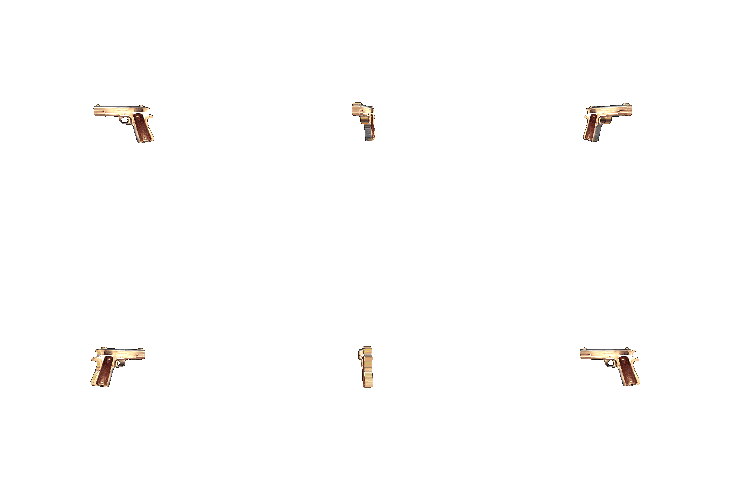
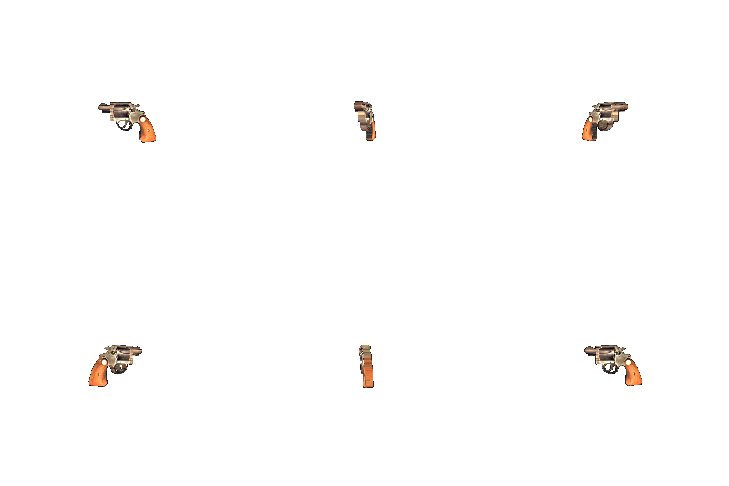
.gif 62 Masha_With_Gun Emoji
.png 68 fev_Pinned Emoji
.png 34 fev_Important Emoji
.png 114 fev_Rules Emoji
.png 25 fev_Warning Emoji
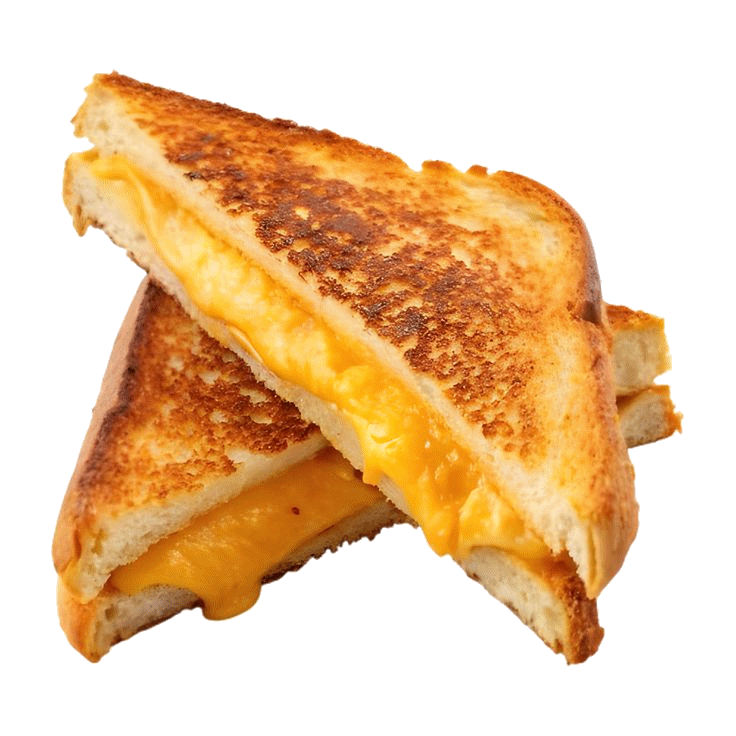
.png 0 GrilledCheese Emoji
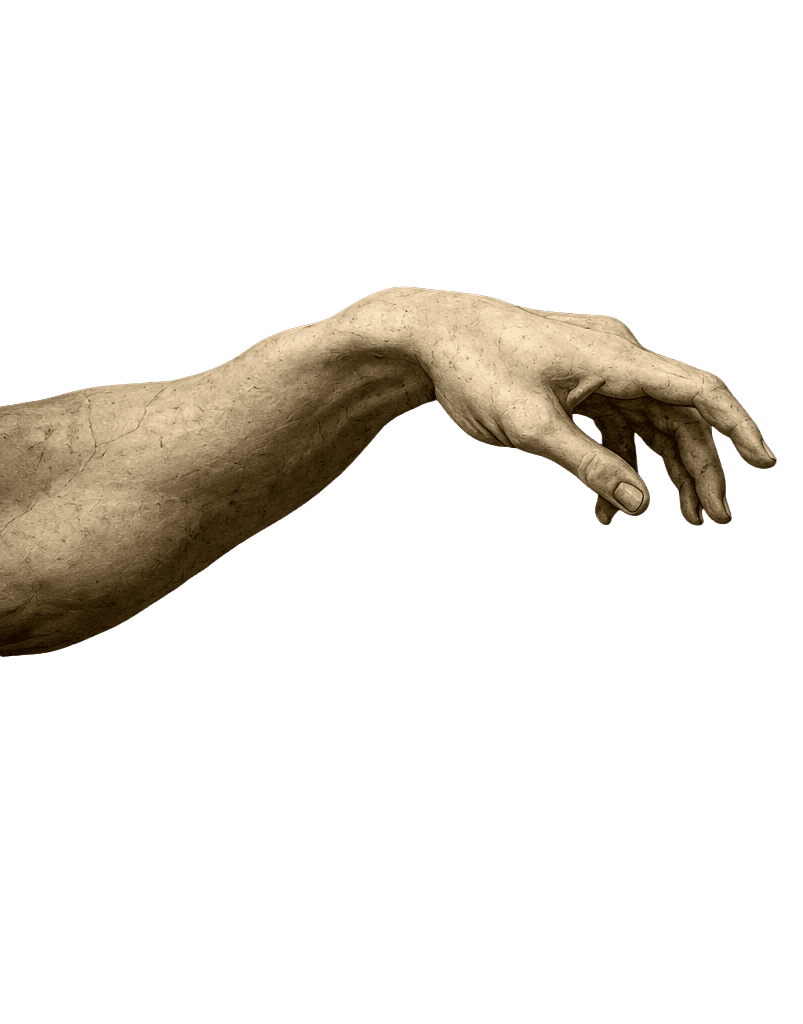
.png 74 Hand_1 Emoji
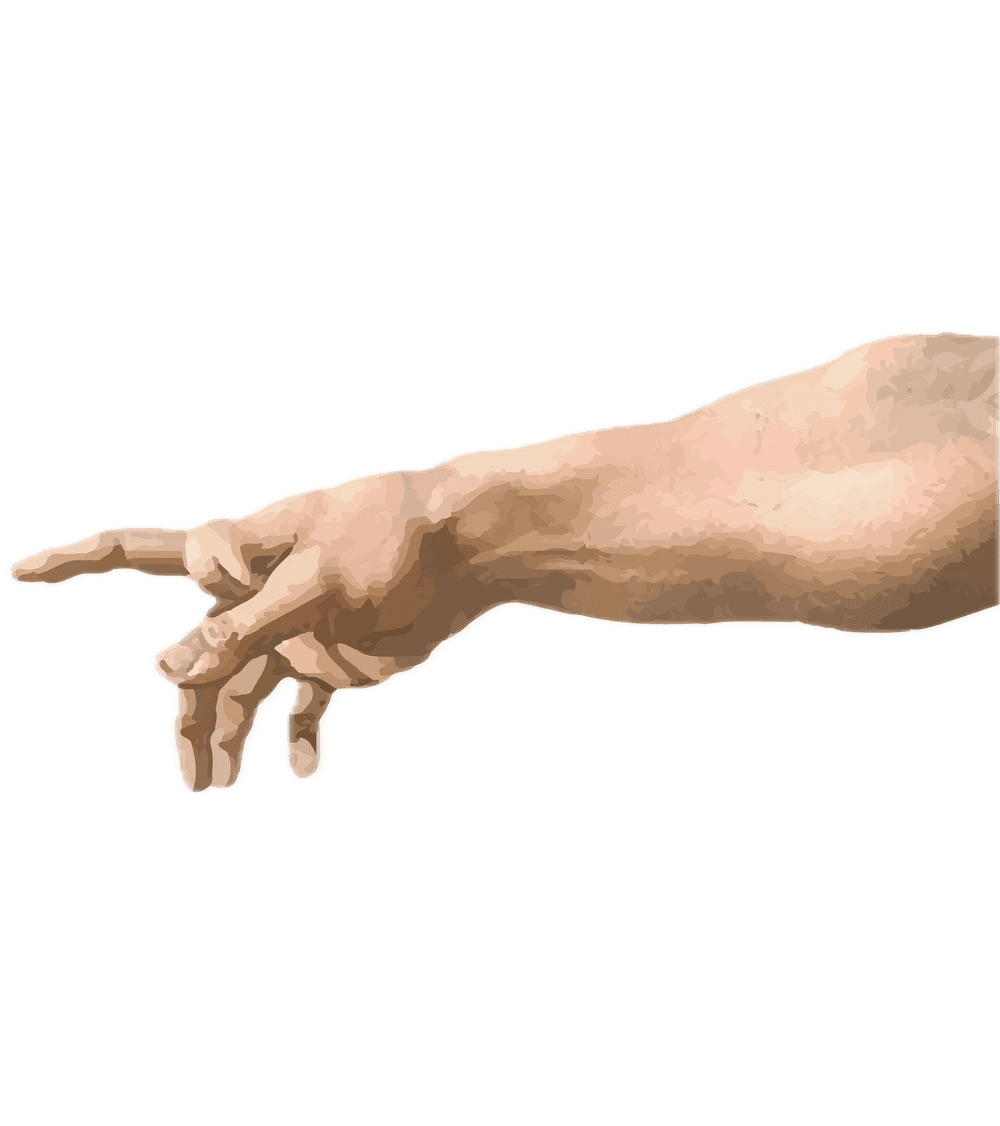
.png 78 Hand_2 Emoji
.gif 370 OnekoSleep Emoji
.gif 177 CatDrug1 Emoji
.gif 158 CatDrug2 Emoji
.gif 195 CatDrug3 Emoji
.png 0 CompanionCube Emoji
.gif 335 CatJump Emoji
.png 0 morettich3 Emoji
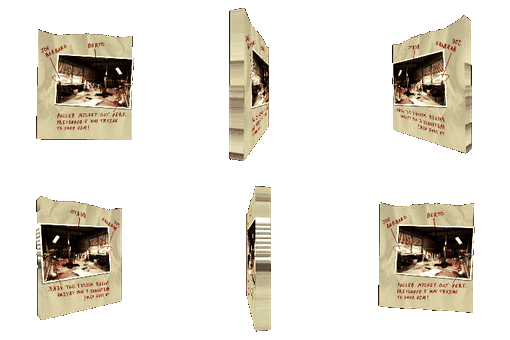
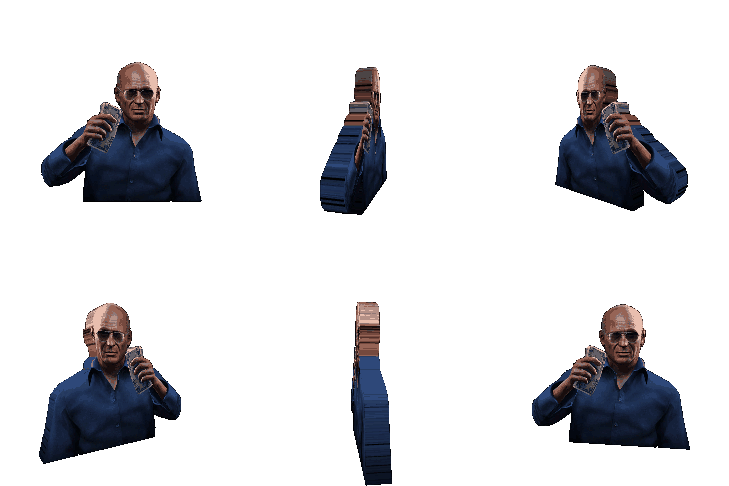
.gif 0 Mafia83 Emoji
.gif 0 Mafia93 Emoji
.gif 0 Mafia103 Emoji
.gif 0 Mafia113 Emoji
.gif 0 Mafia123 Emoji
.gif 0 Mafia130 Emoji
.gif 0 Mafia131 Emoji
.gif 0 Mafia132 Emoji

3 Discord emojis

Browse 3 emojis shared by the emoji.gg community. Open a favourite to preview it, check its details and download the image.

Building a set for your server? Save your favourites to a collection as you browse so you can find them again.

Explore 3 stickers

Add emojis to your Discord server

  1. Choose your favourites. Open a emoji and download its image.
  2. Open Server Settings. In Discord, select your server and go to the Emoji section.
  3. Upload and name it. Select the downloaded image, give it a name and save it for your community to use.

Get the Android app

Emoji.gg is better on the app. Download it from the Google Play store.

Get Emoji.gg on Google Play