Your Collection
Your collection items will appear here.

Enable Stickers

Find Enable custom stickers to use
on Discord, Telegram & Whatsapp

.png 0 bulletholes Sticker
.png 9 RedUnlock Sticker
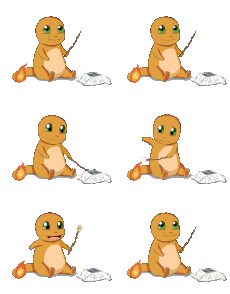
.gif 98 Mander_Mellow Sticker
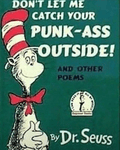
.png 175 cashmeousside Sticker
.gif 455 Watwat Sticker
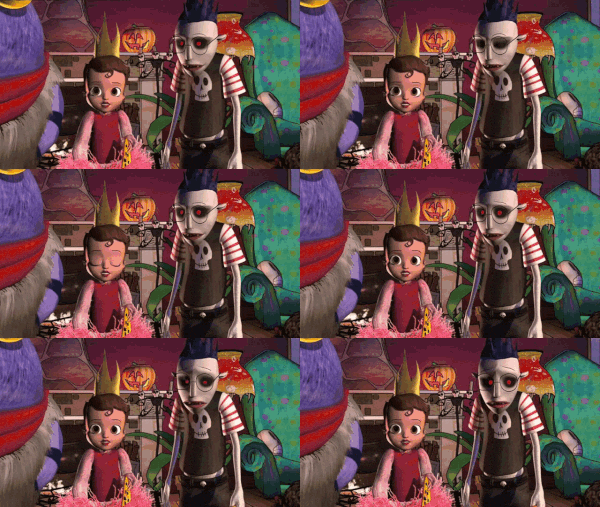
.gif 4 sideeye Sticker
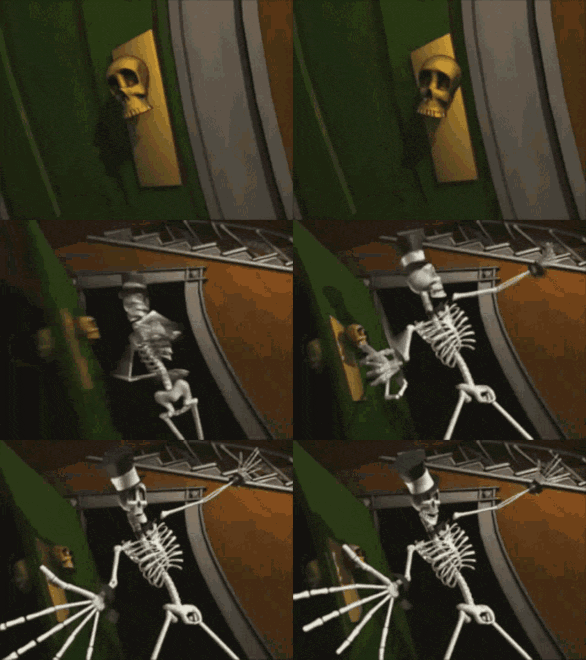
.gif 74 skeleton Sticker
.gif 8 bbq_lets_cook_bearish Sticker
.png 172 Rip_shedletsky Sticker
.png 3 StampyLongHead Sticker
.png 13 Lets_go_gamble_all_in Sticker
.png 65 letsgogambling Sticker
.png 347 Aeri_KeepAtIt Sticker
.png 382 Aeri_4 Sticker
.png 330 Airi_NiceToMeetYa Sticker
.png 316 Airi_KeepUp Sticker
.png 146 Airi_ntmy Sticker
.png 192 RaccoonReaper Sticker
.png 128 HorrorWhore Sticker
.png 247 murderghost Sticker
.png 16 ImmortalBeast Sticker
.png 898 LETSSSSSSSFUUGOOOOOOOO Sticker
.png 176 PaimonLetsGo Sticker
.png 26 HEFSchanLETSGOOO Sticker
.png 95 Birthday Mallow Celebrate Sticker

Enable Discord stickers

Browse Enable stickers shared by the emoji.gg community. Open a favourite to preview it, check its details and download the image.

Building a set for your server? Save your favourites to a collection as you browse so you can find them again.

Add stickers to your Discord server

  1. Choose your favourites. Open a sticker and download its image.
  2. Open Server Settings. In Discord, select your server and go to the Stickers section.
  3. Upload and name it. Select the downloaded image, give it a name and save it for your community to use.

Get the Android app

Emoji.gg is better on the app. Download it from the Google Play store.

Get Emoji.gg on Google Play