Your Collection
Your collection items will appear here.

Ding Stickers

Find Ding custom stickers to use
on Discord, Telegram & Whatsapp

.png 64 MinionsPapoi Sticker
.png 81 ClockRabbit Sticker
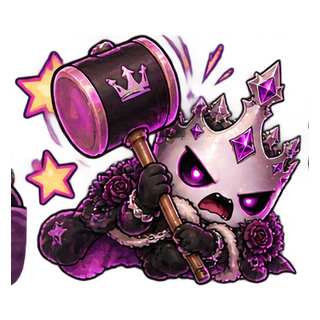
.png 40 CrownHammer Sticker
.png 75 AresLove Sticker
.png 101 congrats Sticker
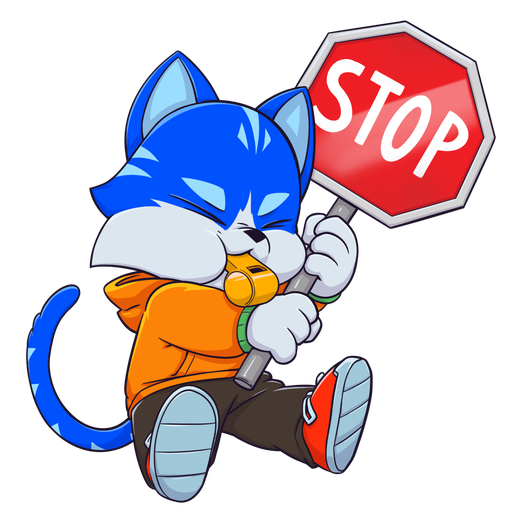
.png 220 toshi_stop Sticker
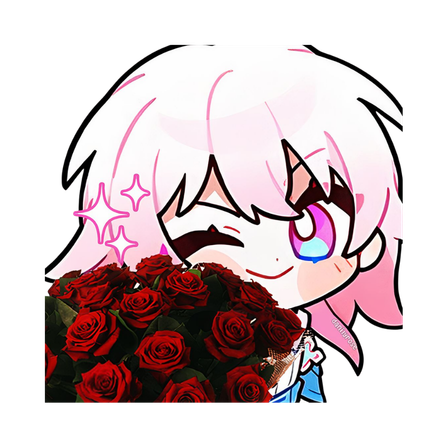
.png 175 march_honkai Sticker
.gif 1.5K CatNod Sticker
.png 88 trans_heart Sticker
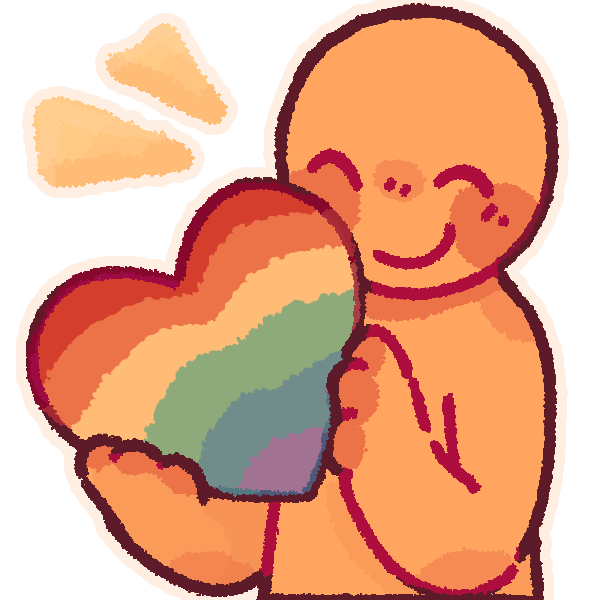
.png 73 gay_heart Sticker
.png 49 trans_flag Sticker
.png 26 gay_flag Sticker
.png 15 happy_trans_flag Sticker
.png 29 gay_flag_happy Sticker
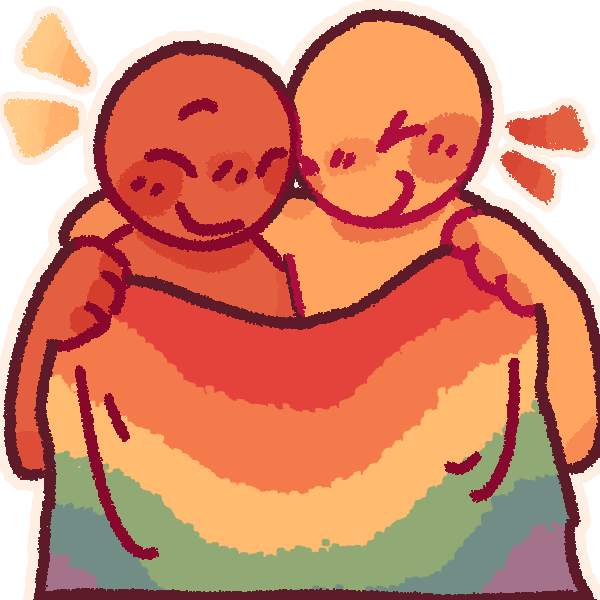
.png 39 cuddle_trans_flag Sticker
.png 29 cuddle_gay_flag Sticker
.png 71 pikaheart Sticker
.png 63 Gabennewellsticker Sticker
.png 57 Huh Sticker
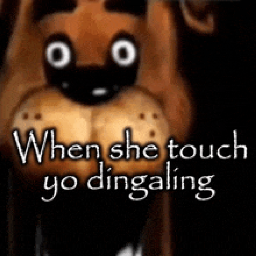
.png 91 WhenSheTouchYoDingaling Sticker
.png 33 WhenSheTouchYoGoldenDingaling Sticker
.gif 10 Easter_2025_Chacs_Bearish Sticker
.gif 3 Easter_Basket_Bearish Sticker
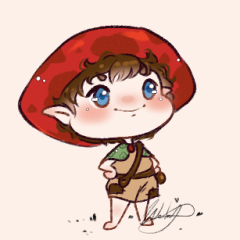
.png 3 ProudMushi Sticker
.png 163 Down Sticker

Ding Discord stickers

Browse Ding stickers shared by the emoji.gg community. Open a favourite to preview it, check its details and download the image.

Building a set for your server? Save your favourites to a collection as you browse so you can find them again.

Add stickers to your Discord server

  1. Choose your favourites. Open a sticker and download its image.
  2. Open Server Settings. In Discord, select your server and go to the Stickers section.
  3. Upload and name it. Select the downloaded image, give it a name and save it for your community to use.

Get the Android app

Emoji.gg is better on the app. Download it from the Google Play store.

Get Emoji.gg on Google Play