Your Collection
Your collection items will appear here.

Capable Stickers

Find Capable custom stickers to use
on Discord, Telegram & Whatsapp

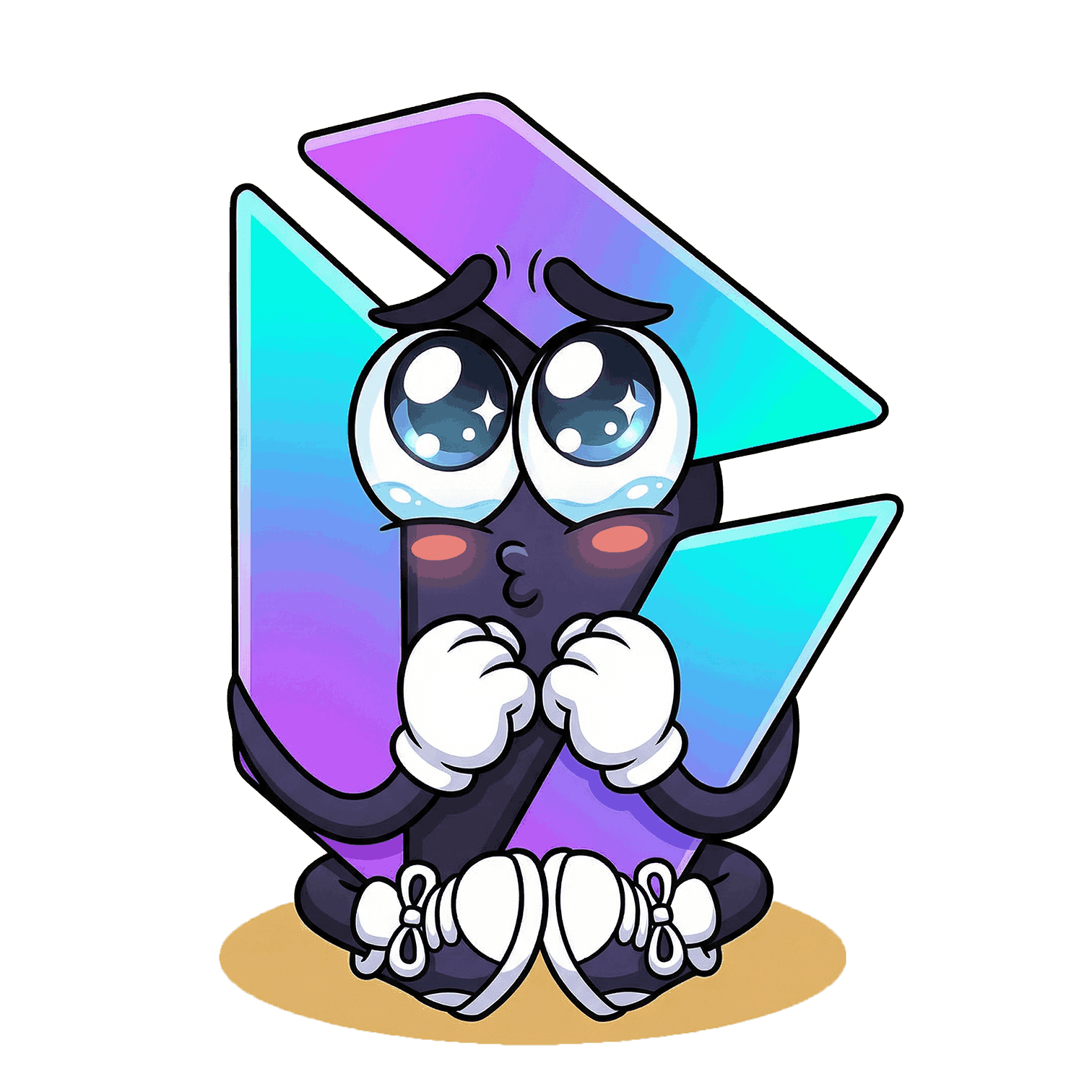
.png 219 Did_they_fall_for_it Sticker
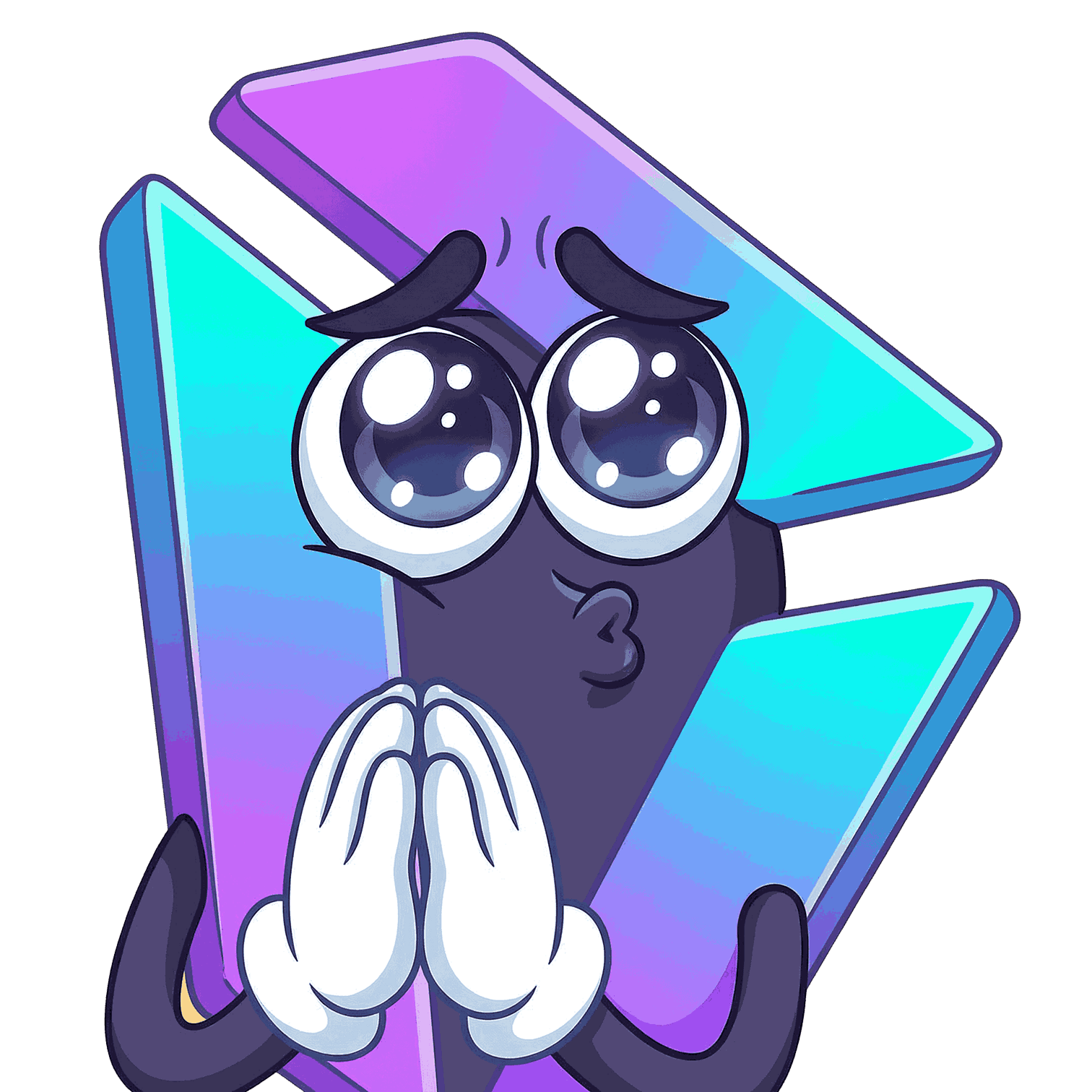
.png 1 IDX_cute_2004 Sticker
.png 2 IDX_cute_1003 Sticker
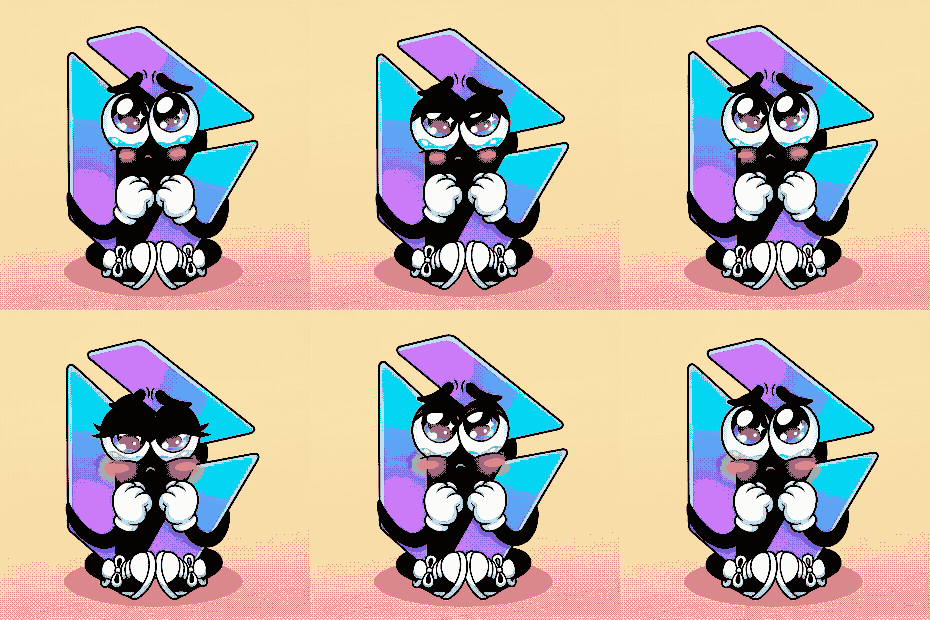
.gif 0 IDX_cute_emoji_001 Sticker
.gif 663 PawOops Sticker
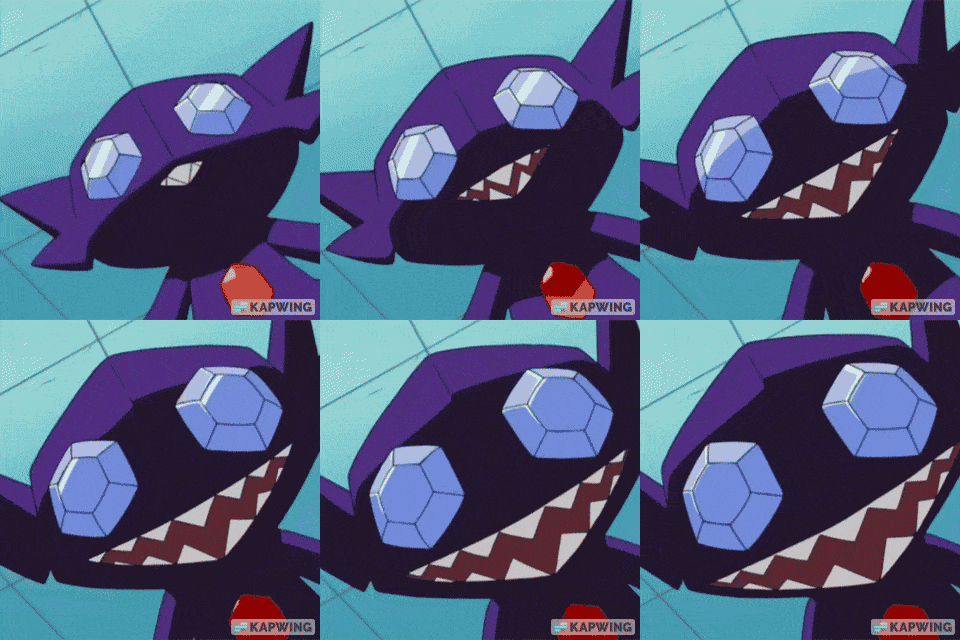
.gif 46 Sableye Sticker
.gif 215 Laughing Sticker
.png 54 Jax_Femboy Sticker
.gif 176 Tessia Sticker
.png 87 KITHGRUL Sticker
.png 1.3K Innocent_kitty Sticker
.gif 35 uwu_tiger_bearish Sticker
.gif 9 uwu_gray_bearish Sticker
.gif 101 uwu_brown_bearish Sticker
.gif 84 uwu_polar_bearish Sticker
.gif 22 uwu_cream_bearish Sticker
.gif 19 uwu_honey_bearish Sticker
.gif 129 uwu_panda_bearish Sticker
.gif 14 uwu_blue_bearish Sticker
.gif 136 sit_love_Tbearish Sticker
.gif 13 sit_happy_bearish Sticker
.gif 35 hungryTbearish Sticker
.gif 30 hungry_plate_feedmeTbearish Sticker
.gif 27 hungry_plate_Tbearish Sticker

Capable Discord stickers

Browse Capable stickers shared by the emoji.gg community. Open a favourite to preview it, check its details and download the image.

Building a set for your server? Save your favourites to a collection as you browse so you can find them again.

Add stickers to your Discord server

  1. Choose your favourites. Open a sticker and download its image.
  2. Open Server Settings. In Discord, select your server and go to the Stickers section.
  3. Upload and name it. Select the downloaded image, give it a name and save it for your community to use.

Get the Android app

Emoji.gg is better on the app. Download it from the Google Play store.

Get Emoji.gg on Google Play