Your Collection
Your collection items will appear here.

Window Frames Emojis

Find Window Frames custom emojis to use
on Discord, Twitch & Slack

.png 0 window Emoji
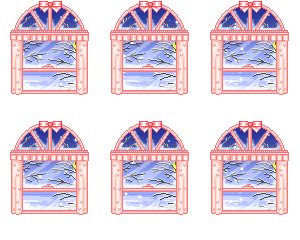
.gif 91 pinkwindowscene Emoji
.gif 93 bearwindowwinter Emoji
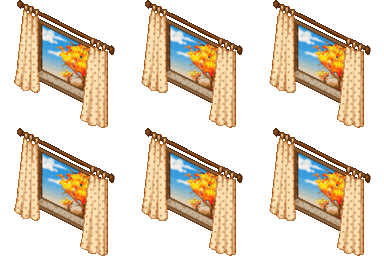
.gif 226 autumnwindow Emoji
.gif 1.0K plantshelf Emoji
.gif 181 strawberryhouse Emoji
.png 942 OrbitalPlane Emoji
.gif 2.7K HelloKittySnowfall Emoji
.png 13.7K windowstarebob Emoji
.gif 4.9K bye_car_blank_bearish Emoji
.gif 23.8K AttemptingToGiveADamn Emoji
.png 9.7K HeyNeighbor Emoji
.png 30 window Emoji
.png 219 windowxp Emoji
.png 16.3K depressedfish Emoji
.gif 35.9K Kermit_window Emoji
.gif 5.2K bunny_heart Emoji
.png 10.7K DogTongue Emoji
.gif 24.1K PurinGoodMorning Emoji
.png 6.0K jethalal_peek Emoji
.png 155 Spotify_Expand Emoji
.png 7.6K PeakingPatBob Emoji
.png 9.3K WindowBob Emoji
.png 21.0K working Emoji
.gif 15.2K HKWatchForSanta Emoji

Window Frames Discord emojis

Browse Window Frames emojis shared by the emoji.gg community. Open a favourite to preview it, check its details and download the image.

Building a set for your server? Save your favourites to a collection as you browse so you can find them again.

Explore Window Frames stickers

Add emojis to your Discord server

  1. Choose your favourites. Open a emoji and download its image.
  2. Open Server Settings. In Discord, select your server and go to the Emoji section.
  3. Upload and name it. Select the downloaded image, give it a name and save it for your community to use.

Get the Android app

Emoji.gg is better on the app. Download it from the Google Play store.

Get Emoji.gg on Google Play