Your Collection
Your collection items will appear here.

Whiteboard Emojis

Find Whiteboard custom emojis to use
on Discord, Twitch & Slack

.png 0 LightRedOpenBook Emoji
.png 0 PastelPeachOpenBook Emoji
.png 81 SkyBlueOpenBook Emoji
.png 57 PinkShoppingCart Emoji
.png 70 LavenderShoppingCart Emoji
.png 0 100MortarBoard Emoji
.png 0 SnowmanMortarBoard Emoji
.png 0 Boardingpass Emoji
.png 9.0K moNOpoly Emoji
.gif 1.6K Board_of_Director_10 Emoji
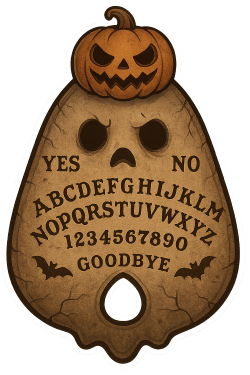
.png 1.7K Halloween_Ouija Emoji
.png 11.1K Greenleftboarder Emoji
.png 10.4K Greenrightboarder Emoji
.gif 5.4K BartSkating Emoji
.png 12.3K skateboard Emoji
.png 5.8K CapooSkater Emoji
.gif 11.4K goth_ouijaboard Emoji
.png 54 pronouns_IDS Emoji
.png 39.1K Simp Emoji
.gif 24.9K OuijaBoard Emoji
.gif 35.7K SkateboardingKitty Emoji
.png 2.2K 3d_death_emoji Emoji
.png 383 natulineNT Emoji
.gif 5.9K Bruh Emoji
.png 11.1K PurplePlanchette Emoji

Whiteboard Discord emojis

Browse Whiteboard emojis shared by the emoji.gg community. Open a favourite to preview it, check its details and download the image.

Building a set for your server? Save your favourites to a collection as you browse so you can find them again.

Explore Whiteboard stickers

Add emojis to your Discord server

  1. Choose your favourites. Open a emoji and download its image.
  2. Open Server Settings. In Discord, select your server and go to the Emoji section.
  3. Upload and name it. Select the downloaded image, give it a name and save it for your community to use.

Get the Android app

Emoji.gg is better on the app. Download it from the Google Play store.

Get Emoji.gg on Google Play