Your Collection
Your collection items will appear here.

Wall Clock Emojis

Find Wall Clock custom emojis to use
on Discord, Twitch & Slack

.gif 243 cattobonk Emoji
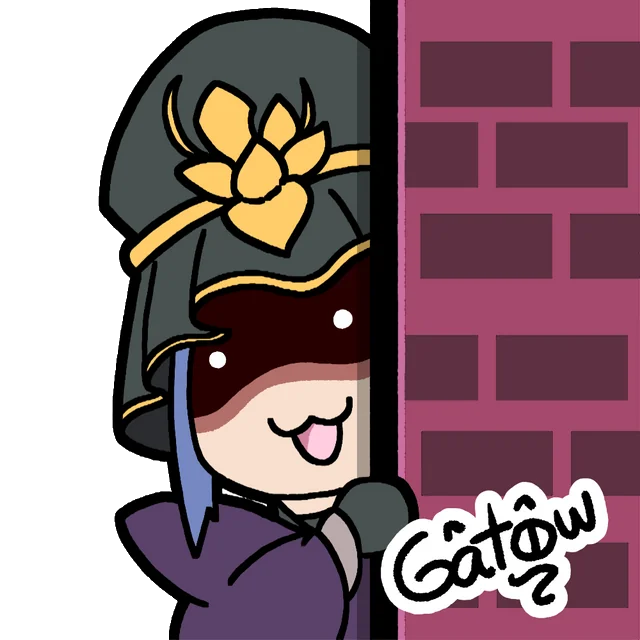
.png 1.0K FateMedeaBehindWall Emoji
.png 6.2K BearPeek Emoji
.png 3.8K MyMelodyPeek Emoji
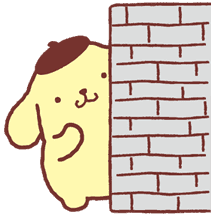
.png 4.8K PurinPeek Emoji
.png 4.2K HelloKittyPeek Emoji
.png 843 wall Emoji
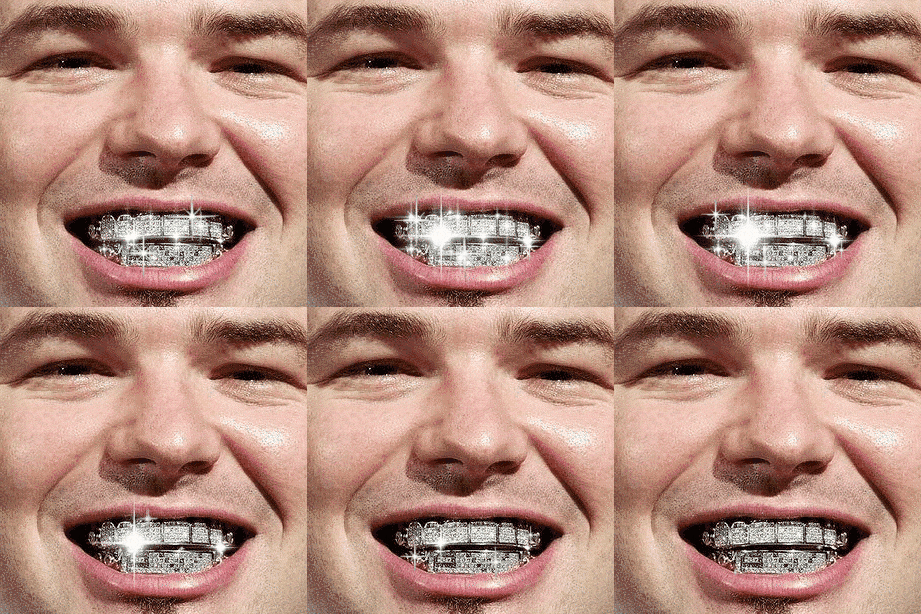
.gif 832 PaulWall Emoji
.gif 3.1K BijouPeek Emoji
.png 368 SavingYou_ Emoji
.png 53.9K talktoWall Emoji
.gif 3.6K throwing_phone_at_wall Emoji
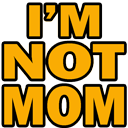
.png 854 notmom Emoji
.png 18.1K Meru_Peeking Emoji
.png 340 KC Emoji
.gif 11.3K Talk_to_wall Emoji
.png 910 GoodPeopleBadge Emoji
.png 946 WallDwellerBadge Emoji
.png 7.6K WallEMatching Emoji
.png 9.2K WallEMatching Emoji
.gif 736 Eve_Angry_WallE Emoji
.gif 66.1K Talking_To_Wall Emoji
.gif 40.2K Wall_Banging Emoji
.png 8.9K skunk_peek Emoji
.png 39.9K brickwall Emoji

Wall Clock Discord emojis

Browse Wall Clock emojis shared by the emoji.gg community. Open a favourite to preview it, check its details and download the image.

Building a set for your server? Save your favourites to a collection as you browse so you can find them again.

Explore Wall Clock stickers

Add emojis to your Discord server

  1. Choose your favourites. Open a emoji and download its image.
  2. Open Server Settings. In Discord, select your server and go to the Emoji section.
  3. Upload and name it. Select the downloaded image, give it a name and save it for your community to use.

Get the Android app

Emoji.gg is better on the app. Download it from the Google Play store.

Get Emoji.gg on Google Play