Your Collection
Your collection items will appear here.

Virtualpet Emojis

Find Virtualpet custom emojis to use
on Discord, Twitch & Slack

.png 163 fev_Channel Emoji
.png 21 Pound Emoji
.gif 325 pout Emoji
.gif 0 poultryleg Emoji
.gif 0 pour Emoji
.gif 53 poutingcat Emoji
.png 0 100PoultryLeg Emoji
.png 0 100PouringLiquid Emoji
.png 15 dollars Emoji
.gif 452 glitterheartbag Emoji
.png 683 MeruPout Emoji
.png 531 MeruHmph Emoji
.png 612 TTKAngryButterfly Emoji
.png 512 PouSad Emoji
.gif 3.7K PeachSorry Emoji
.gif 1.6K MakeupBag Emoji
.gif 5.7K PeachPout Emoji
.png 6.9K pouting Emoji
.gif 1.6K MariePout Emoji
.png 111 cotcot Emoji
.png 4.8K snookipouringadrink Emoji
.png 2.2K Cirrus_pout Emoji
.png 288 gradesoldat Emoji
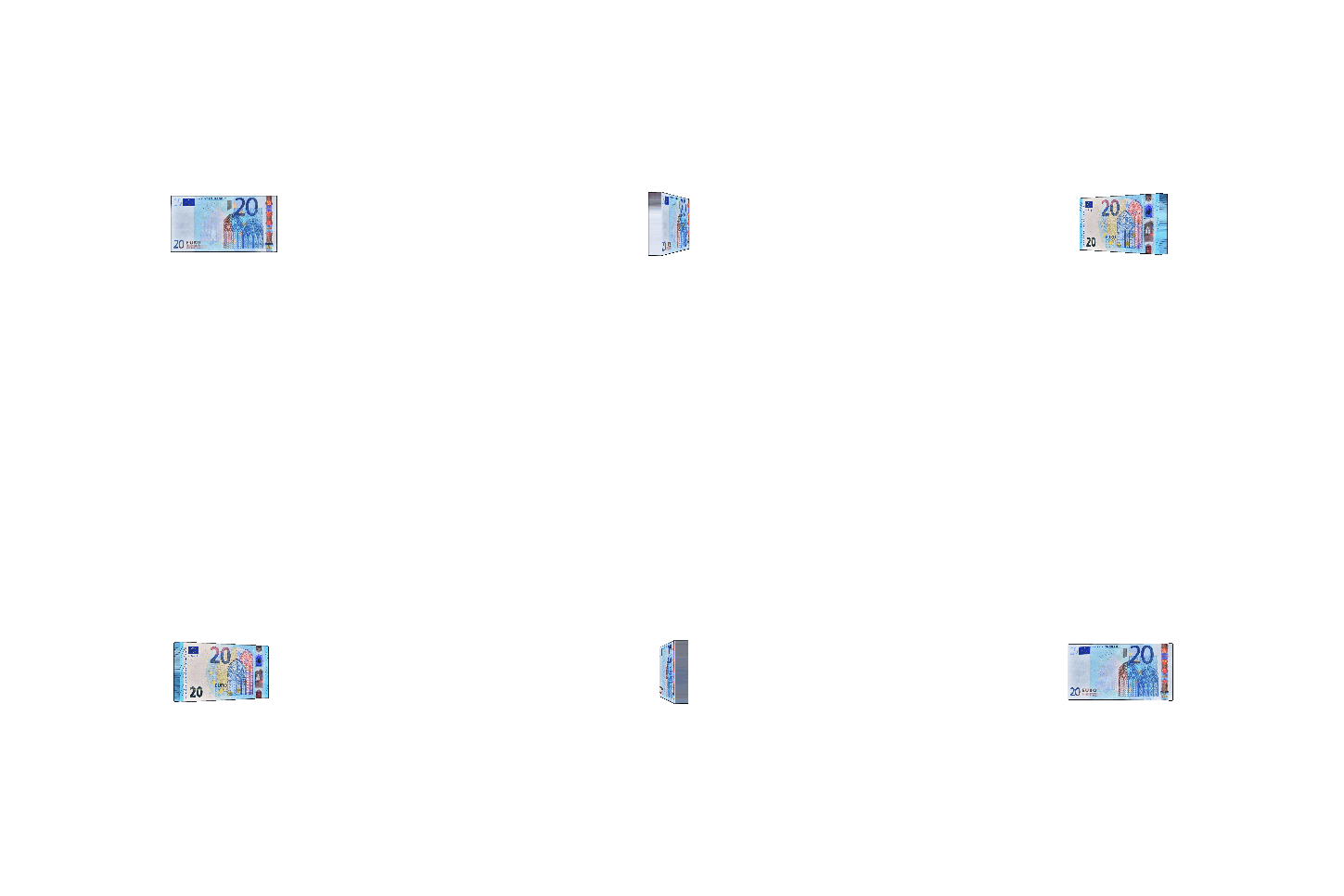
.gif 208 spinningeuro20pounds Emoji
.png 4.4K pouch Emoji

Virtualpet Discord emojis

Browse Virtualpet emojis shared by the emoji.gg community. Open a favourite to preview it, check its details and download the image.

Building a set for your server? Save your favourites to a collection as you browse so you can find them again.

Explore Virtualpet stickers

Add emojis to your Discord server

  1. Choose your favourites. Open a emoji and download its image.
  2. Open Server Settings. In Discord, select your server and go to the Emoji section.
  3. Upload and name it. Select the downloaded image, give it a name and save it for your community to use.

Get the Android app

Emoji.gg is better on the app. Download it from the Google Play store.

Get Emoji.gg on Google Play