Your Collection
Your collection items will appear here.

Us Emojis

Find Us custom emojis to use
on Discord, Twitch & Slack

.gif 28 Soviet_thugs Emoji
.gif 19 LobaTwerk Emoji
.gif 40 GibbyTwerk Emoji
.png 124 Sheild Emoji
.png 65 BrownBriefcase Emoji
.png 31 GreenAlien Emoji
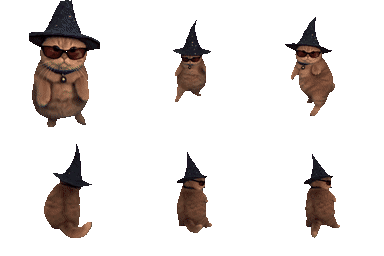
.gif 245 Witch_Cat_Dancing Emoji
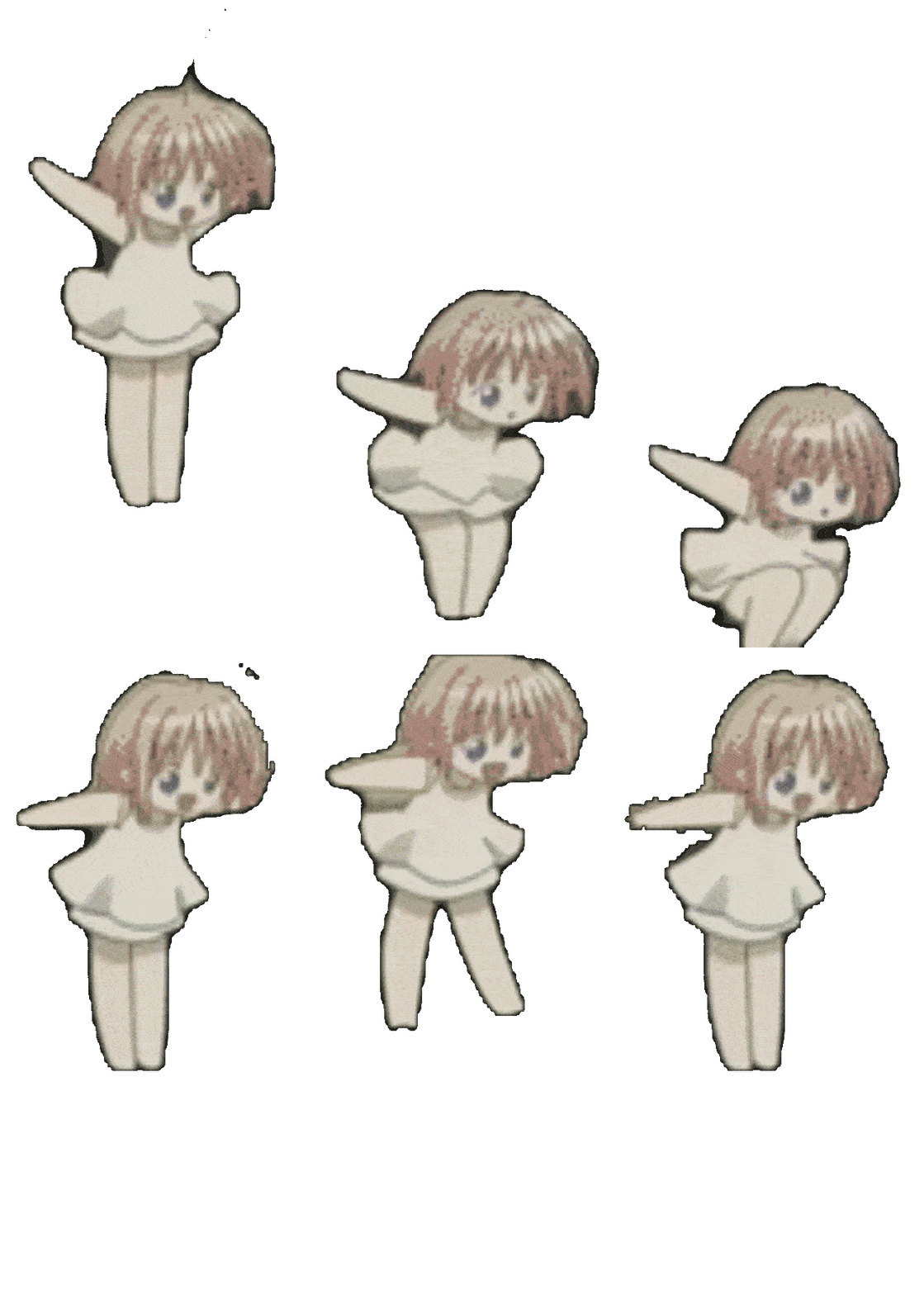
.gif 29 kururujumping Emoji
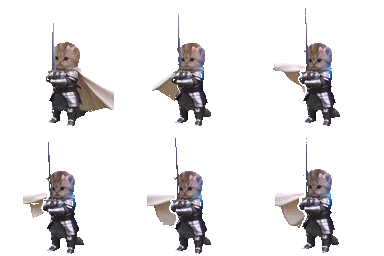
.gif 91 Knight_Cat Emoji
.png 101 PepeSus Emoji
.gif 12 Soviet_Cat Emoji
.gif 9 Mouse_Dancing Emoji
.png 233 fev_Crown Emoji
.png 108 fev_Ban Emoji
.png 132 fev_User Emoji
.png 55 fev_Edit Emoji
.png 77 fev_Calendar Emoji
.png 67 fev_Shield Emoji
.png 68 fev_Pinned Emoji
.png 73 fev_Locked Emoji
.png 114 fev_Rules Emoji
.png 33 fev_Unlock Emoji
.png 4 Mischievouslight Emoji
.png 56 Curiouslight Emoji
.png 14 serious_mamdani Emoji

Us Discord emojis

Browse Us emojis shared by the emoji.gg community. Open a favourite to preview it, check its details and download the image.

Building a set for your server? Save your favourites to a collection as you browse so you can find them again.

Explore Us stickers

Add emojis to your Discord server

  1. Choose your favourites. Open a emoji and download its image.
  2. Open Server Settings. In Discord, select your server and go to the Emoji section.
  3. Upload and name it. Select the downloaded image, give it a name and save it for your community to use.

Get the Android app

Emoji.gg is better on the app. Download it from the Google Play store.

Get Emoji.gg on Google Play