Your Collection
Your collection items will appear here.

Upscale Emojis

Find Upscale custom emojis to use
on Discord, Twitch & Slack

.png 8.2K Mad_Fenrys Emoji
.png 33.4K steambored Emoji
.png 38.5K steammocking Emoji
.png 12.9K steamthumbsup Emoji
.png 5.1K steamthis Emoji
.png 30.4K steamfacepalm Emoji
.png 10.2K steamsalty Emoji
.png 45.7K steamhappy Emoji
.png 15.9K steamthumbsdown Emoji
.png 42.2K steamsad Emoji
.png 3.6K it_is_a_mystery Emoji
.png 246.8K KannaFacePalm Emoji
.gif 54 poodleheartblink Emoji
.gif 2.6K hangingstarmotif Emoji
.gif 24.1K CatFedora Emoji
.png 4.8K CinnaCoffee Emoji
.png 5.4K CinnaBusiness Emoji
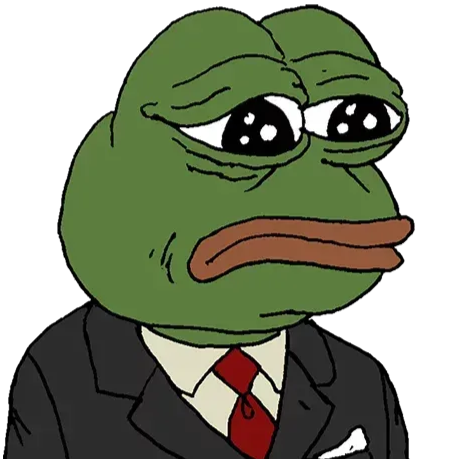
.png 37.9K PepeSadBusiness Emoji
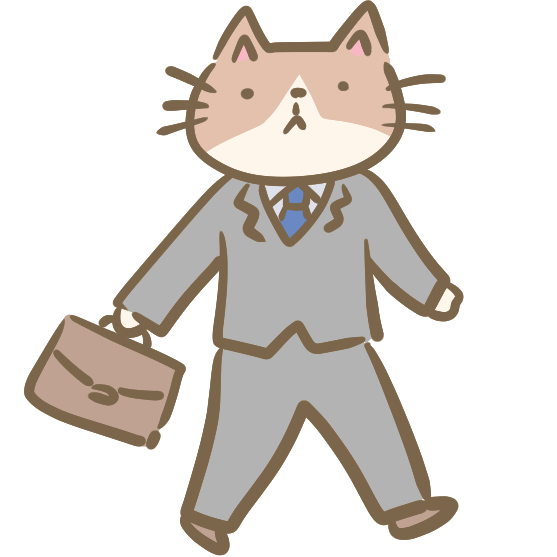
.png 755 BusinessCat Emoji
.png 20.2K glowing_dot_blue Emoji
.png 12.4K glowing_dot_black Emoji
.png 10.0K glowing_dot_pink Emoji
.png 16.6K glowing_dot_green Emoji
.png 11.6K glowing_dot_pink2 Emoji
.png 20.9K glowing_dot_red Emoji

Upscale Discord emojis

Browse Upscale emojis shared by the emoji.gg community. Open a favourite to preview it, check its details and download the image.

Building a set for your server? Save your favourites to a collection as you browse so you can find them again.

Explore Upscale stickers

Add emojis to your Discord server

  1. Choose your favourites. Open a emoji and download its image.
  2. Open Server Settings. In Discord, select your server and go to the Emoji section.
  3. Upload and name it. Select the downloaded image, give it a name and save it for your community to use.

Get the Android app

Emoji.gg is better on the app. Download it from the Google Play store.

Get Emoji.gg on Google Play