Your collections

Keep your favourite assets together

Unofficial Emojis

Find Unofficial custom emojis to use
on Discord, Twitch & Slack

.png 98 libertarianturk Emoji
.png 2.3K interesting_move Emoji
.png 5.7K sql Emoji
.png 433 Hello_There Emoji
.png 2.7K ferris_happy Emoji
.png 86 unofficial Emoji
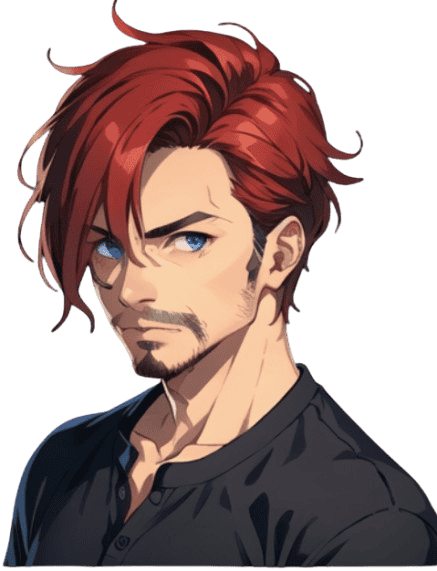
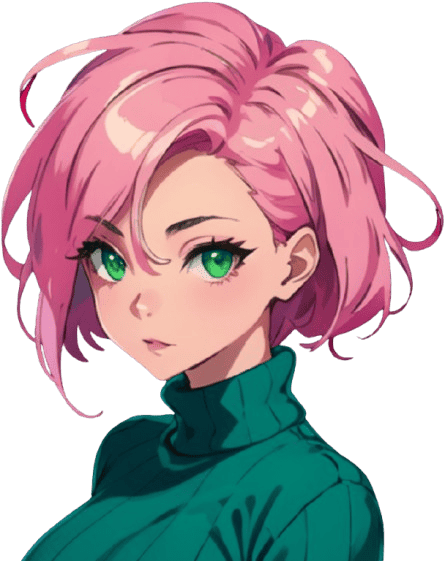
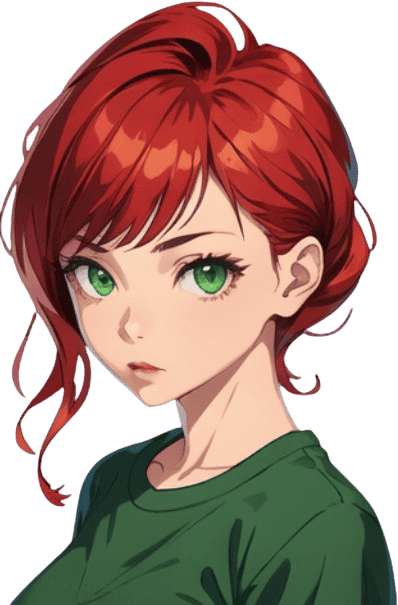
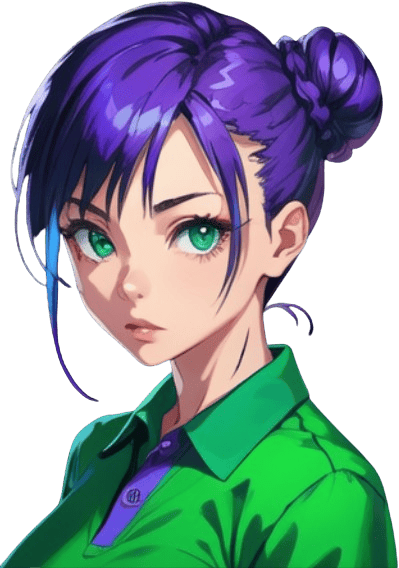
.png 84 PsychosykesKarutaIdol Emoji
.png 116 DeadBubble Emoji
.png 194 PsychoKarutaIdol Emoji
.png 21 LeeKarutaIdol Emoji
.png 196 JuviaKarutaIdol Emoji
.png 220 ChoconutKarutaIdol Emoji
.png 321 GuraKarutaIdol Emoji
.png 88 ImPettyKarutaIdol Emoji
.png 341 TiffKarutaIdol Emoji
.png 0 Camera Emoji
.png 0 Ohh Emoji
.png 1.6K Ice Emoji
.png 3.0K Oops Emoji
.png 55.1K PurpleTrolley Emoji
.png 200 Unranked Emoji
.png 16.0K VDay_Love Emoji
.png 6.6K Winter_Nah Emoji
.png 2.5K Winter_NotBad Emoji
.png 60.4K hrmm Emoji

Unofficial Discord emojis

Browse Unofficial emojis shared by the emoji.gg community. Open a favourite to preview it, check its details and download the image.

Building a set for your server? Save your favourites to a collection as you browse so you can find them again.

Explore Unofficial stickers

Add emojis to your Discord server

  1. Choose your favourites. Open a emoji and download its image.
  2. Open Server Settings. In Discord, select your server and go to the Emoji section.
  3. Upload and name it. Select the downloaded image, give it a name and save it for your community to use.

Get the Android app

Emoji.gg is better on the app. Download it from the Google Play store.

Get Emoji.gg on Google Play