Your Collection
Your collection items will appear here.

Ties Emojis

Find Ties custom emojis to use
on Discord, Twitch & Slack

.png 17.3K Meru_Shocked_Blush Emoji
.png 1.8K Meru_Ackchyually Emoji
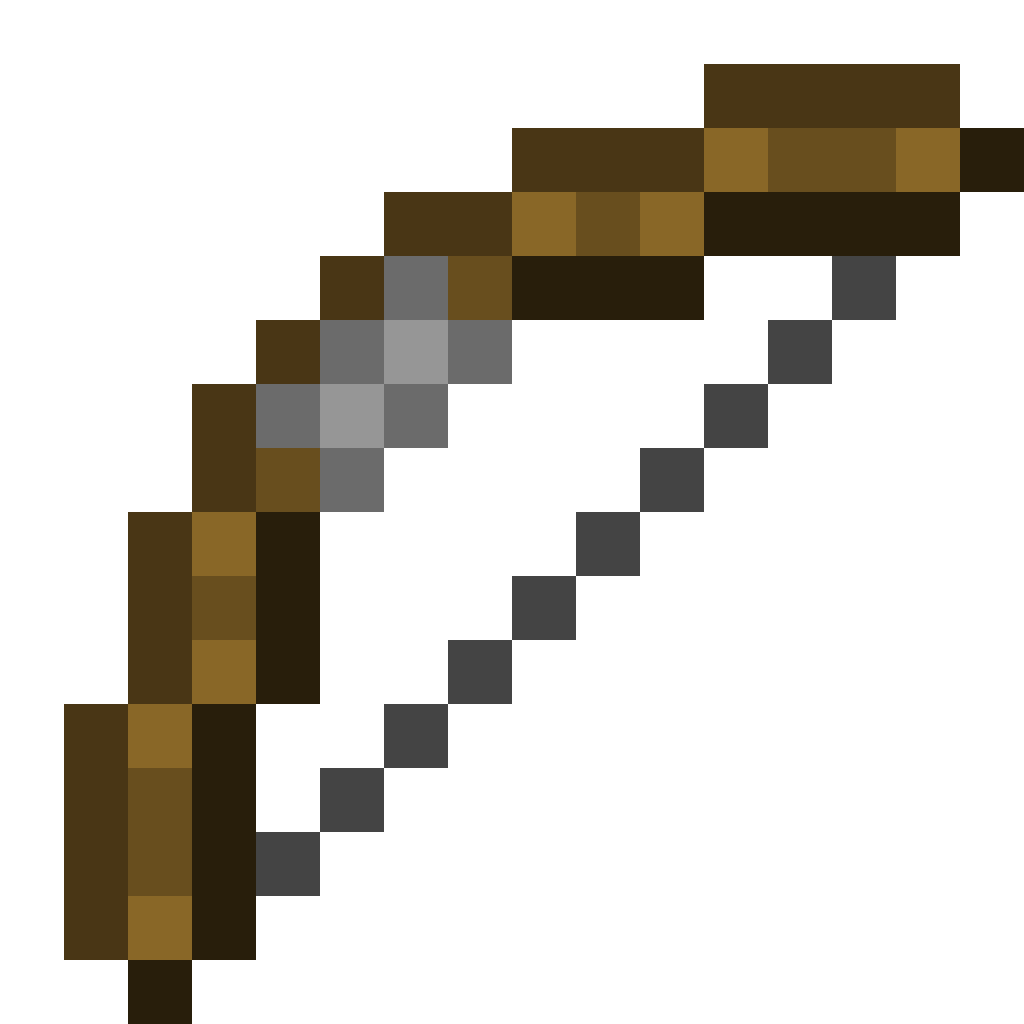
.png 23 Bow Emoji
.png 0 BowPulling0 Emoji
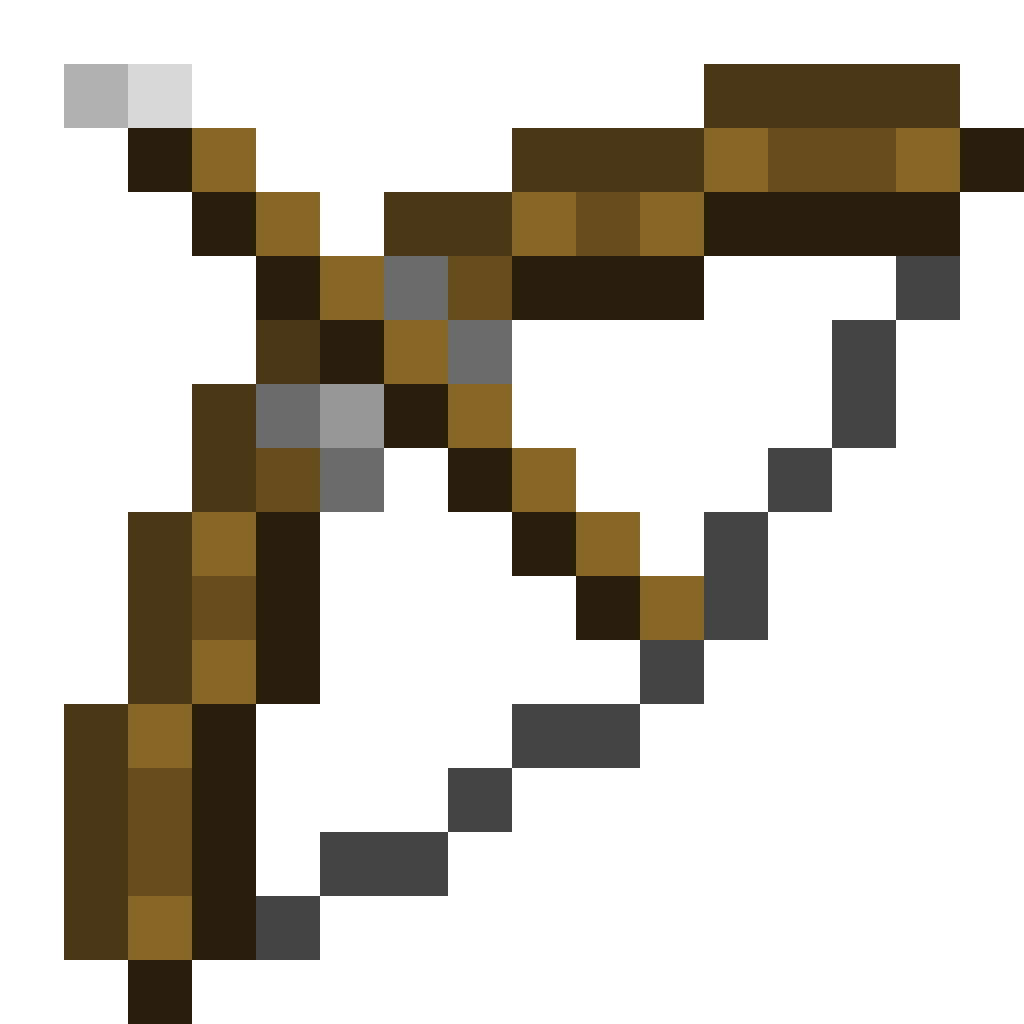
.png 32 BowPulling1 Emoji
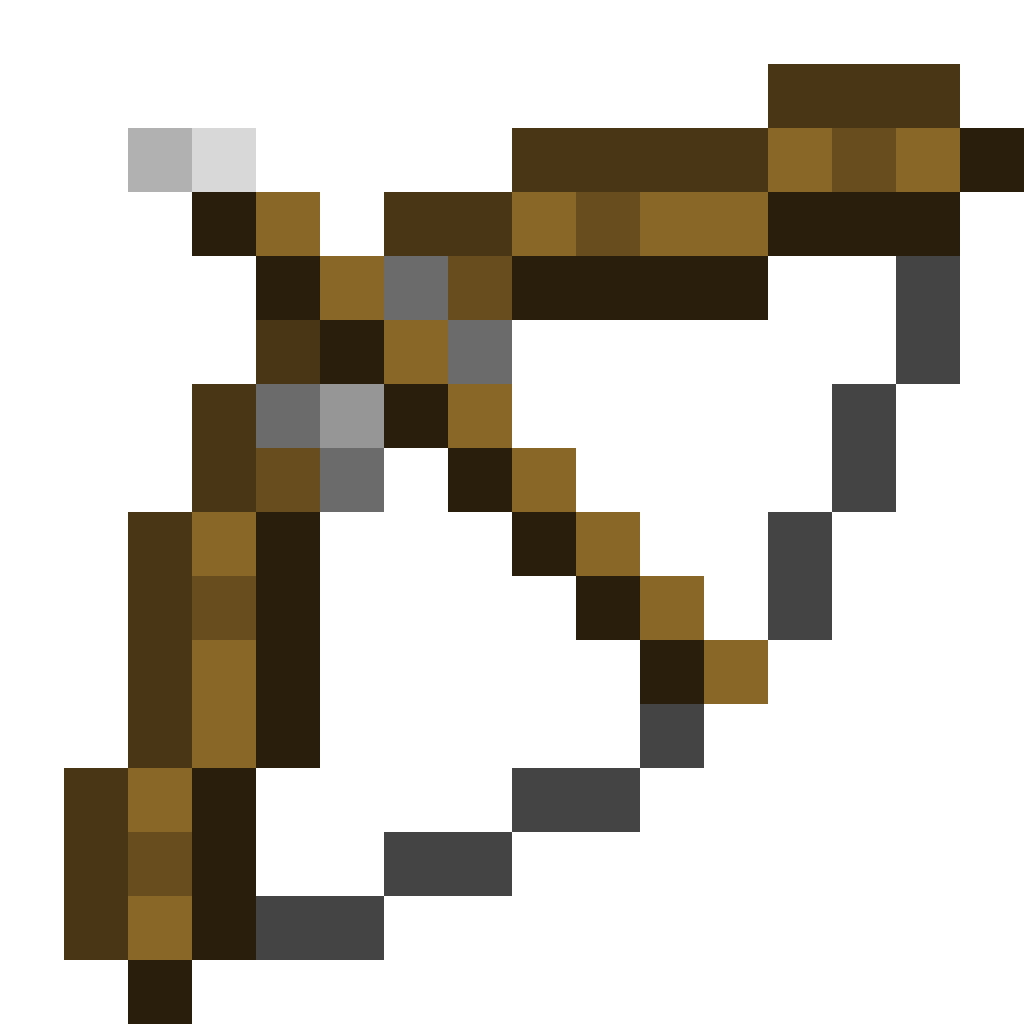
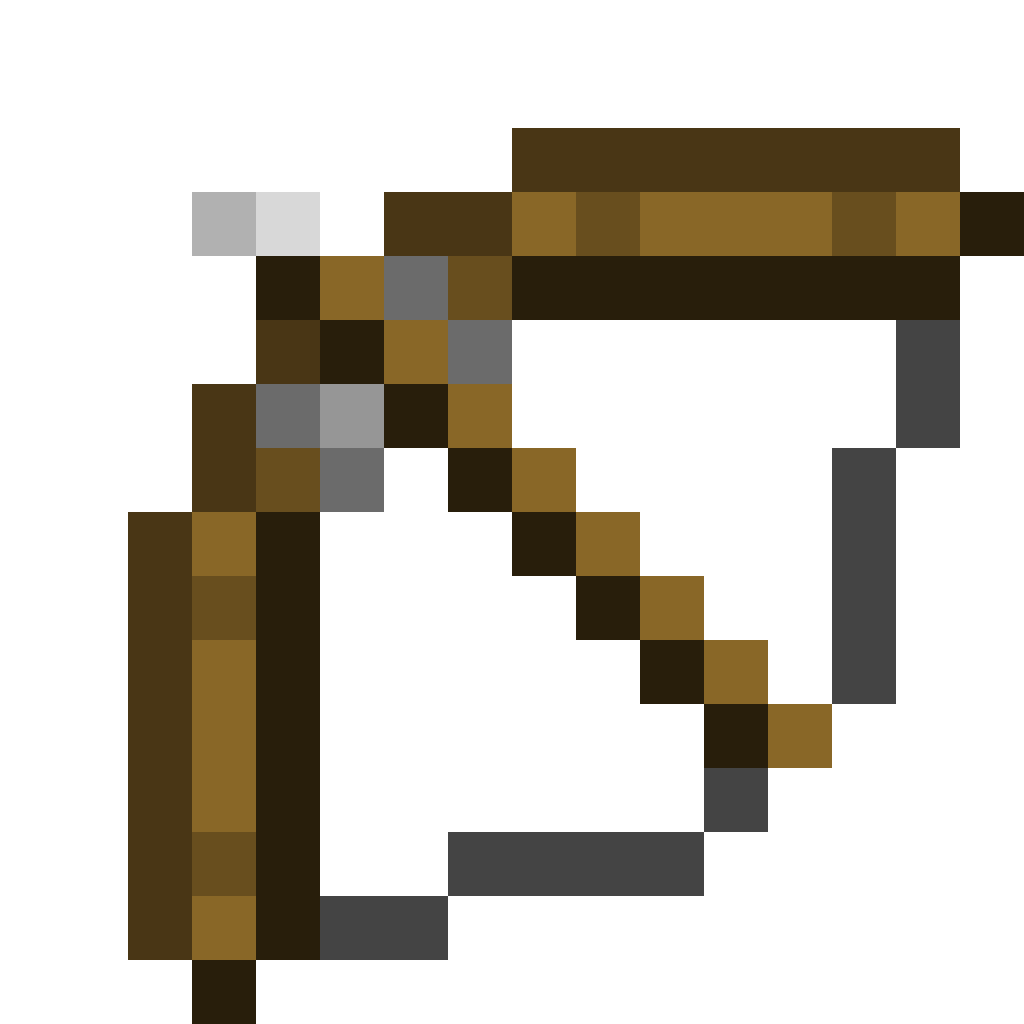
.png 8 BowPulling2 Emoji
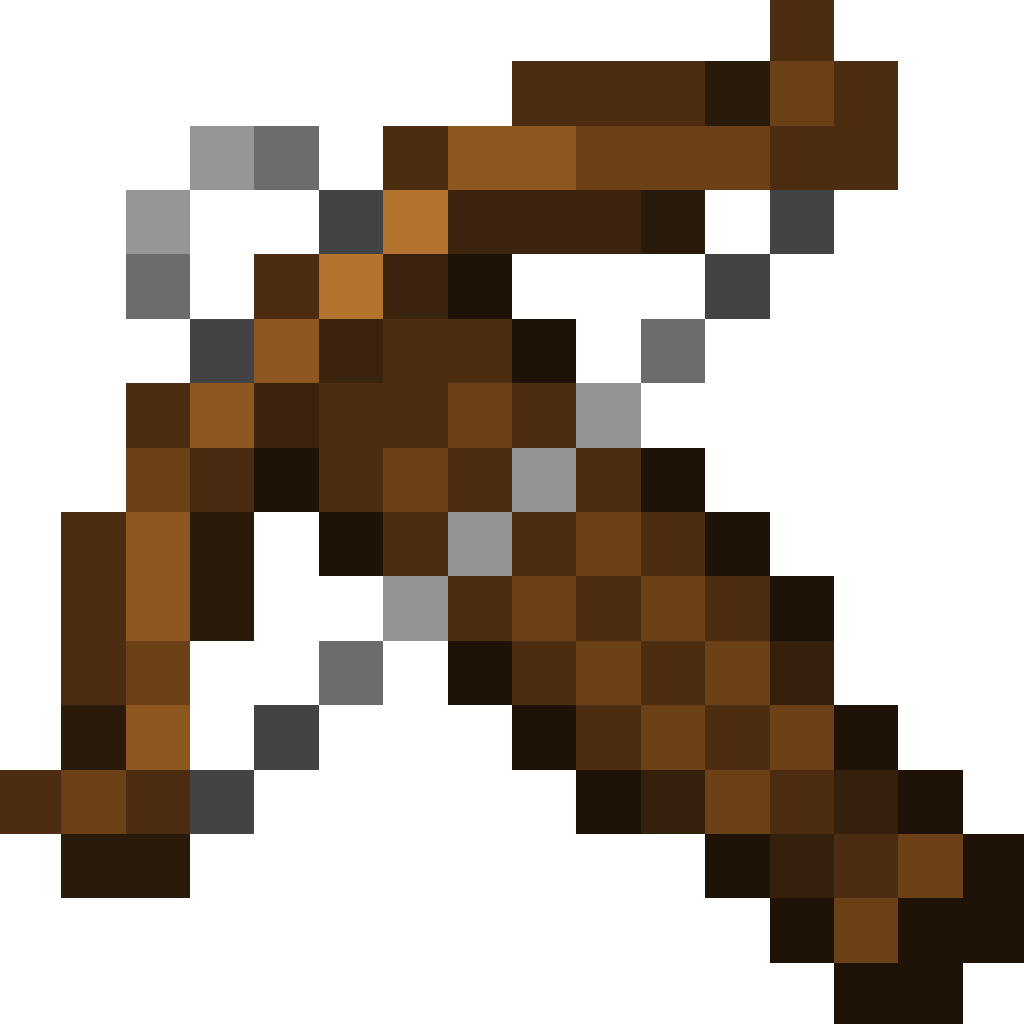
.png 5 Crossbow Emoji
.png 87 CrossbowArrow Emoji
.png 7 CrossbowFirework Emoji
.png 0 CrossbowPulling0 Emoji
.png 12 CrossbowPulling1 Emoji
.png 0 CrossbowPulling2 Emoji
.png 0 CrossbowStandby Emoji
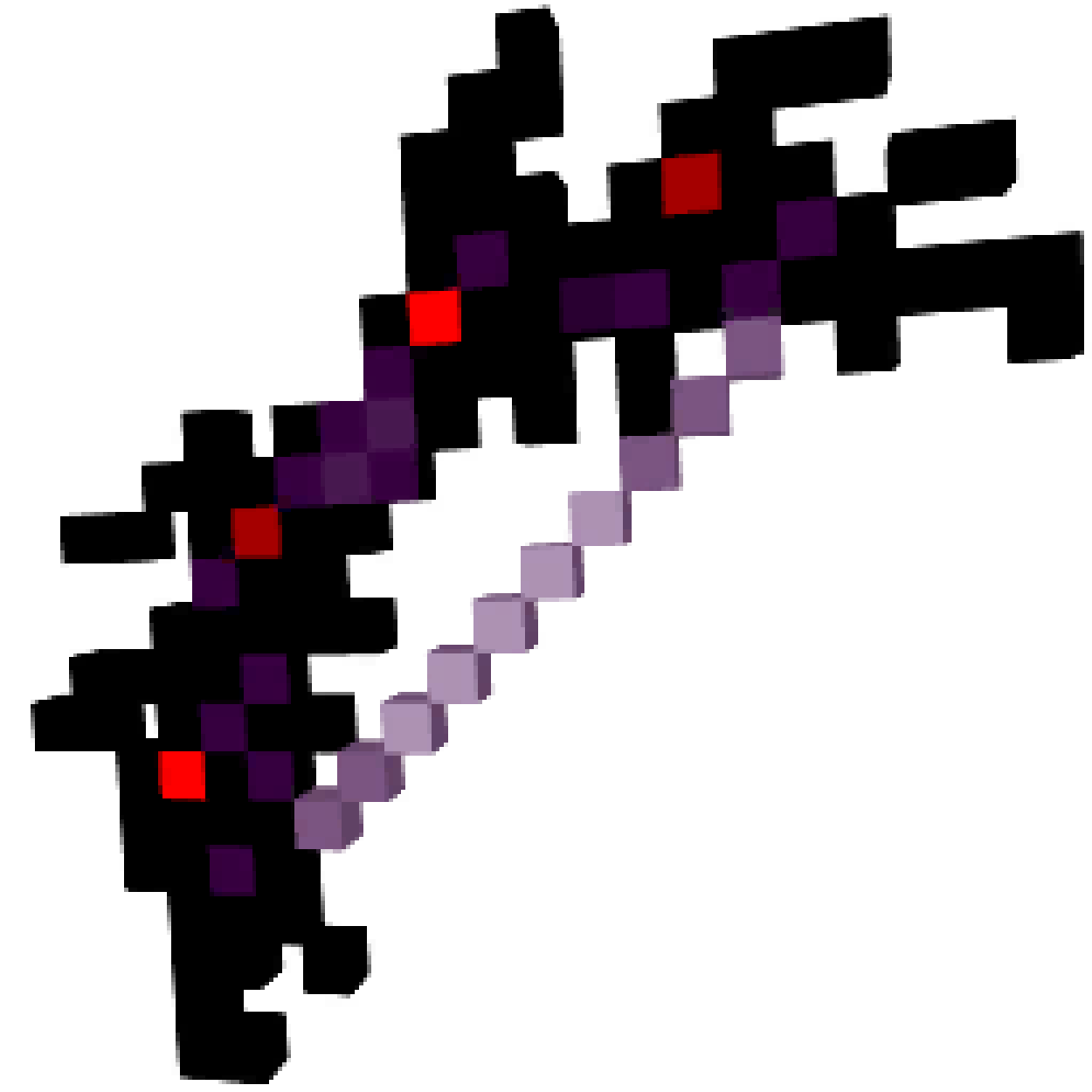
.png 0 BowSpooky Emoji
.png 0 BurstBowstring Emoji
.gif 138 pinklovepotionhearts Emoji
.gif 672 pinkbowheartmotif Emoji
.gif 750 cutewhitebow Emoji
.gif 203 blinkingpinkbear Emoji
.png 591 Bowser_in_love Emoji
.png 7.7K BunnyLove Emoji
.png 7.3K DogAngel Emoji
.gif 757 whitebow Emoji
.gif 5.1K jerrybowthankyou Emoji
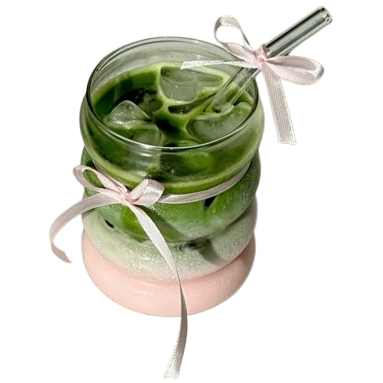
.png 13.0K coquettestrawberrymatcha Emoji

Ties Discord emojis

Browse Ties emojis shared by the emoji.gg community. Open a favourite to preview it, check its details and download the image.

Building a set for your server? Save your favourites to a collection as you browse so you can find them again.

Explore Ties stickers

Add emojis to your Discord server

  1. Choose your favourites. Open a emoji and download its image.
  2. Open Server Settings. In Discord, select your server and go to the Emoji section.
  3. Upload and name it. Select the downloaded image, give it a name and save it for your community to use.

Get the Android app

Emoji.gg is better on the app. Download it from the Google Play store.

Get Emoji.gg on Google Play