Your collections

Keep your favourite assets together

Tab Emojis

Find Tab custom emojis to use
on Discord, Twitch & Slack

.gif 0 rootvegetable Emoji
.gif 36 tablefortwo Emoji
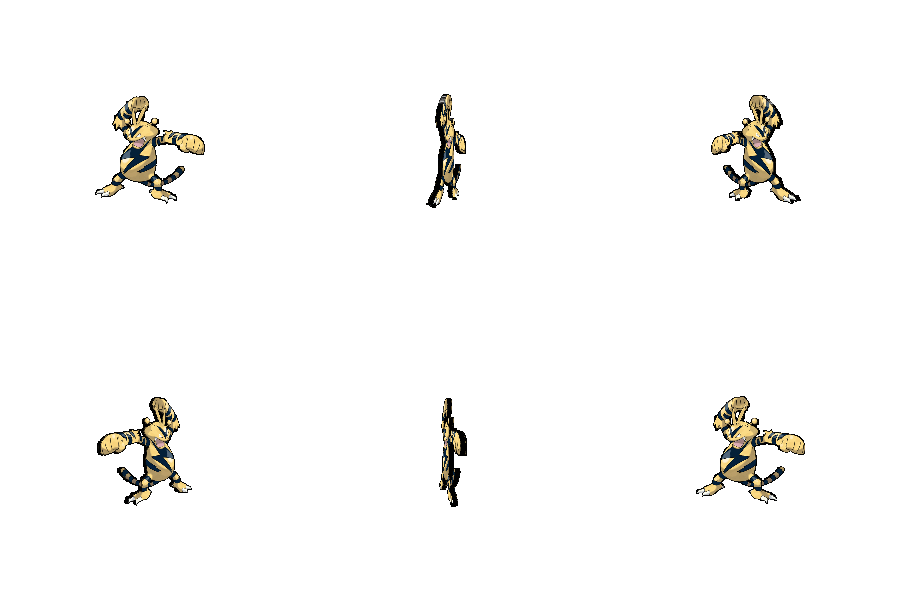
.gif 0 electabuzz Emoji
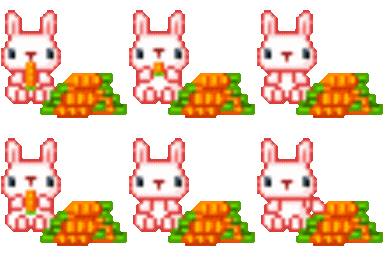
.gif 274 rabbitsnackingcarrots Emoji
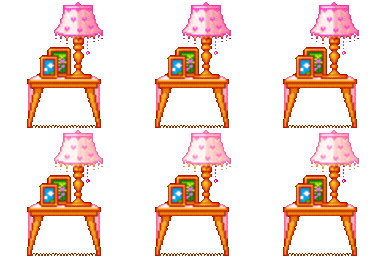
.gif 414 pinkheartstylus Emoji
.gif 22 endtabledecor Emoji
.gif 4 nuko_table_flip Emoji
.gif 104 tabbykittyblowkiss Emoji
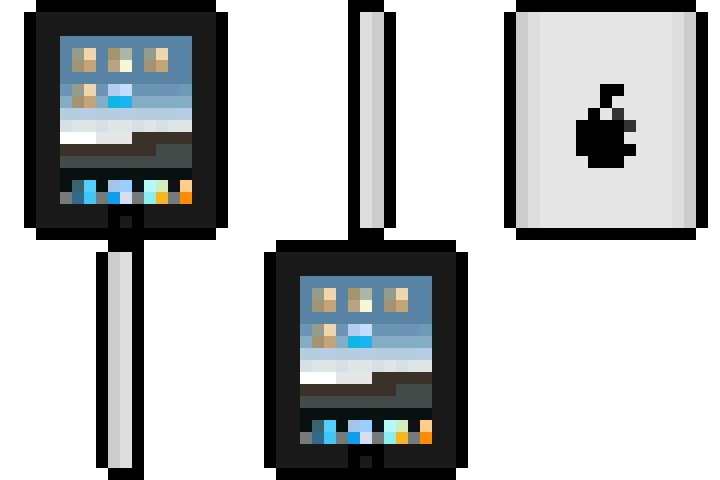
.gif 811 Tablet Emoji
.gif 18.2K PeachTableFlip Emoji
.gif 2.1K PeachBowl Emoji
.gif 1.8K Padoru Emoji
.gif 7.2K KickDJ Emoji
.gif 3.1K inflatableguywaving Emoji
.gif 4.8K SparklyGameConsole Emoji
.gif 4.2K Uncomfortable Emoji
.gif 6.3K CarrotStare Emoji
.gif 89.4K butwhy Emoji
.gif 6.3K sabrina_stab Emoji
.gif 11.0K Unacceptable_Duck Emoji
.gif 16.9K PepeAmongUsStab Emoji
.gif 4.3K Jamesinflatableboobsmeme Emoji
.gif 7.2K TogaStab Emoji
.gif 14.6K uncomfortable_dog Emoji
.gif 587 catabc Emoji

Tab Discord emojis

Browse Tab emojis shared by the emoji.gg community. Open a favourite to preview it, check its details and download the image.

Building a set for your server? Save your favourites to a collection as you browse so you can find them again.

Explore Tab stickers

Add emojis to your Discord server

  1. Choose your favourites. Open a emoji and download its image.
  2. Open Server Settings. In Discord, select your server and go to the Emoji section.
  3. Upload and name it. Select the downloaded image, give it a name and save it for your community to use.

Get the Android app

Emoji.gg is better on the app. Download it from the Google Play store.

Get Emoji.gg on Google Play