Your Collection
Your collection items will appear here.

Smartwatch Emojis

Find Smartwatch custom emojis to use
on Discord, Twitch & Slack

.png 56 Curiouslight Emoji
.png 38 Eye Emoji
.png 143 Clock Emoji
.png 217 clock Emoji
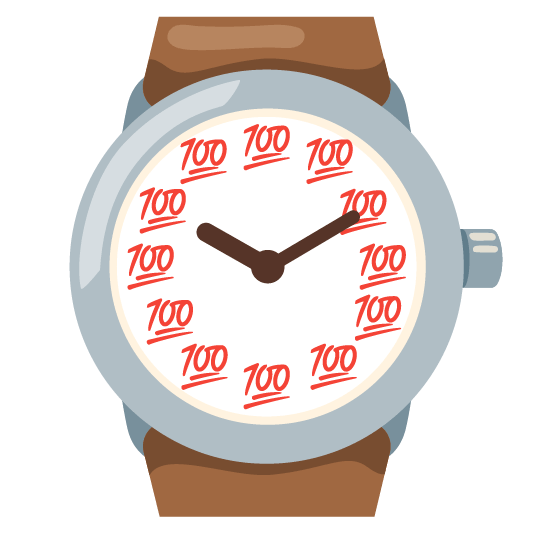
.png 0 100Watch Emoji
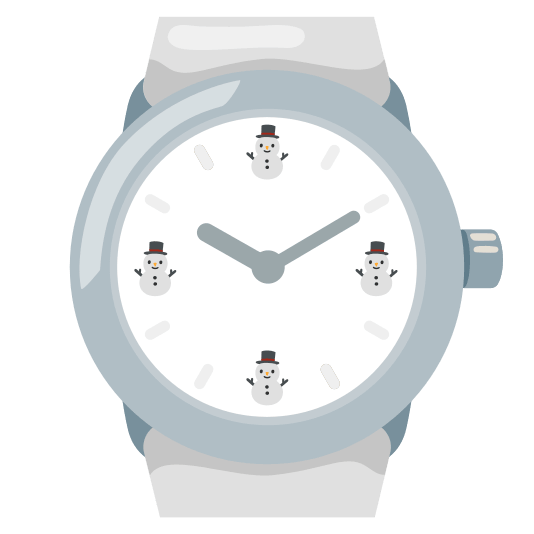
.png 0 SnowmanWatch Emoji
.png 919 MeruPopCorn Emoji
.png 841 MeruSip Emoji
.gif 382 miku Emoji
.png 2.3K OfficerUA Emoji
.gif 2.8K BiteLips Emoji
.gif 2.2K LickBone Emoji
.png 2.0K vintagepocketwatch Emoji
.png 2.5K gunpoint Emoji
.gif 3.0K munchin Emoji
.png 83 LUCASisWATCHING Emoji
.png 15.8K watchesspeed Emoji
.gif 2.8K GomaSleeping Emoji
.gif 596 WatchingYou Emoji
.png 1 greenbeanstolemyfruit Emoji
.png 6.2K BearPeek Emoji
.png 4.8K PurinPeek Emoji
.png 4.2K HelloKittyPeek Emoji
.png 6.5K CopperCape Emoji
.gif 9.5K WatchingNetflix Emoji

Smartwatch Discord emojis

Browse Smartwatch emojis shared by the emoji.gg community. Open a favourite to preview it, check its details and download the image.

Building a set for your server? Save your favourites to a collection as you browse so you can find them again.

Explore Smartwatch stickers

Add emojis to your Discord server

  1. Choose your favourites. Open a emoji and download its image.
  2. Open Server Settings. In Discord, select your server and go to the Emoji section.
  3. Upload and name it. Select the downloaded image, give it a name and save it for your community to use.

Get the Android app

Emoji.gg is better on the app. Download it from the Google Play store.

Get Emoji.gg on Google Play