Your Collection
Your collection items will appear here.

Situations Emojis

Find Situations custom emojis to use
on Discord, Twitch & Slack

.png 689 Happyshrug Emoji
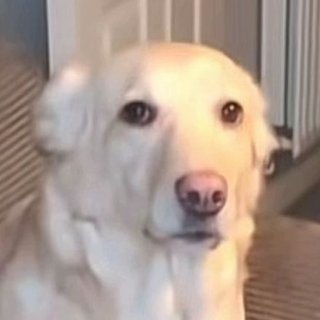
.png 23.8K confused_dog1 Emoji
.png 16.4K napoleon_sad Emoji
.png 1.6K wety_melt Emoji
.png 62.9K ICANT Emoji
.png 468 woozycat Emoji
.png 5.4K What Emoji
.png 24.1K awkward Emoji
.png 1.2K notListeningtoU Emoji
.png 915 shhh_Hehe Emoji
.png 567 Gripen_Oh Emoji
.png 877 Gripen_Mhm Emoji
.png 5 whenthe Emoji
.png 285 angel_taking_a_hard_crap Emoji
.png 1.1K bigcry Emoji
.png 19 hmm Emoji
.png 16.2K Holup Emoji
.png 14.1K villageremerald Emoji
.png 226 nani Emoji
.png 3.0K puppetloaf Emoji
.png 4.4K whatthefuck Emoji
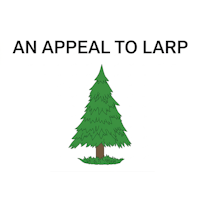
.png 1.3K AnAppealtoLarp Emoji
.png 1.2K HauntedMoundReapers Emoji
.png 1.5K Stankonia Emoji
.png 1.9K anticommunistaction Emoji

Situations Discord emojis

Browse Situations emojis shared by the emoji.gg community. Open a favourite to preview it, check its details and download the image.

Building a set for your server? Save your favourites to a collection as you browse so you can find them again.

Explore Situations stickers

Add emojis to your Discord server

  1. Choose your favourites. Open a emoji and download its image.
  2. Open Server Settings. In Discord, select your server and go to the Emoji section.
  3. Upload and name it. Select the downloaded image, give it a name and save it for your community to use.

Get the Android app

Emoji.gg is better on the app. Download it from the Google Play store.

Get Emoji.gg on Google Play