Your Collection
Your collection items will appear here.

Show Off Emojis

Find Show Off custom emojis to use
on Discord, Twitch & Slack

.gif 1.2K ishowspeed Emoji
.gif 63 SpeedEdit2 Emoji
.gif 226 barneymeme Emoji
.png 44 vip Emoji
.png 75 calendar Emoji
.gif 173 imaginaryfriendscheesetalk Emoji
.gif 0 divamagicianhalloween Emoji
.gif 387 ExcuseMe Emoji
.gif 40 Hug Emoji
.gif 331 Unbothered Emoji
.gif 189 Dance10 Emoji
.png 934 MeruPopCorn Emoji
.gif 219 TrippyRick Emoji
.gif 776 Rick1 Emoji
.gif 616 Morty1 Emoji
.png 20 Spinner Emoji
.png 611 SadMoney Emoji
.png 1.1K rigbyeyesonneck Emoji
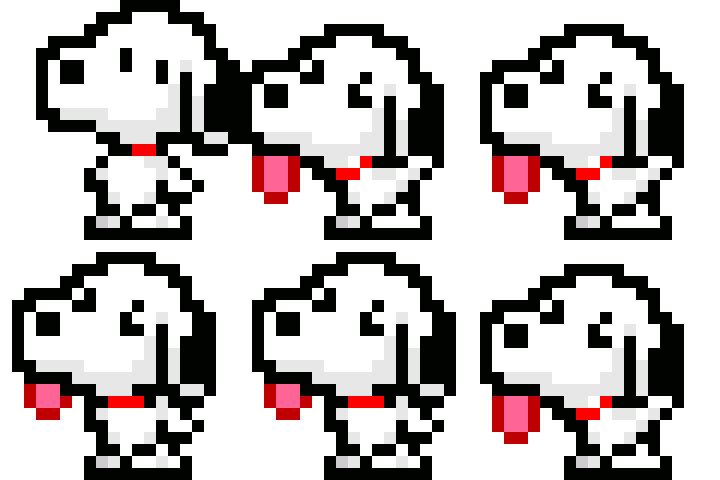
.gif 15.7K SnoopyTongue Emoji
.png 686 InvincibleFlaxanmark Emoji
.png 801 invincibleViltrumincible Emoji
.png 758 Invinciblesinsterinvincible Emoji
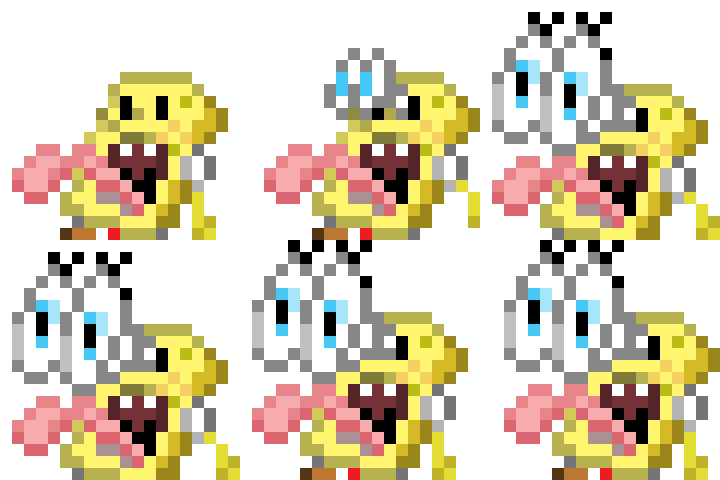
.gif 8.2K Spongebob Emoji
.png 6.8K PurpleHearthCape Emoji
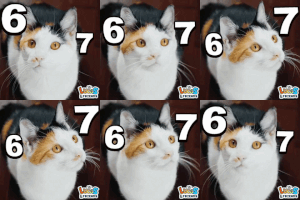
.gif 7.3K 67Cat Emoji

Show Off Discord emojis

Browse Show Off emojis shared by the emoji.gg community. Open a favourite to preview it, check its details and download the image.

Building a set for your server? Save your favourites to a collection as you browse so you can find them again.

Explore Show Off stickers

Add emojis to your Discord server

  1. Choose your favourites. Open a emoji and download its image.
  2. Open Server Settings. In Discord, select your server and go to the Emoji section.
  3. Upload and name it. Select the downloaded image, give it a name and save it for your community to use.

Get the Android app

Emoji.gg is better on the app. Download it from the Google Play store.

Get Emoji.gg on Google Play