Your collections

Keep your favourite assets together

See Ya Emojis

Find See Ya custom emojis to use
on Discord, Twitch & Slack

.png 226 yingyang Emoji
.gif 314 kittytiredyawn Emoji
.png 59 yawnemoji Emoji
.gif 0 yinyang Emoji
.png 36 100Yarn Emoji
.png 0 100YinYang Emoji
.png 0 100YawningFace Emoji
.png 0 SnowmanYawningFace Emoji
.png 0 SnowmanYinYang Emoji
.gif 529 yammy Emoji
.gif 242 bunnyfloweryapping Emoji
.gif 0 yanma Emoji
.png 42 lissa Emoji
.png 0 YarrowIdeen Emoji
.png 293 toshi_yawn Emoji
.png 4 Yazidi Emoji
.png 622 Yawning Emoji
.gif 892 smalldogbark Emoji
.gif 439 flareonyapbark Emoji
.gif 729 cutepuppybark Emoji
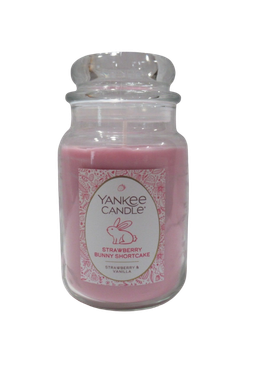
.png 477 Strawberrycandle Emoji
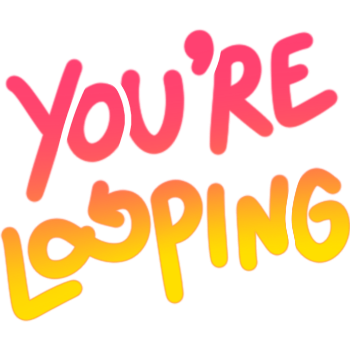
.png 107 Looping Emoji
.png 3.4K Yawningprincess Emoji
.png 901 BleachEspada0 Emoji
.gif 590 yarrr Emoji

See Ya Discord emojis

Browse See Ya emojis shared by the emoji.gg community. Open a favourite to preview it, check its details and download the image.

Building a set for your server? Save your favourites to a collection as you browse so you can find them again.

Explore See Ya stickers

Add emojis to your Discord server

  1. Choose your favourites. Open a emoji and download its image.
  2. Open Server Settings. In Discord, select your server and go to the Emoji section.
  3. Upload and name it. Select the downloaded image, give it a name and save it for your community to use.

Get the Android app

Emoji.gg is better on the app. Download it from the Google Play store.

Get Emoji.gg on Google Play