Your Collection
Your collection items will appear here.

Ride Sharing Emojis

Find Ride Sharing custom emojis to use
on Discord, Twitch & Slack

.png 59 sleigh Emoji
.png 0 PrairieRide Emoji
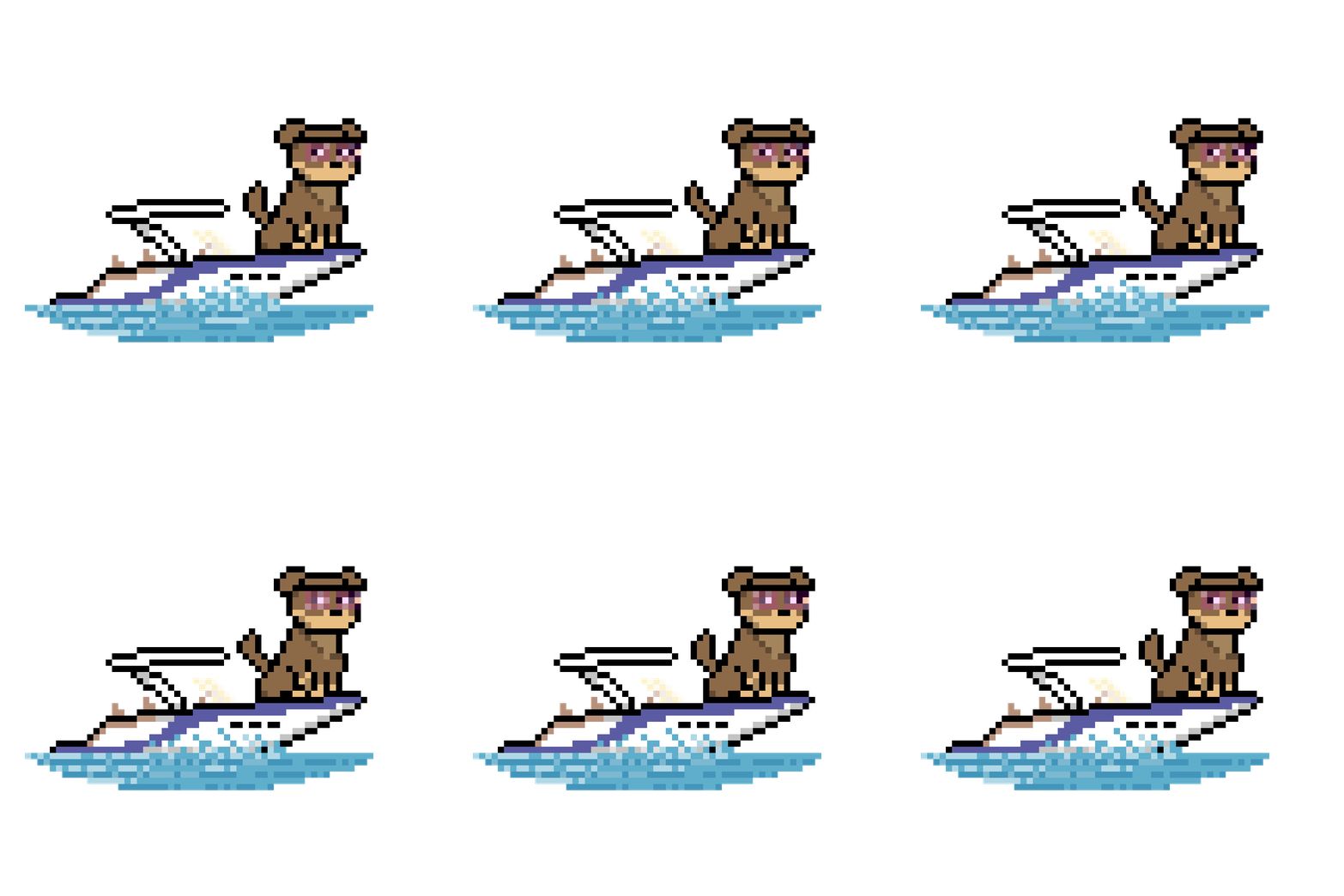
.gif 701 doginaljetski Emoji
.gif 3.4K PeachGomaMusic Emoji
.gif 5.7K GomaCarryPeach Emoji
.gif 2.8K PeachDuck Emoji
.gif 1.4K GomaRide Emoji
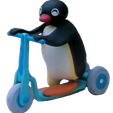
.png 1.9K pingu_ride Emoji
.png 1 Valley_Metro Emoji
.png 0 RGV_Metro_Express Emoji
.png 158 The_Woodlands_Express Emoji
.png 0 Fort_Bend_Transit Emoji
.gif 49.3K cat_CRAZY Emoji
.gif 15.1K Carousel Emoji
.gif 18.0K ScooterBunny Emoji
.gif 6.2K monkey_spin Emoji
.gif 20.1K pixel_toro_rainbow Emoji
.png 78.4K yellowguy_bicycle Emoji
.gif 3.8K HelloKittyCar Emoji
.gif 11.0K PusheenBurger Emoji
.gif 7.5K HelloTricycle Emoji
.gif 27.7K SeahorseRidePatrick Emoji
.gif 6.5K Pepe_Ride_Dog Emoji
.png 61 Ride Emoji
.png 2.1K YellowLamborghini Emoji

Ride Sharing Discord emojis

Browse Ride Sharing emojis shared by the emoji.gg community. Open a favourite to preview it, check its details and download the image.

Building a set for your server? Save your favourites to a collection as you browse so you can find them again.

Explore Ride Sharing stickers

Add emojis to your Discord server

  1. Choose your favourites. Open a emoji and download its image.
  2. Open Server Settings. In Discord, select your server and go to the Emoji section.
  3. Upload and name it. Select the downloaded image, give it a name and save it for your community to use.

Get the Android app

Emoji.gg is better on the app. Download it from the Google Play store.

Get Emoji.gg on Google Play