Your Collection
Your collection items will appear here.

Recreate Emojis

Find Recreate custom emojis to use
on Discord, Twitch & Slack
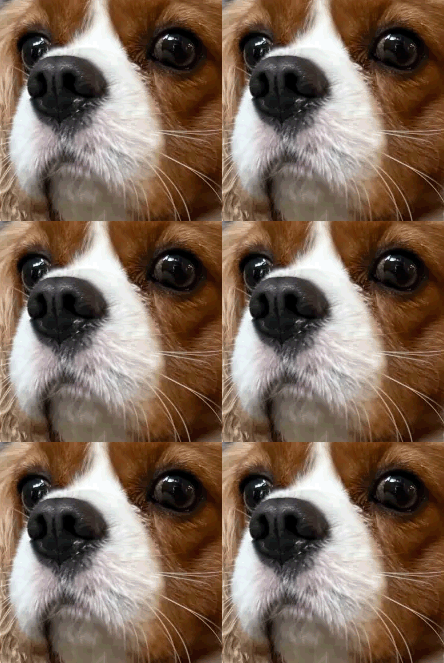
.gif 5.2K DogBlinkStareANIMATED Emoji
.png 41.6K SON Emoji
.png 5.0K Retiredstaff Emoji
.png 2.9K the_wrong_face Emoji
.png 669 Annie_Angry Emoji
.png 496 Annie_anxious Emoji
.png 248 Annie_Happy Emoji
.png 2.4K pumpkin_icon Emoji
.png 2.5K triangle_icon Emoji
.png 4.9K retweet_icon Emoji
.png 8.4K question_mark_icon Emoji
.png 3.1K double_excl_icon Emoji
.png 5.6K skull_icon Emoji
.png 11.0K robux_icon Emoji
.png 5.1K volume_icon Emoji
.png 13.8K plus_icon Emoji
.png 10.6K minus_icon Emoji
.png 3.3K note_icon Emoji
.png 3.3K speech_icon Emoji
.png 8.3K lock_icon Emoji
.png 3.8K diamond_icon Emoji
.png 10.8K bell_icon Emoji
.png 6.5K 100_icon Emoji
.png 25.8K female_icon Emoji
.png 2.1K headphone_icon Emoji

Recreate Discord emojis

Browse Recreate emojis shared by the emoji.gg community. Open a favourite to preview it, check its details and download the image.

Building a set for your server? Save your favourites to a collection as you browse so you can find them again.

Explore Recreate stickers

Add emojis to your Discord server

  1. Choose your favourites. Open a emoji and download its image.
  2. Open Server Settings. In Discord, select your server and go to the Emoji section.
  3. Upload and name it. Select the downloaded image, give it a name and save it for your community to use.

Get the Android app

Emoji.gg is better on the app. Download it from the Google Play store.

Get Emoji.gg on Google Play