Your Collection
Your collection items will appear here.

Quickmeal Emojis

Find Quickmeal custom emojis to use
on Discord, Twitch & Slack

.png 7 peanut Emoji
.png 16 chocolatebar Emoji
.gif 10 snackbagsdonutreference Emoji
.gif 0 snackbagspotatochipsfigure Emoji
.gif 0 snackbagsdonutreference Emoji
.gif 4 snackbagspotatochipsfigure Emoji
.gif 274 rabbitsnackingcarrots Emoji
.gif 1.1K CatLick Emoji
.png 919 MeruPopCorn Emoji
.gif 2.0K pandabeareatingbamboo Emoji
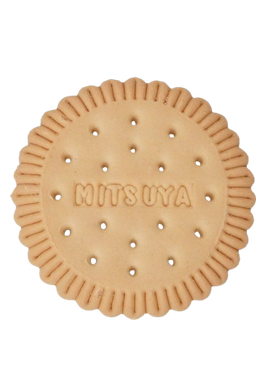
.png 948 MutsuyaCookie Emoji
.png 764 popcornjelly Emoji
.png 0 snacks Emoji
.png 6.1K PeachandGomaSwing Emoji
.gif 10.6K GomaPopcorn Emoji
.gif 9.6K PeachNoodles Emoji
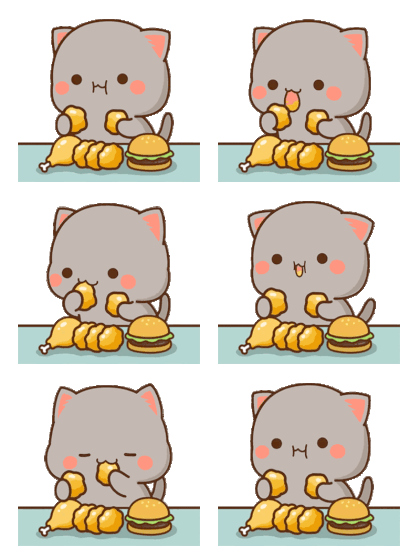
.gif 2.6K PeachEating Emoji
.gif 2.6K GomaEat Emoji
.gif 1.4K GomaMelon Emoji
.png 3.4K GomaFries Emoji
.gif 3.6K PeachSnack Emoji
.png 4.3K PeachPop Emoji
.png 908 PeachCone Emoji
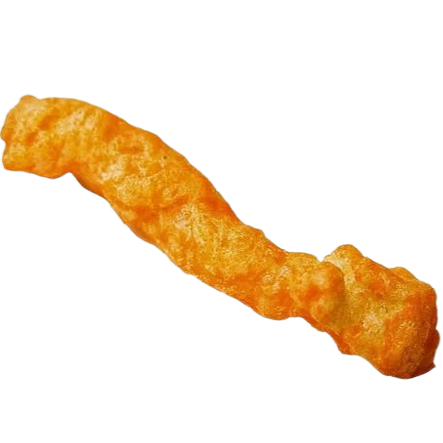
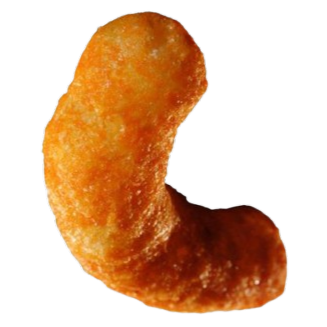
.png 116 CrunchyCheeto Emoji
.png 274 PuffCheeto Emoji

Quickmeal Discord emojis

Browse Quickmeal emojis shared by the emoji.gg community. Open a favourite to preview it, check its details and download the image.

Building a set for your server? Save your favourites to a collection as you browse so you can find them again.

Explore Quickmeal stickers

Add emojis to your Discord server

  1. Choose your favourites. Open a emoji and download its image.
  2. Open Server Settings. In Discord, select your server and go to the Emoji section.
  3. Upload and name it. Select the downloaded image, give it a name and save it for your community to use.

Get the Android app

Emoji.gg is better on the app. Download it from the Google Play store.

Get Emoji.gg on Google Play