Your Collection
Your collection items will appear here.

Posh Emojis

Find Posh custom emojis to use
on Discord, Twitch & Slack

.png 3.1K poshel_na Emoji
.png 362 PoshEmoji Emoji
.gif 54 poodleheartblink Emoji
.gif 2.6K hangingstarmotif Emoji
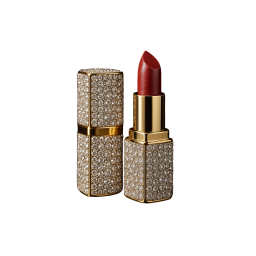
.png 552 Redlipstick Emoji
.gif 24.1K CatFedora Emoji
.png 4.8K CinnaCoffee Emoji
.png 5.4K CinnaBusiness Emoji
.png 38.0K PepeSadBusiness Emoji
.png 755 BusinessCat Emoji
.png 20.2K glowing_dot_blue Emoji
.png 12.5K glowing_dot_black Emoji
.png 10.0K glowing_dot_pink Emoji
.png 16.6K glowing_dot_green Emoji
.png 11.7K glowing_dot_pink2 Emoji
.png 21.0K glowing_dot_red Emoji
.png 26.3K glowing_dot_white Emoji
.png 14.8K glowing_dot_yellow Emoji
.png 460 MojangStudiosCape Emoji
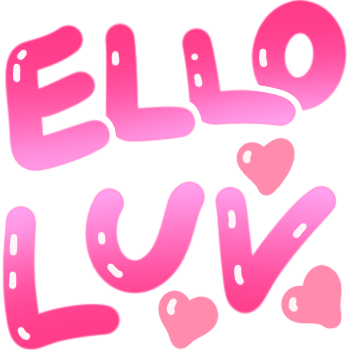
.png 6.0K ElloLuv Emoji
.png 3.1K luxuriouspinkbow Emoji
.png 1.0K Stfu_Fancy Emoji
.png 648 BettaTopHat Emoji
.gif 1.0K league_pinguin Emoji
.png 12.1K rich_cat Emoji

Posh Discord emojis

Browse Posh emojis shared by the emoji.gg community. Open a favourite to preview it, check its details and download the image.

Building a set for your server? Save your favourites to a collection as you browse so you can find them again.

Explore Posh stickers

Add emojis to your Discord server

  1. Choose your favourites. Open a emoji and download its image.
  2. Open Server Settings. In Discord, select your server and go to the Emoji section.
  3. Upload and name it. Select the downloaded image, give it a name and save it for your community to use.

Get the Android app

Emoji.gg is better on the app. Download it from the Google Play store.

Get Emoji.gg on Google Play