Your collections

Keep your favourite assets together

Peekaboo Emojis

Find Peekaboo custom emojis to use
on Discord, Twitch & Slack

.png 231 MeruPeek Emoji
.png 597 BubuPeek Emoji
.gif 8.0K KuromiPeek Emoji
.png 6.2K BearPeek Emoji
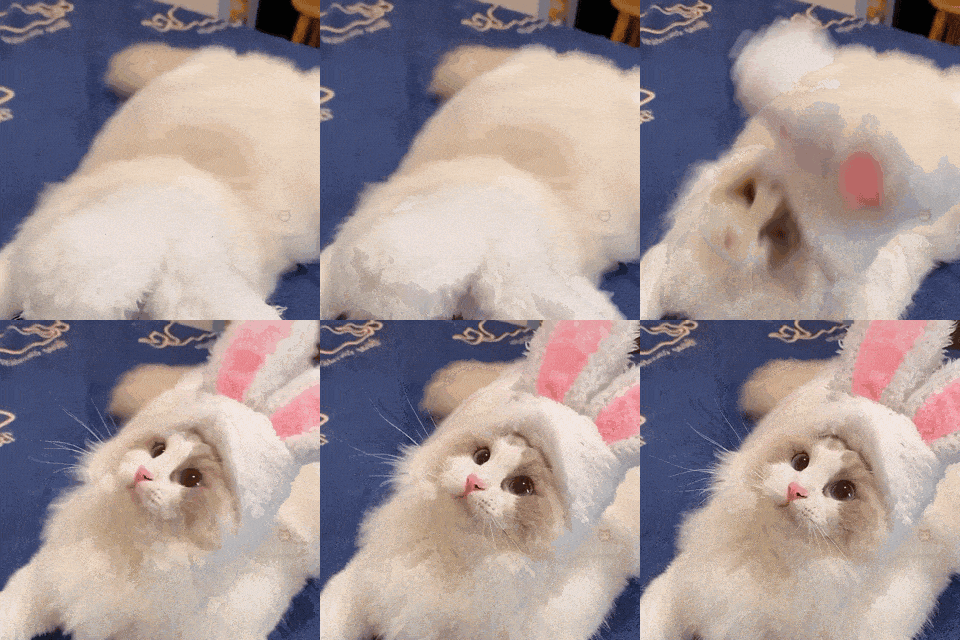
.gif 16.6K CatBunnyEars Emoji
.png 3.8K MyMelodyPeek Emoji
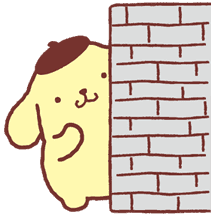
.png 4.8K PurinPeek Emoji
.png 4.2K HelloKittyPeek Emoji
.gif 16.4K Love Emoji
.gif 6.1K pumpkin Emoji
.png 1.3K peekaboo_wink Emoji
.png 2.5K peekaboo_heart_love Emoji
.png 2.6K peekaboo_scared Emoji
.png 1.7K peekaboo_crying Emoji
.png 358 PeekABoo Emoji
.png 10.8K Peekaboo_Bender Emoji
.png 5.3K Peekaboo_Blue Emoji
.png 1.1K KioshiPeek Emoji
.png 0 100FaceWithPeekingEye Emoji
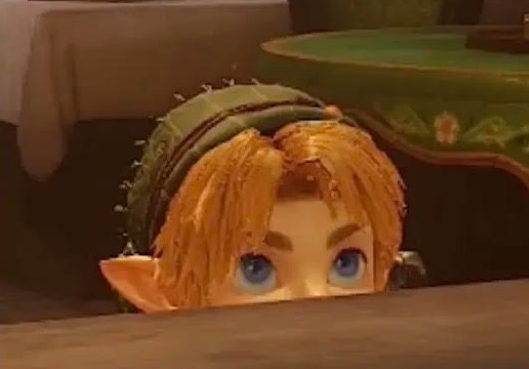
.png 699 peeking_link Emoji
.gif 199 garfieldpumpkinpeek Emoji
.png 887 MeruSip Emoji
.gif 2.8K rosebear Emoji
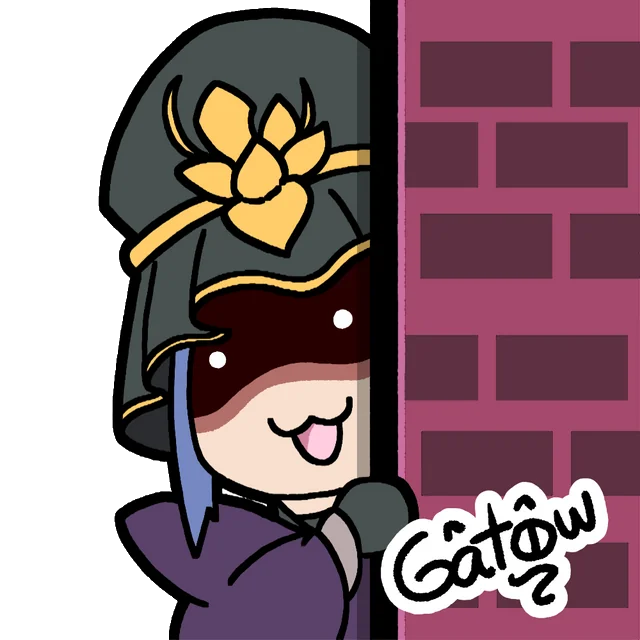
.png 1.0K FateMedeaBehindWall Emoji

Peekaboo Discord emojis

Browse Peekaboo emojis shared by the emoji.gg community. Open a favourite to preview it, check its details and download the image.

Building a set for your server? Save your favourites to a collection as you browse so you can find them again.

Explore Peekaboo stickers

Add emojis to your Discord server

  1. Choose your favourites. Open a emoji and download its image.
  2. Open Server Settings. In Discord, select your server and go to the Emoji section.
  3. Upload and name it. Select the downloaded image, give it a name and save it for your community to use.

Get the Android app

Emoji.gg is better on the app. Download it from the Google Play store.

Get Emoji.gg on Google Play