Your Collection
Your collection items will appear here.

Offshoot Emojis

Find Offshoot custom emojis to use
on Discord, Twitch & Slack
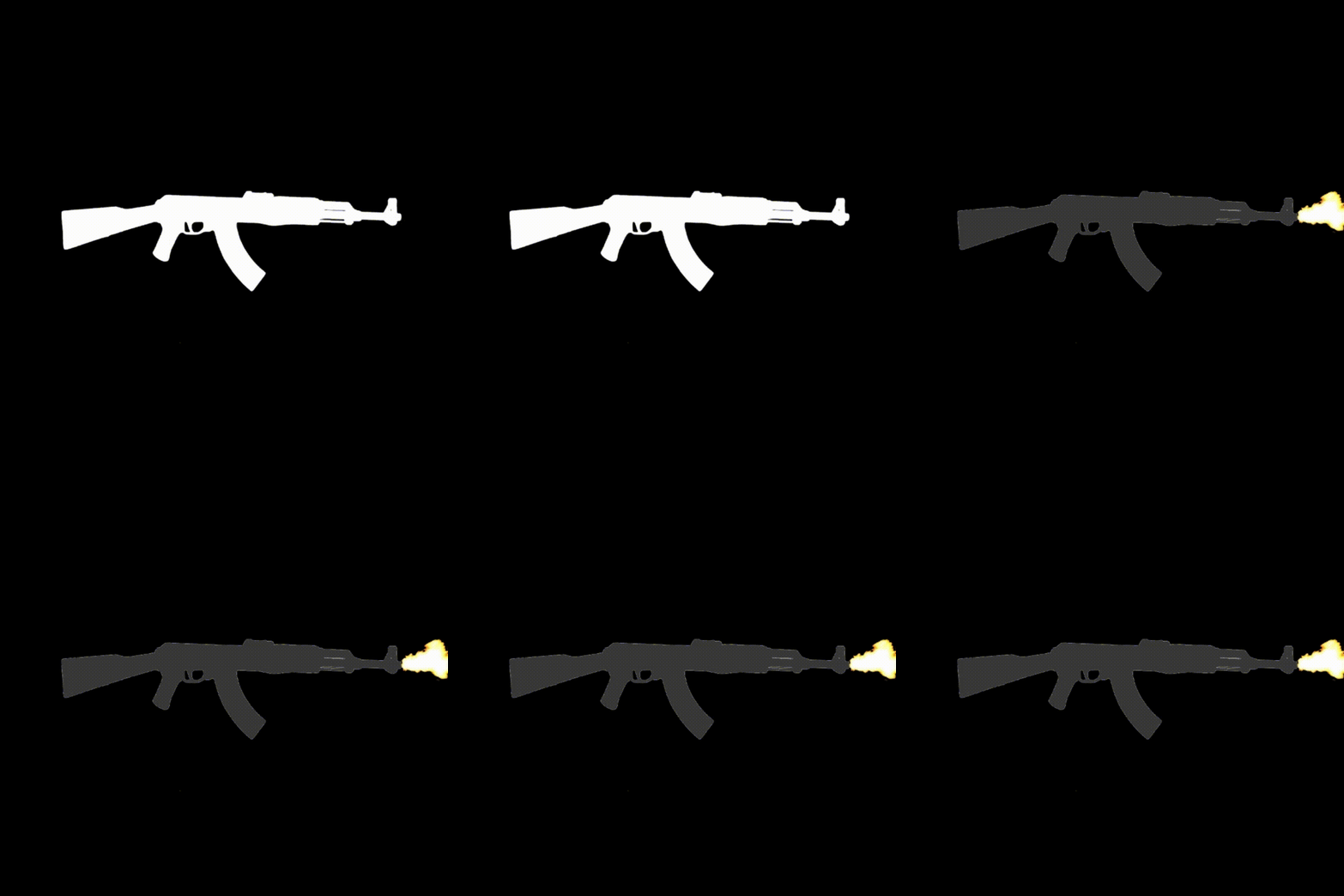
.gif 1.9K gun Emoji
.png 487 Astro Emoji
.png 1.2K UnitedStatesNavy Emoji
.png 8.8K USMC Emoji
.gif 79.3K sakura_petals Emoji
.png 3.7K branch Emoji
.gif 11.5K CherryBlossomTree Emoji
.png 34.5K CherryBlossomBranch Emoji
.png 15.1K CherryBlossomSprig Emoji
.gif 16.4K cherryblossoms Emoji
.png 100 a Emoji
.png 13 Interstate_Highway_35W Emoji
.png 0 Interstate_Highway_35E Emoji
.png 2.2K US_Highway_Route_67 Emoji
.png 15 Interstate_Highway_35E Emoji
.png 1 Texas_Highway_Spur_97 Emoji
.png 290 Interstate_Highway_69E Emoji
.png 9 Interstate_Highway_69C Emoji
.png 1 Texas_State_Highway_170 Emoji
.png 131 Flag_fl Emoji
.png 20 birds Emoji
.gif 14.3K Flowers Emoji
.png 0 olive Emoji
.png 0 branch Emoji
.png 0 branch Emoji

Offshoot Discord emojis

Browse Offshoot emojis shared by the emoji.gg community. Open a favourite to preview it, check its details and download the image.

Building a set for your server? Save your favourites to a collection as you browse so you can find them again.

Explore Offshoot stickers

Add emojis to your Discord server

  1. Choose your favourites. Open a emoji and download its image.
  2. Open Server Settings. In Discord, select your server and go to the Emoji section.
  3. Upload and name it. Select the downloaded image, give it a name and save it for your community to use.

Get the Android app

Emoji.gg is better on the app. Download it from the Google Play store.

Get Emoji.gg on Google Play