Your Collection
Your collection items will appear here.

Molded Emojis

Find Molded custom emojis to use
on Discord, Twitch & Slack

.png 1.2K discordpuffle Emoji
.png 33 trophy Emoji
.png 1.7K TTKLoveButterfly Emoji
.png 18.5K RezeLoveEyes Emoji
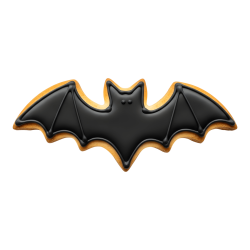
.png 2.4K Batcookie Emoji
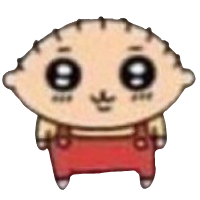
.png 11.3K Stew Emoji
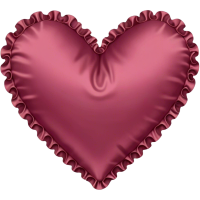
.png 1.7K Burgyndysilkheartpillow Emoji
.png 2.0K Turquoisesilkpillowheart Emoji
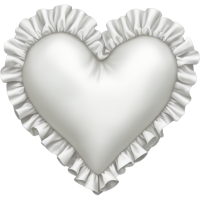
.png 10.1K Whitesilkpillowheart Emoji
.png 3.5K Greensilkpillowheart Emoji
.png 449 DiamondShape Emoji
.png 14 starcoin Emoji
.png 1.3K gfae_heart Emoji
.png 3.3K dgirl_heart Emoji
.png 9.3K gay_heart Emoji
.png 2.3K dboy_heart Emoji
.png 11.2K bi_heart Emoji
.png 4.2K aro_heart Emoji
.png 5.3K ace_heart Emoji
.png 1.6K agen_flag Emoji
.png 3.1K Heart_shaped_cookie Emoji
.png 274 YeehawLISA Emoji
.png 1.1K YeehawLISA_horses Emoji
.png 578 mhearthand_2 Emoji
.png 5.7K WhiteVanityMirror Emoji

Molded Discord emojis

Browse Molded emojis shared by the emoji.gg community. Open a favourite to preview it, check its details and download the image.

Building a set for your server? Save your favourites to a collection as you browse so you can find them again.

Explore Molded stickers

Add emojis to your Discord server

  1. Choose your favourites. Open a emoji and download its image.
  2. Open Server Settings. In Discord, select your server and go to the Emoji section.
  3. Upload and name it. Select the downloaded image, give it a name and save it for your community to use.

Get the Android app

Emoji.gg is better on the app. Download it from the Google Play store.

Get Emoji.gg on Google Play