Your Collection
Your collection items will appear here.

Lounge Emojis

Find Lounge custom emojis to use
on Discord, Twitch & Slack

.gif 3.6K rotating_perfect Emoji
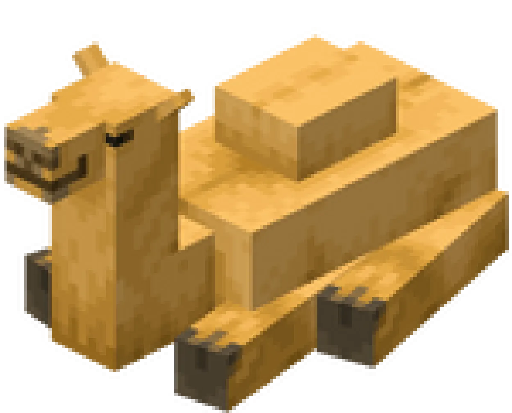
.png 0 CamelSitting Emoji
.png 4 SilverLining Emoji
.gif 756 mariecatbasketsit Emoji
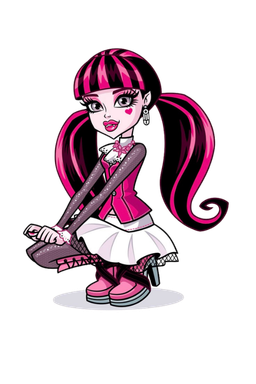
.png 599 Draculaura Emoji
.png 612 Draculaura Emoji
.gif 379 sittingglitterfairy Emoji
.png 1.5K StrawberryShortcake Emoji
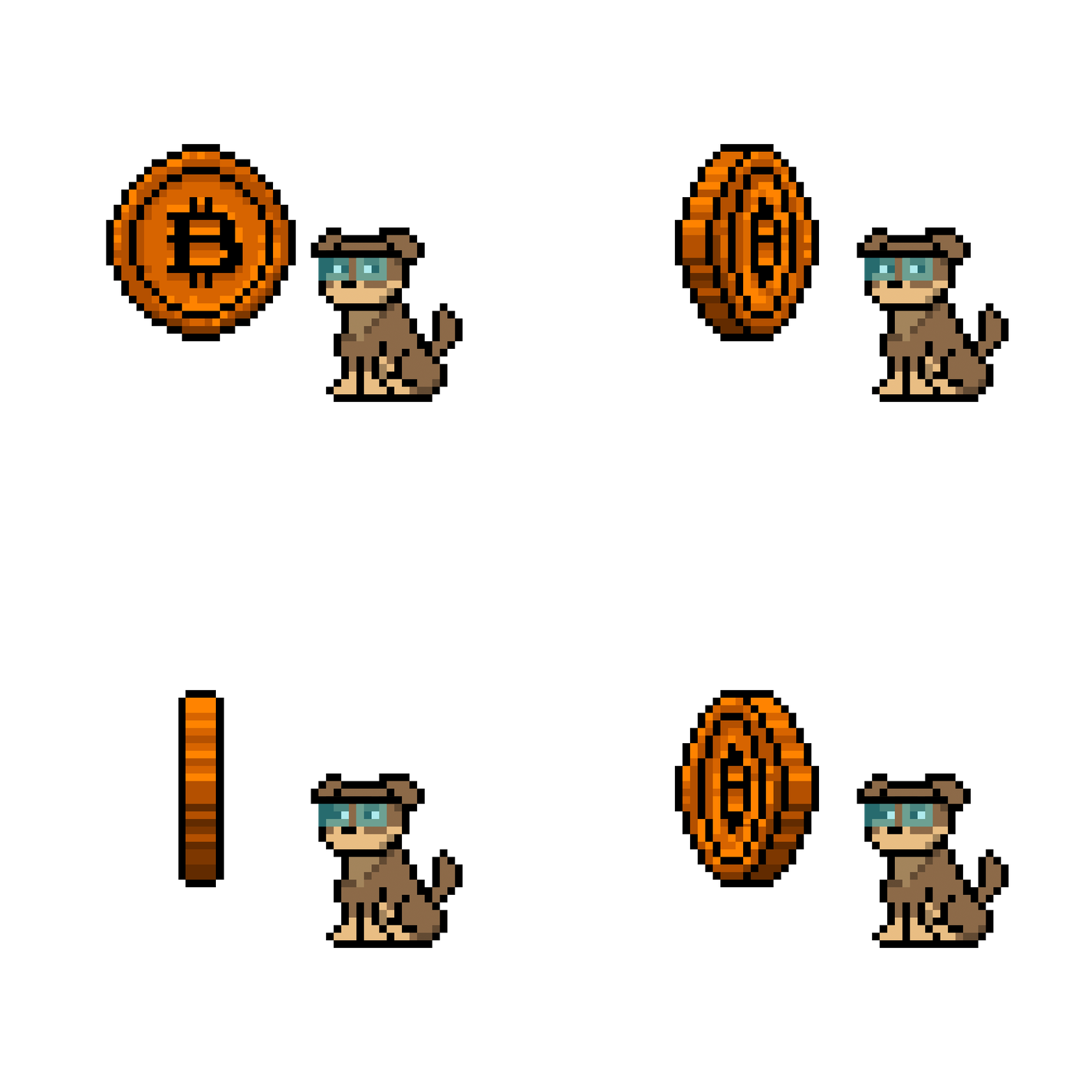
.gif 2.4K bitcoin_dog Emoji
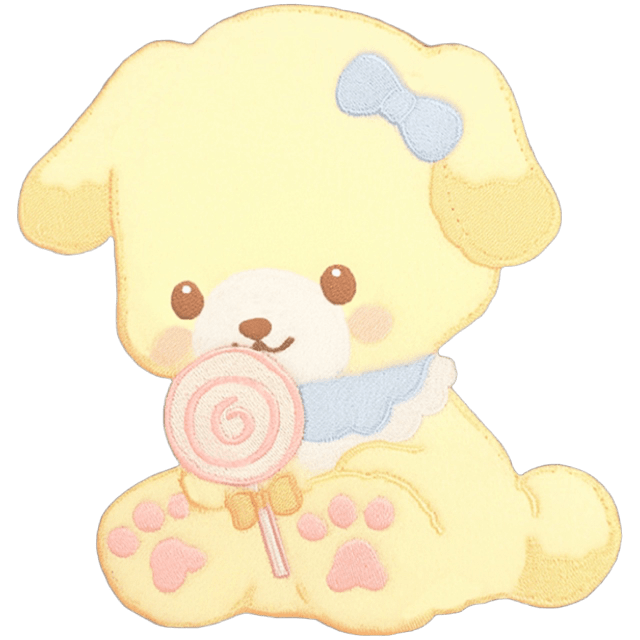
.png 7.4K EmbroiderDogSit Emoji
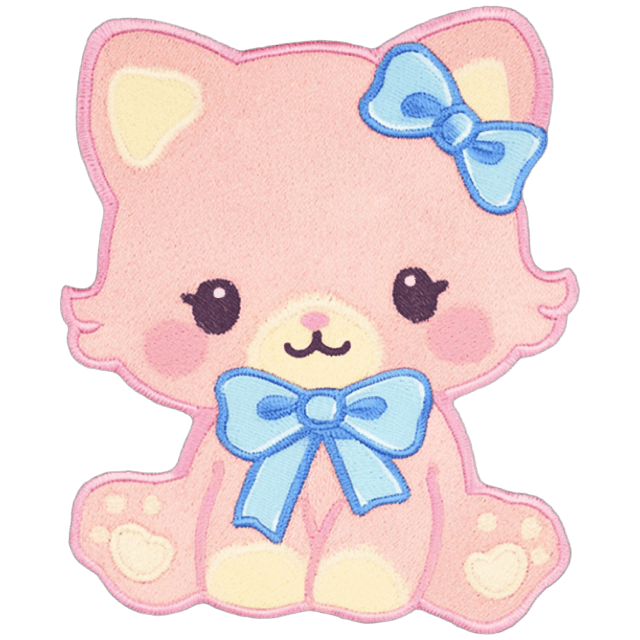
.png 3.8K EmbroiderCatSit Emoji
.gif 15.2K nowaying Emoji
.png 415 BCbadge Emoji
.gif 2.4K PeachKneeling Emoji
.png 1.8K Cat7 Emoji
.png 12.2K moonfairy Emoji
.png 689 Happyshrug Emoji
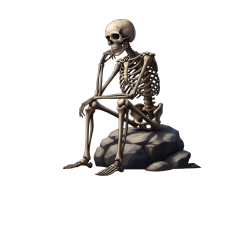
.png 6.7K Thoughtfulskeleton Emoji
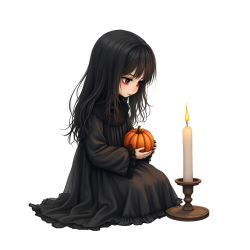
.png 2.2K Darkhairedgothicgirlsitting Emoji
.png 23.8K confused_dog1 Emoji
.png 121 kiwitchisit Emoji
.png 1.2K NeoMetalSonicBored Emoji
.png 1.0K BombShock Emoji
.png 3.2K SittingRat Emoji
.png 3.3K Dazai_n_Spongebob Emoji

Lounge Discord emojis

Browse Lounge emojis shared by the emoji.gg community. Open a favourite to preview it, check its details and download the image.

Building a set for your server? Save your favourites to a collection as you browse so you can find them again.

Explore Lounge stickers

Add emojis to your Discord server

  1. Choose your favourites. Open a emoji and download its image.
  2. Open Server Settings. In Discord, select your server and go to the Emoji section.
  3. Upload and name it. Select the downloaded image, give it a name and save it for your community to use.

Get the Android app

Emoji.gg is better on the app. Download it from the Google Play store.

Get Emoji.gg on Google Play