Your Collection
Your collection items will appear here.

Large Room Emojis

Find Large Room custom emojis to use
on Discord, Twitch & Slack

.png 35 LargeAmethystBud Emoji
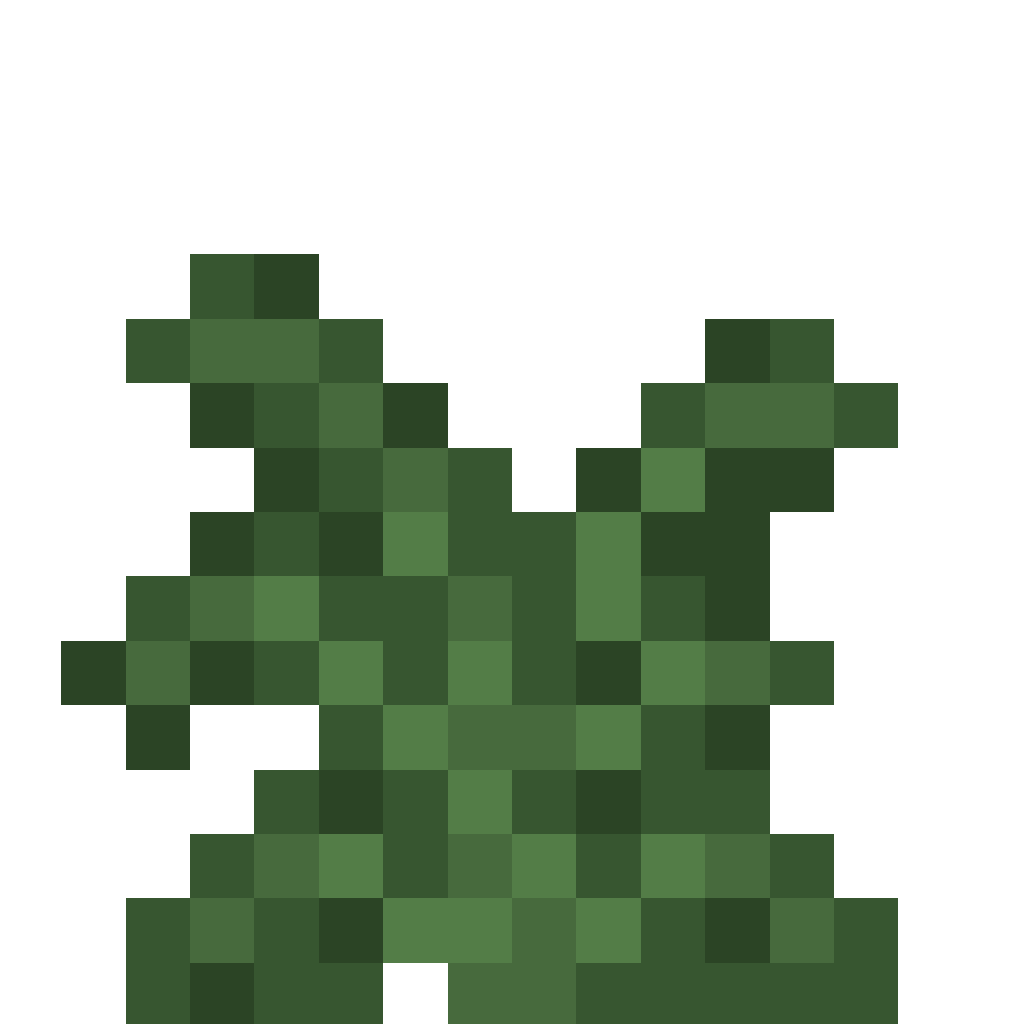
.png 0 LargeFern Emoji
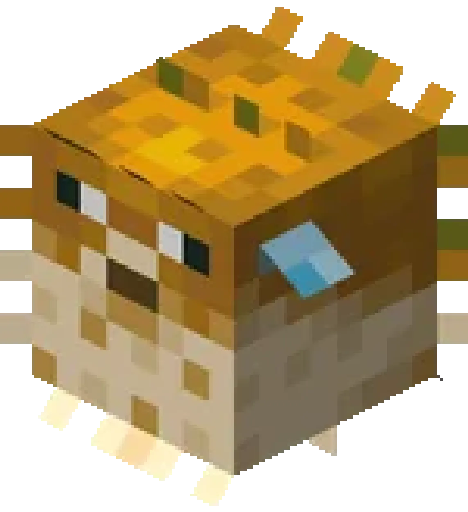
.png 12 PufferfishLarge Emoji
.png 0 TropicalFishLarge Emoji
.gif 15.2K Spongebob_dance Emoji
.png 1.3K WinW Emoji
.png 962 wooow Emoji
.gif 9.5K woooow Emoji
.png 1.9K Sickle Emoji
.png 4.0K HomerBigHat Emoji
.png 7.6K kick Emoji
.png 274 YeehawLISA Emoji
.png 1.1K YeehawLISA_horses Emoji
.png 1.4K Ghibli Emoji
.png 1.2K ppamoon_dont_demote_me Emoji
.png 13.1K Meru_Clown Emoji
.png 23.2K Meru_TEEF Emoji
.png 35.6K Meru_Heart Emoji
.png 3.2K Meru_Happy_Smile Emoji
.png 26.7K Meru_Crying Emoji
.png 8.1K Meru_Cute_Smile Emoji
.png 17.5K Meru_Cozy Emoji
.png 29.3K engaged Emoji
.png 77.3K simpleton Emoji
.png 29.9K denial Emoji

Large Room Discord emojis

Browse Large Room emojis shared by the emoji.gg community. Open a favourite to preview it, check its details and download the image.

Building a set for your server? Save your favourites to a collection as you browse so you can find them again.

Explore Large Room stickers

Add emojis to your Discord server

  1. Choose your favourites. Open a emoji and download its image.
  2. Open Server Settings. In Discord, select your server and go to the Emoji section.
  3. Upload and name it. Select the downloaded image, give it a name and save it for your community to use.

Get the Android app

Emoji.gg is better on the app. Download it from the Google Play store.

Get Emoji.gg on Google Play