Your Collection
Your collection items will appear here.

Hovering Emojis

Find Hovering custom emojis to use
on Discord, Twitch & Slack

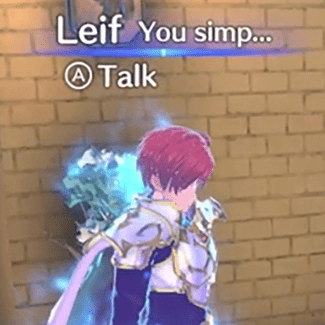
.png 730 LeifYouSimp Emoji
.png 3.8K boost_plz Emoji
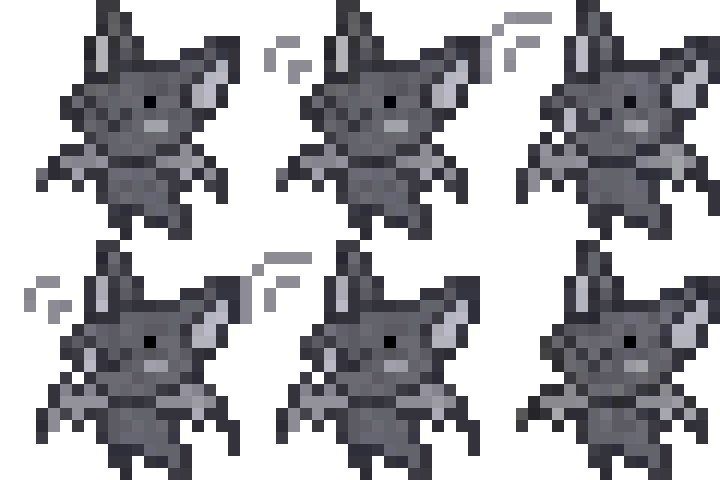
.gif 502 BatSignal Emoji
.png 192 FlyingMoney Emoji
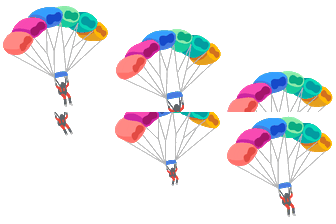
.gif 0 parachute Emoji
.gif 0 flyingdisc Emoji
.png 0 100FlyingDisc Emoji
.png 0 100FlyingSaucer Emoji
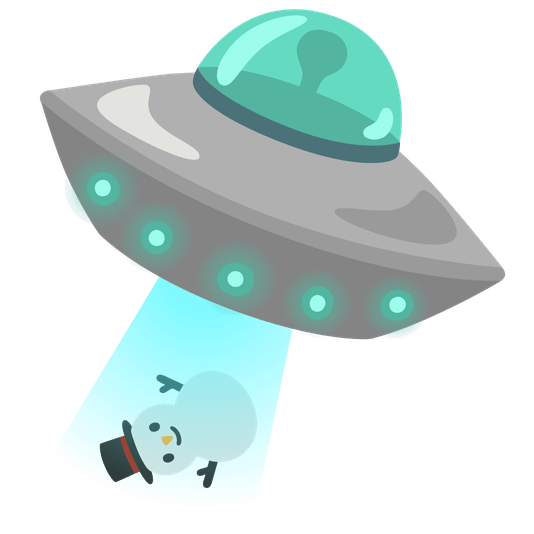
.png 0 SnowmanFlyingSaucer Emoji
.png 0 BatFlying Emoji
.gif 548 yellowgoldbutterfly Emoji
.gif 1.9K CuteBat Emoji
.gif 1.5K flyingbluehearts Emoji
.gif 3.1K flyingblackhearts Emoji
.gif 421 flyingbrownhearts Emoji
.gif 546 flyingdarkgreyhearts Emoji
.gif 1.1K flyinggreenhearts Emoji
.gif 528 flyinggreyhearts Emoji
.gif 1.6K flyinghotpinkhearts Emoji
.gif 1.5K flyinglightbluehearts Emoji
.gif 374 flyinglightorangehearts Emoji
.gif 2.4K flyinglightpinkhearts Emoji
.gif 1.0K flyingmaroonhearts Emoji

Hovering Discord emojis

Browse Hovering emojis shared by the emoji.gg community. Open a favourite to preview it, check its details and download the image.

Building a set for your server? Save your favourites to a collection as you browse so you can find them again.

Explore Hovering stickers

Add emojis to your Discord server

  1. Choose your favourites. Open a emoji and download its image.
  2. Open Server Settings. In Discord, select your server and go to the Emoji section.
  3. Upload and name it. Select the downloaded image, give it a name and save it for your community to use.

Get the Android app

Emoji.gg is better on the app. Download it from the Google Play store.

Get Emoji.gg on Google Play