Your collections

Keep your favourite assets together

Here Emojis

Find Here custom emojis to use
on Discord, Twitch & Slack

.gif 13.0K cat_beg Emoji
.gif 213 RW_Smug_Dancing Emoji
.gif 38 disneydalmationpupbow Emoji
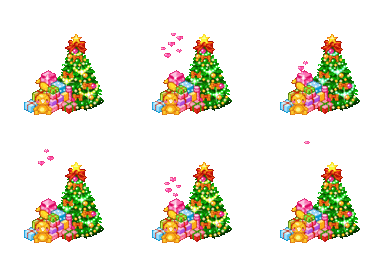
.gif 386 sanriocartoonxmastree Emoji
.gif 750 retropixelartxmastree Emoji
.gif 393 christmastreegifts Emoji
.gif 1.1K joyfulholidaypresents Emoji
.gif 1.0K partyballoonsandgifts Emoji
.gif 1.3K cutepresents Emoji
.gif 2.8K bluepinkgift Emoji
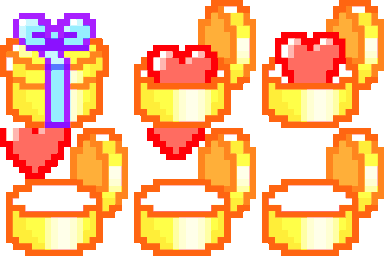
.gif 2.1K bouncingpresent Emoji
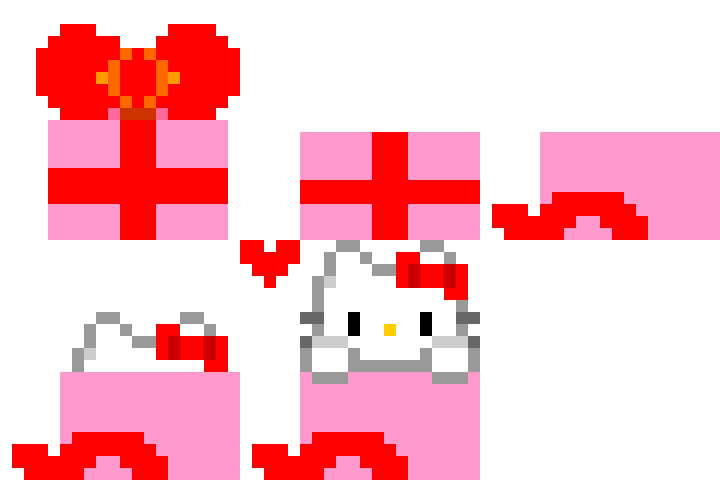
.gif 5.0K hellokittyGift Emoji
.gif 14.6K gift Emoji
.gif 24.4K Flowers Emoji
.gif 4.9K elpro Emoji
.gif 4.5K SantaMelody Emoji
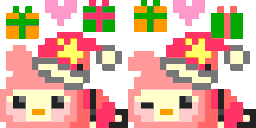
.gif 5.1K MyMelodyGift Emoji
.gif 8.0K redpresent Emoji
.gif 5.5K sappyWorkBirthday Emoji
.gif 8.2K bluepresent Emoji
.gif 10.0K hotpinkpresent Emoji
.gif 13.6K purplepresent Emoji
.gif 8.0K greenpresent Emoji
.gif 2.6K Gift Emoji
.gif 5.7K Gift Emoji

Here Discord emojis

Browse Here emojis shared by the emoji.gg community. Open a favourite to preview it, check its details and download the image.

Building a set for your server? Save your favourites to a collection as you browse so you can find them again.

Explore Here stickers

Add emojis to your Discord server

  1. Choose your favourites. Open a emoji and download its image.
  2. Open Server Settings. In Discord, select your server and go to the Emoji section.
  3. Upload and name it. Select the downloaded image, give it a name and save it for your community to use.

Get the Android app

Emoji.gg is better on the app. Download it from the Google Play store.

Get Emoji.gg on Google Play