Your Collection
Your collection items will appear here.

Gigantic Emojis

Find Gigantic custom emojis to use
on Discord, Twitch & Slack

.png 324 Baguette Emoji
.png 847 MeruCry Emoji
.gif 233 sighExtra Emoji
.png 2.7K OnielLove Emoji
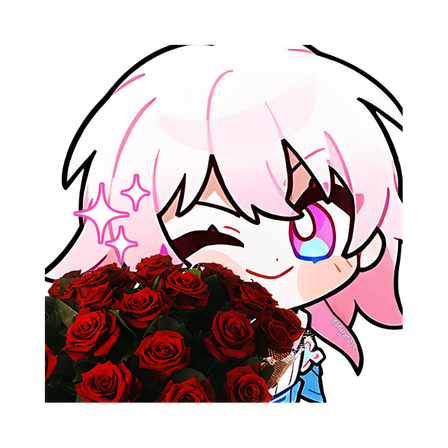
.png 22.2K march_roses Emoji
.png 1.8K huge_rage Emoji
.gif 30.6K pepetyping Emoji
.png 15.2K Caseoh Emoji
.png 5.1K Caseoh Emoji
.png 76.6K bereft Emoji
.png 65.5K perceive Emoji
.png 82.6K Blush Emoji
.png 1.4K Grin Emoji
.png 15.7K Lovergirl Emoji
.png 16.0K blue_stfu Emoji
.png 19.2K Toothy_Maw Emoji
.png 0 Hugecity Emoji
.png 2.2K RPG_bigSword6395 Emoji
.png 497 EmideeEyes Emoji
.png 1.3K Myowncreatedemojejb Emoji
.png 10.5K huge_grin Emoji
.png 5.6K sk_stare Emoji
.gif 6.9K Roblox_Huge_Pets Emoji
.png 76.5K huge_love Emoji
.png 1.8K gigapuddi Emoji

Gigantic Discord emojis

Browse Gigantic emojis shared by the emoji.gg community. Open a favourite to preview it, check its details and download the image.

Building a set for your server? Save your favourites to a collection as you browse so you can find them again.

Explore Gigantic stickers

Add emojis to your Discord server

  1. Choose your favourites. Open a emoji and download its image.
  2. Open Server Settings. In Discord, select your server and go to the Emoji section.
  3. Upload and name it. Select the downloaded image, give it a name and save it for your community to use.

Get the Android app

Emoji.gg is better on the app. Download it from the Google Play store.

Get Emoji.gg on Google Play