Your Collection
Your collection items will appear here.

Exiting Emojis

Find Exiting custom emojis to use
on Discord, Twitch & Slack

.gif 20.0K crying_jordan_pepe_exit Emoji
.gif 569 nightnight Emoji
.gif 94 peace Emoji
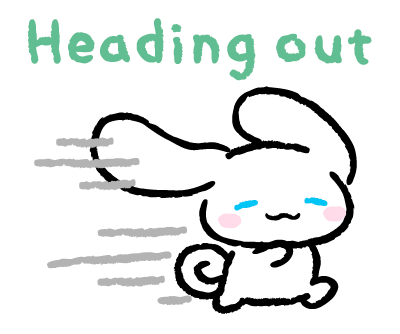
.png 12.2K cinnamorollheadingout Emoji
.gif 763 Leaving Emoji
.gif 4.9K BunnyGirlLeave Emoji
.gif 26.0K catleave Emoji
.png 4.2K Winter_Out Emoji
.gif 24.1K Xmas_Angry_Leave Emoji
.gif 9.3K life Emoji
.gif 29.1K haerinsmiledisappears Emoji
.gif 29.3K SpongebobPeek Emoji
.gif 24.3K peepo_reindeer_leave Emoji
.png 27.9K opossum_leaving Emoji
.png 7.3K Peaceout Emoji
.gif 30.4K pepeBye Emoji
.gif 75.8K pepeFuckOffLeave Emoji
.png 61.7K SquidwardLeave Emoji
.gif 38.4K pepeArriveLeave Emoji
.png 6.2K leaving Emoji
.gif 21.9K pepeLeave Emoji
.png 23.1K squidwardDisappear Emoji
.png 4.0K arrow_leave Emoji
.gif 801 ablobleaving Emoji
.png 561 LeavingServer Emoji

Exiting Discord emojis

Browse Exiting emojis shared by the emoji.gg community. Open a favourite to preview it, check its details and download the image.

Building a set for your server? Save your favourites to a collection as you browse so you can find them again.

Explore Exiting stickers

Add emojis to your Discord server

  1. Choose your favourites. Open a emoji and download its image.
  2. Open Server Settings. In Discord, select your server and go to the Emoji section.
  3. Upload and name it. Select the downloaded image, give it a name and save it for your community to use.

Get the Android app

Emoji.gg is better on the app. Download it from the Google Play store.

Get Emoji.gg on Google Play