Your Collection
Your collection items will appear here.

Exercises Emojis

Find Exercises custom emojis to use
on Discord, Twitch & Slack

.png 2.8K exerciseshark Emoji
.gif 54 poohbearjumpscare Emoji
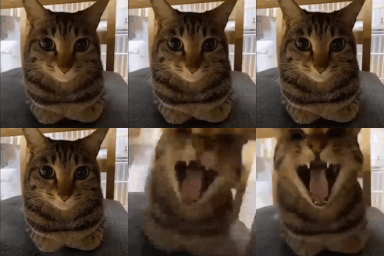
.gif 2.6K catscare Emoji
.gif 5.8K jumpscare Emoji
.png 284 Getmo1 Emoji
.png 9.4K Nope Emoji
.png 3.0K OhMyGOSH Emoji
.gif 3.5K GuyJumpscare Emoji
.png 9.3K MushuScary Emoji
.png 1 woah_there Emoji
.png 5.5K Genji Emoji
.gif 1.8K Boo Emoji
.png 1.6K oughfreddy Emoji
.png 2.7K FLAMGO Emoji
.png 1.9K weasel_jumpscared Emoji
.gif 86.9K milkandmochahug Emoji
.png 69 Creepy Emoji
.png 6.3K Richtofen_Jumpscare Emoji
.gif 6.6K Spook Emoji
.png 9.8K Pewdiepie_Jumpscare Emoji
.gif 874 jumpingdude Emoji
.png 1.0K Jumpscare_Warning Emoji
.gif 71.6K bedtime Emoji
.gif 8.9K Cheer Emoji
.gif 5.3K wumpus_jumpscared Emoji

Exercises Discord emojis

Browse Exercises emojis shared by the emoji.gg community. Open a favourite to preview it, check its details and download the image.

Building a set for your server? Save your favourites to a collection as you browse so you can find them again.

Explore Exercises stickers

Add emojis to your Discord server

  1. Choose your favourites. Open a emoji and download its image.
  2. Open Server Settings. In Discord, select your server and go to the Emoji section.
  3. Upload and name it. Select the downloaded image, give it a name and save it for your community to use.

Get the Android app

Emoji.gg is better on the app. Download it from the Google Play store.

Get Emoji.gg on Google Play